Invoice look
Updated
The accent colour and the logo that the invoices you issue carry. The look belongs to the company: it is kept in the company file, and every invoice, paid copy and credit note issued from that company carries it.
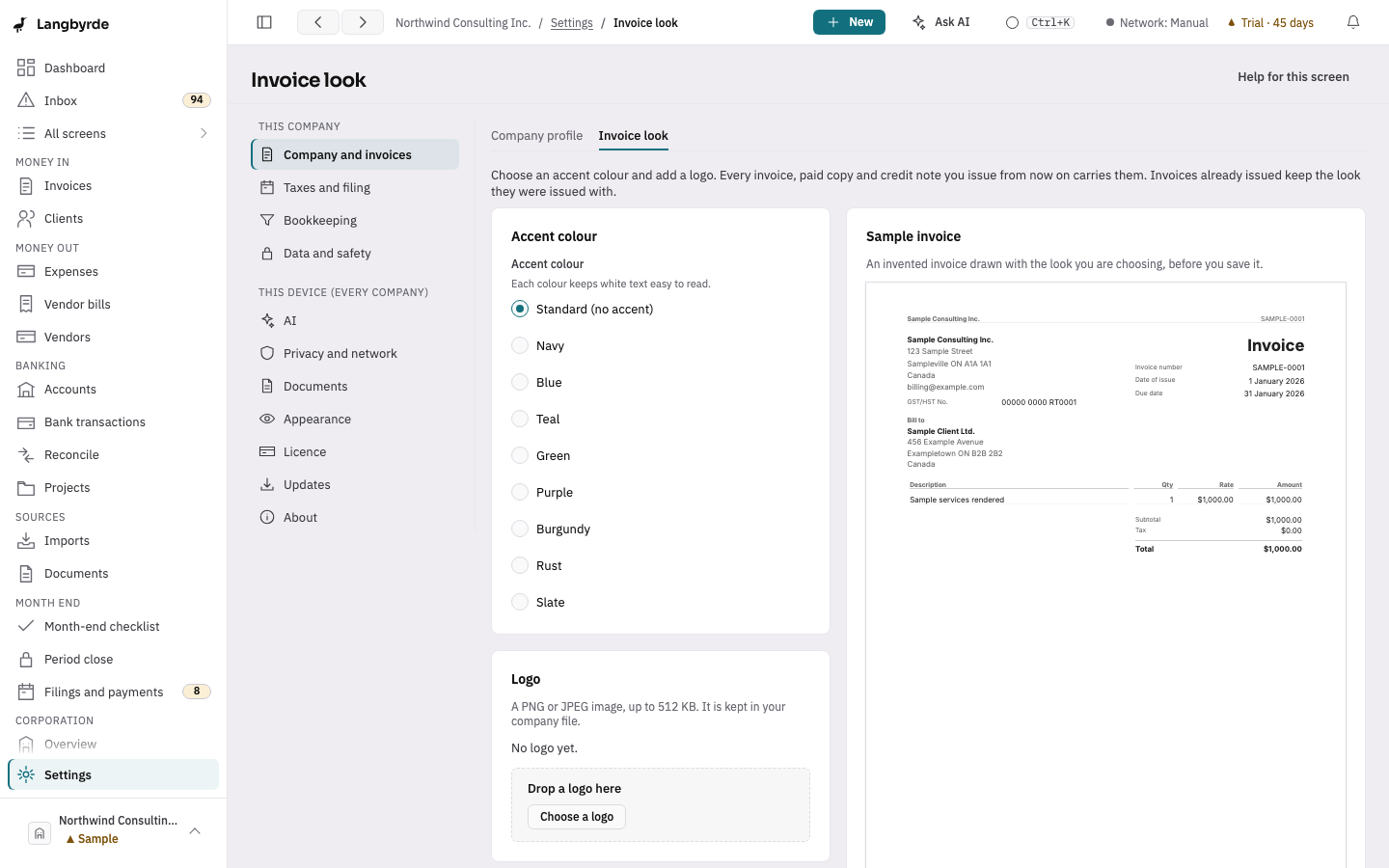
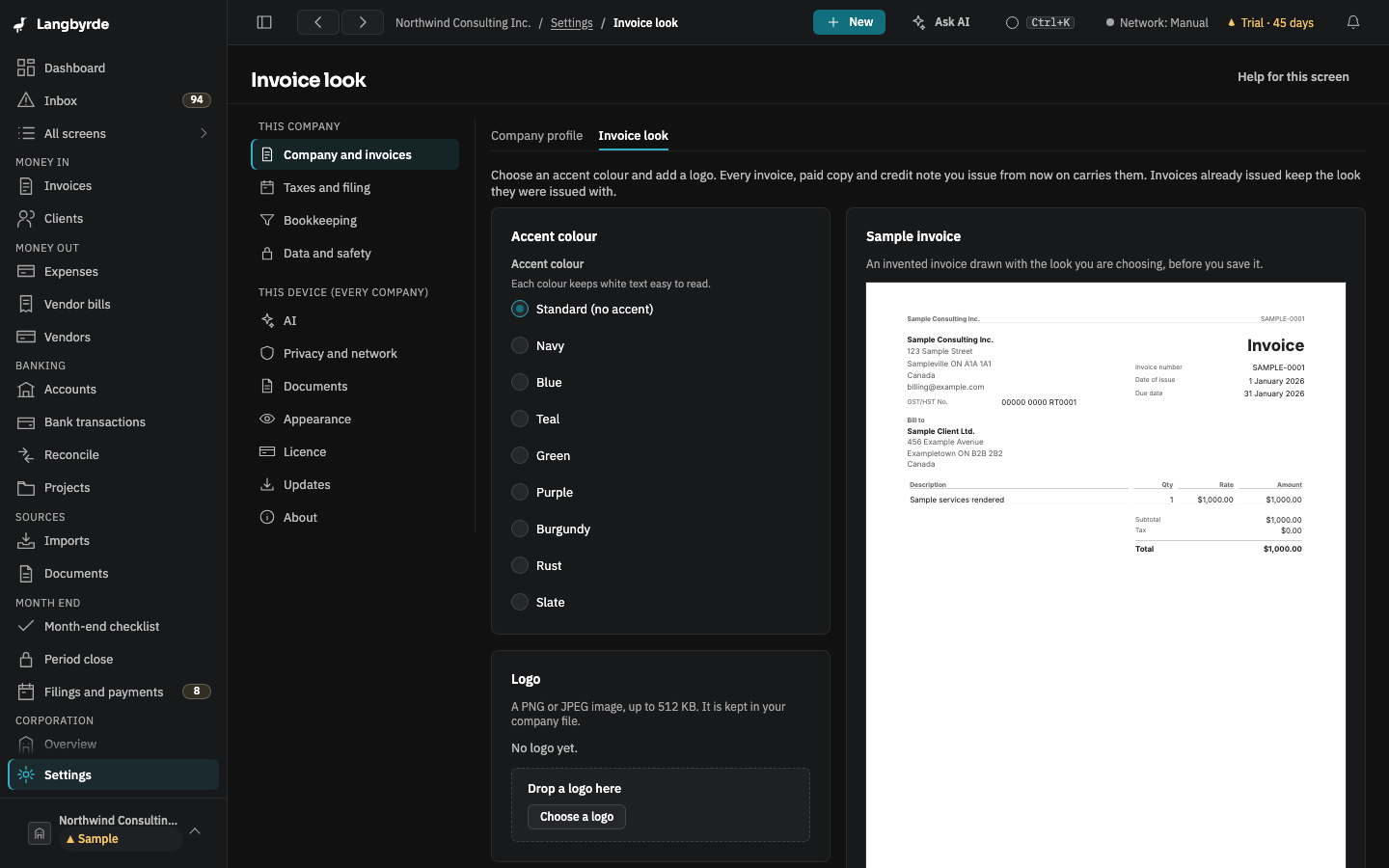
Open Invoice look
Open Settings, then Company and invoices under This company, and its Invoice look tab. The page shows the choices on the left and a Sample invoice on the right: an invented invoice drawn with the look you are choosing, before you save it.
Choose an accent colour
Under Accent colour, choose one of the colours, or Standard (no accent) for the plain look. Each colour keeps white text easy to read. The sample invoice changes as you choose.
Add or remove a logo
Under Logo, drop an image on the box or choose Choose a logo. It must be a PNG or JPEG image of up to 512 KB; another file is refused with a message under the box, and nothing changes. Remove the logo takes it off the look you are choosing.
Save or discard
Nothing changes on an invoice until you choose Save the look. While you have unsaved changes, the page says so; Discard changes goes back to the saved look.
Invoices issued before you save keep the look they were issued with. Only invoices, paid copies and credit notes issued from then on carry the new one. The company's name, address and tax numbers on the invoice come from Company profile.
In read-only mode (after the trial, without a licence) the page shows the saved look and the sample invoice, and the choices cannot be changed.