Licence and read-only mode
Langbyrde starts with a 45-day trial, counted from the first time you open the app. When the trial ends without a licence on this computer, the app goes into read-only mode. Your books stay yours: read-only mode pauses new work, never access to what is already there.
What still works in read-only mode
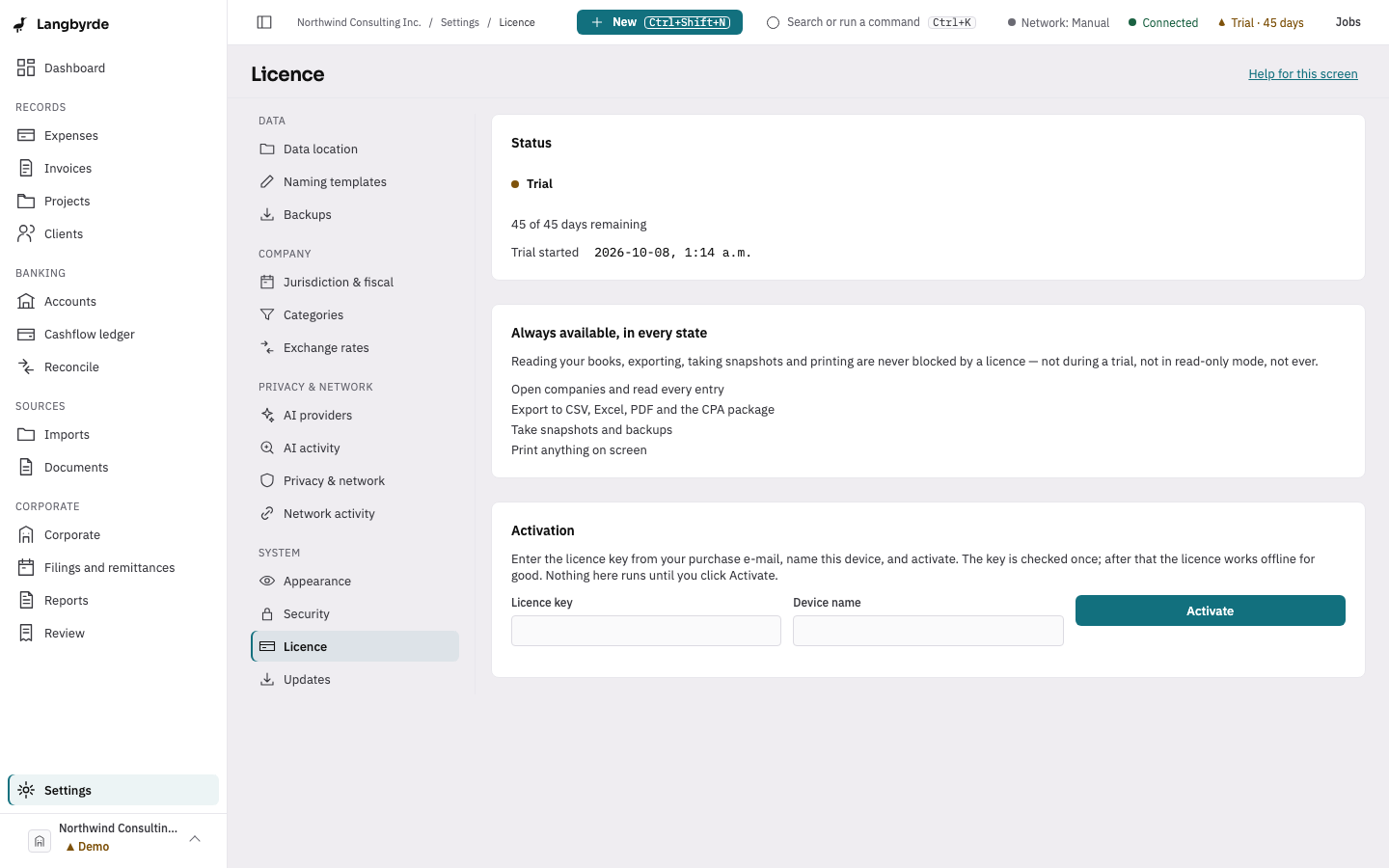
A licence never blocks reading or exporting. You can still open every company, read every entry, export to CSV, Excel, PDF and the CPA package, print anything on screen, and take, verify or restore snapshots.
What is paused
New entries, edits, imports and AI actions are paused: recording or changing anything in the books, importing statements and receipts, resolving items in the review queue, signing off a reconciliation or closing a period. The New menu still lists its items, but they cannot be chosen.
The licence screen
Choose the Trial chip in the top bar, or open Settings, then Licence under System.
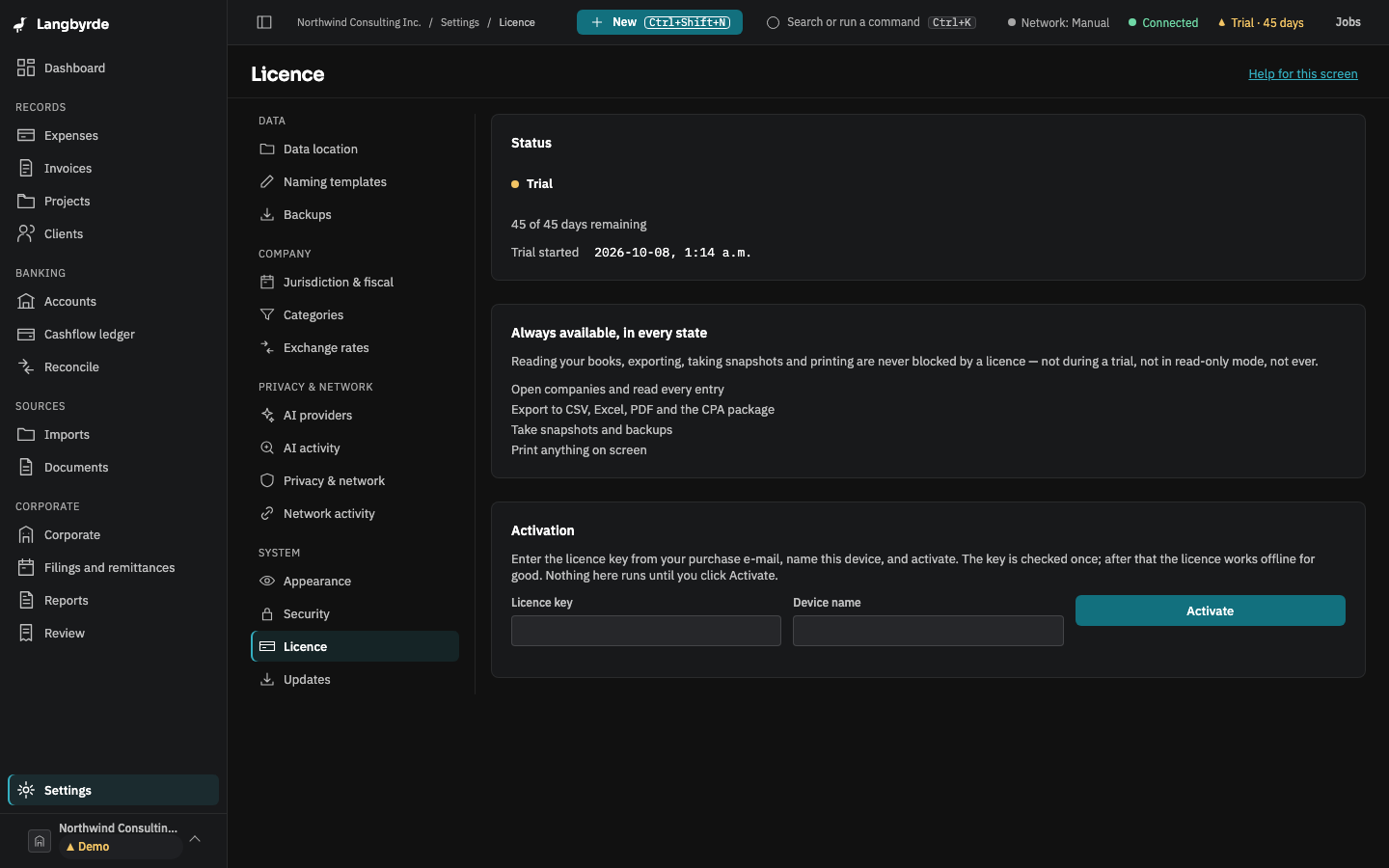
- Status shows whether this computer is on the Trial, Licensed or Read-only, and how many of the 45 trial days remain.
- Always available, in every state lists what a licence never blocks.
- Activation takes the Licence key from your purchase e-mail and a Device name for this computer. Choose Activate.
A licence lives on this computer and never expires. After activation Langbyrde never checks it against a server again.