Health spending account
Open Overview under Corporation in the rail, then Health spending account. The screen has two lists: Claims from employees, and the plan Administrator statements.
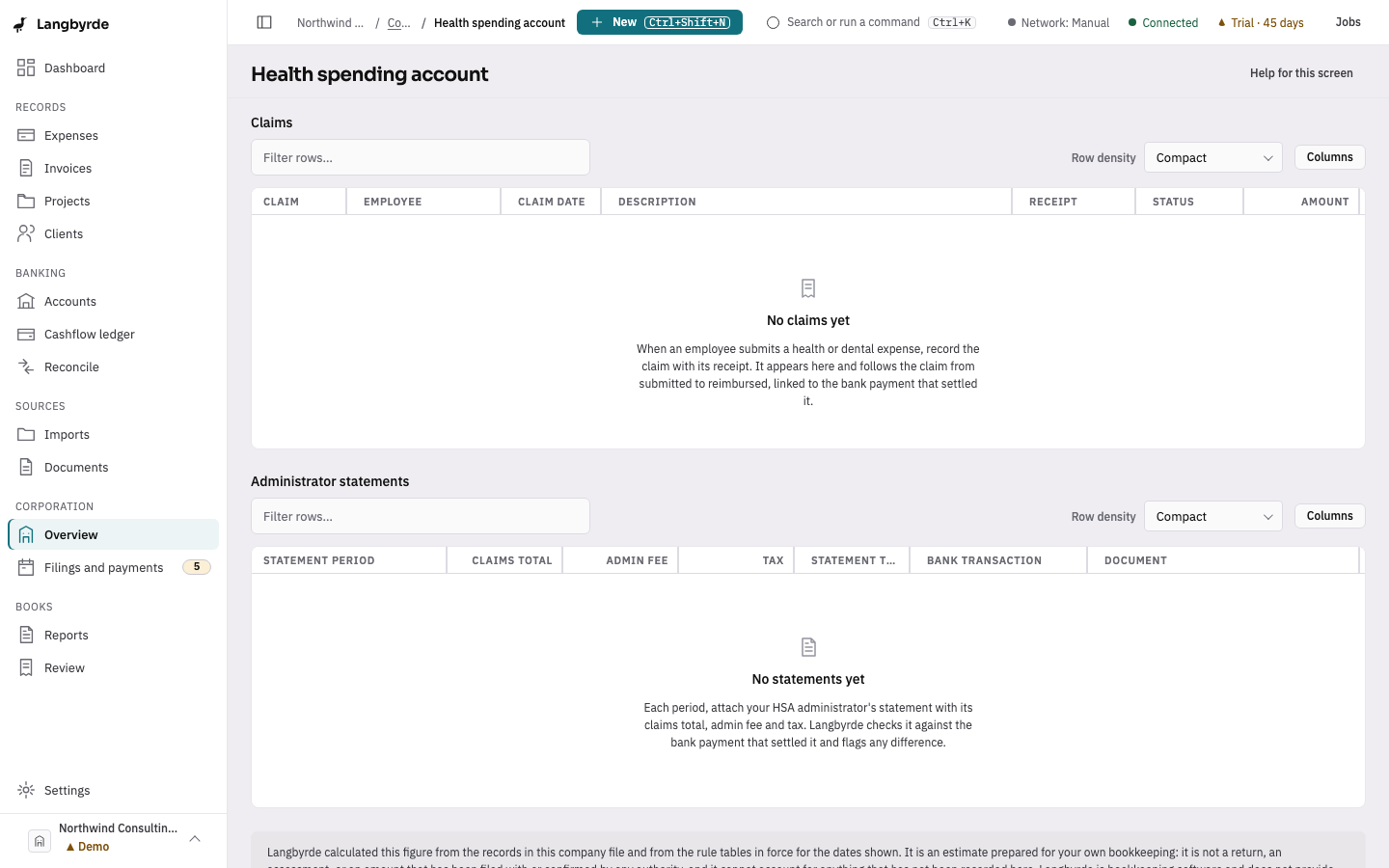
On this screen
- Choose a claim under Claims and check its amount and receipt.
- Choose Approve or Reject.
- Once it is paid, choose Reimburse and pick the bank transaction that paid it.
Work a claim
A claim moves from Submitted to Approved to Reimbursed, or it ends Rejected.
- Approve accepts the claim. A claim marked Needs receipt has no receipt filed yet.
- Reject keeps the claim on record, marked rejected. It cannot be undone from here; a new claim would have to be submitted instead.
- Reimburse asks you to pick the unmatched bank transaction that paid the claim, then moves the claim to reimbursed and posts it to the ledger. If the list is empty, import the statement that shows the payment and try again.
Administrator statements
Each statement shows its period, the claims total, the admin fee and tax, and the statement total. Langbyrde checks the total against the bank transaction that settled it and says when they differ, for example Bank is $10.00 less or Not linked yet. The statement is never changed to make the two agree; open the transaction to decide which record is right.