Privacy & network
Langbyrde works fully offline. This page decides whether it may ever connect, and to what.
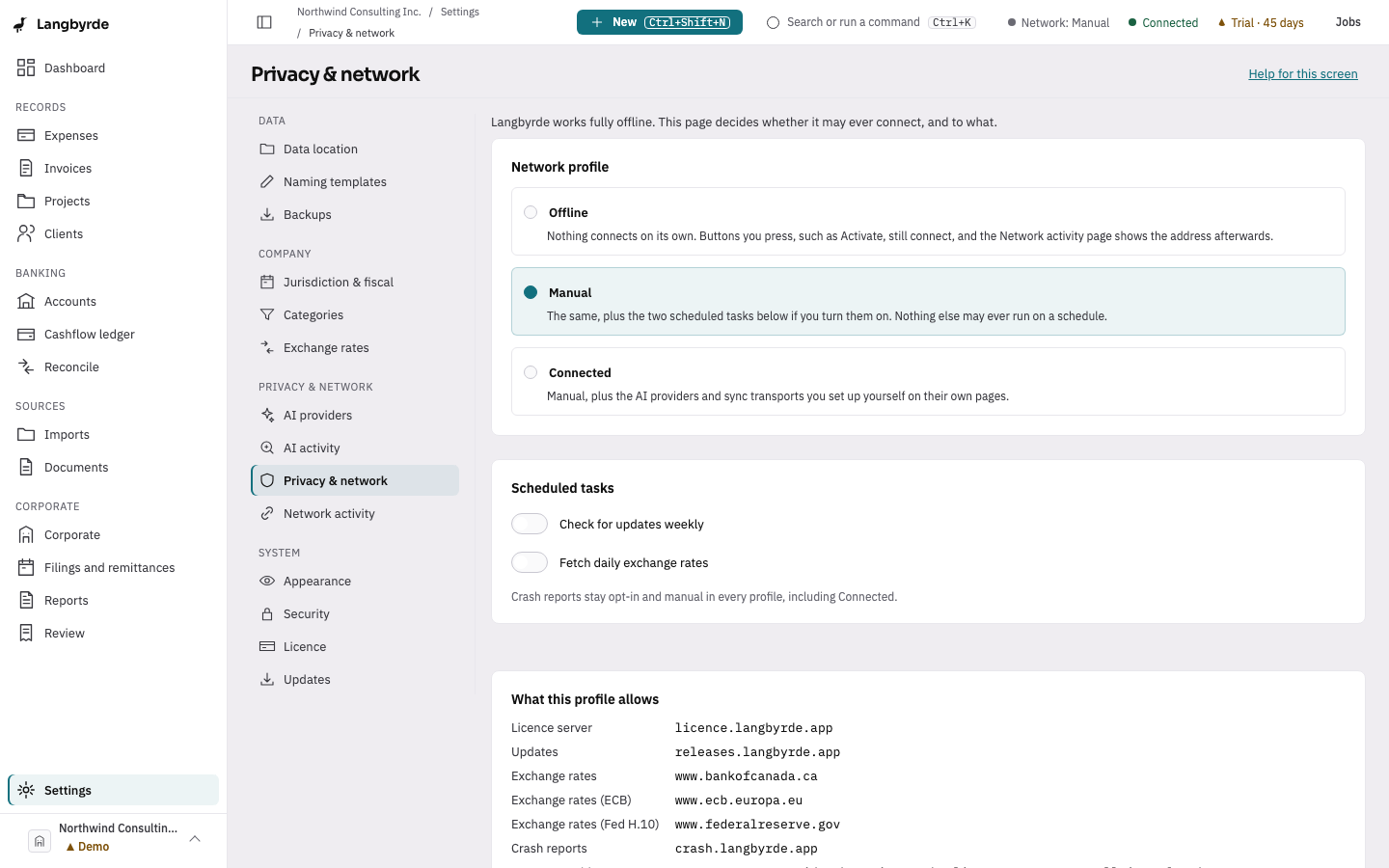
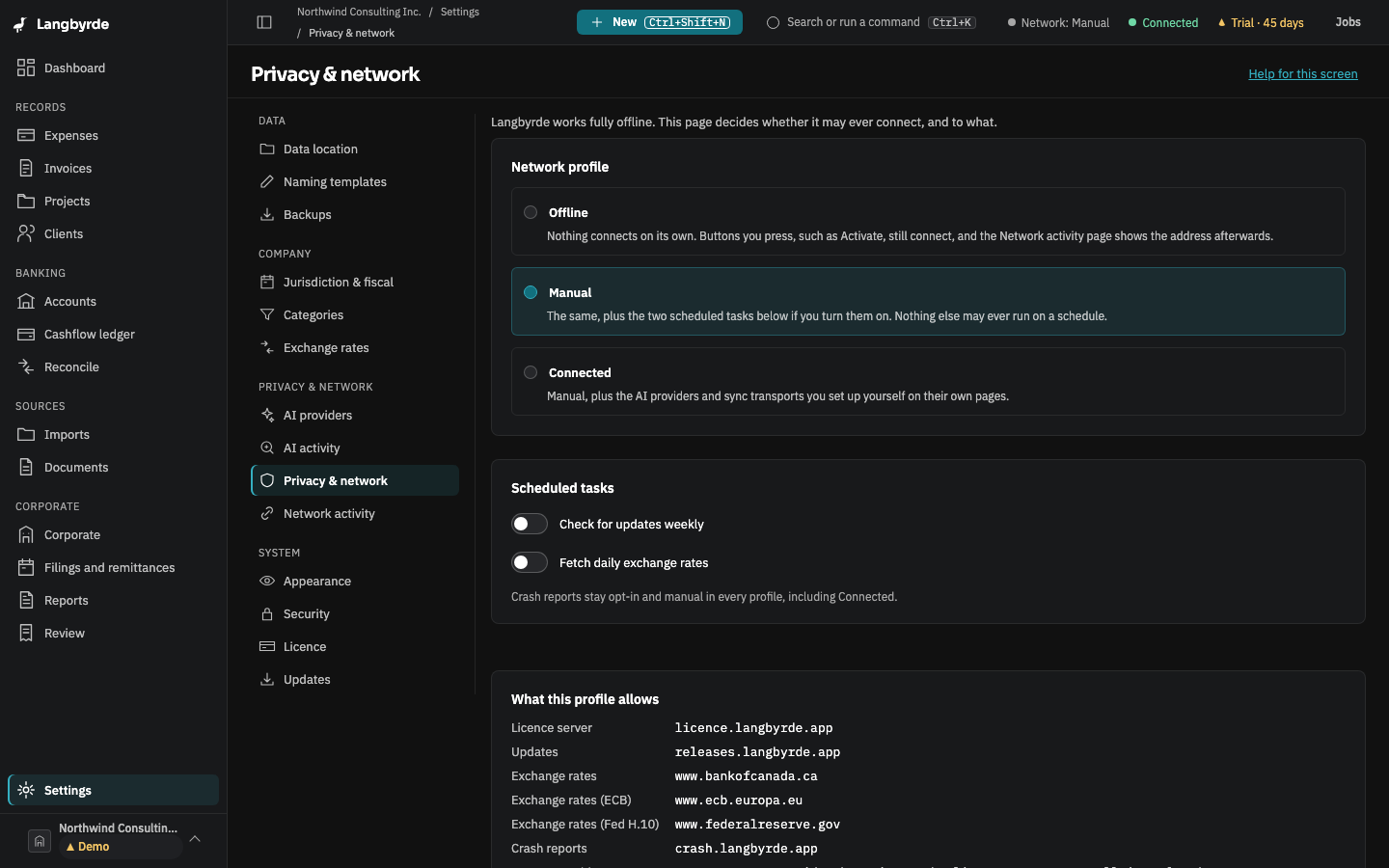
Open Privacy & network
Open Settings, then choose Privacy & network. Choose a network profile — Offline, Manual or Connected — each described on the page by what it allows. Two scheduled-task switches, checking for updates weekly and fetching daily exchange rates, are disabled and explained when the profile is Offline. The allowed hosts are listed on the page: the licence server, the releases host, the Bank of Canada, European Central Bank and US Federal Reserve exchange-rate feeds, the crash-report address, and any AI provider you have configured. See Network activity for what has actually been reached.
The update-check switch is saved here, but no weekly check runs yet: the only way to look for a newer version today is Check now on Updates, which works in every profile because it only runs when you press it.