Documents
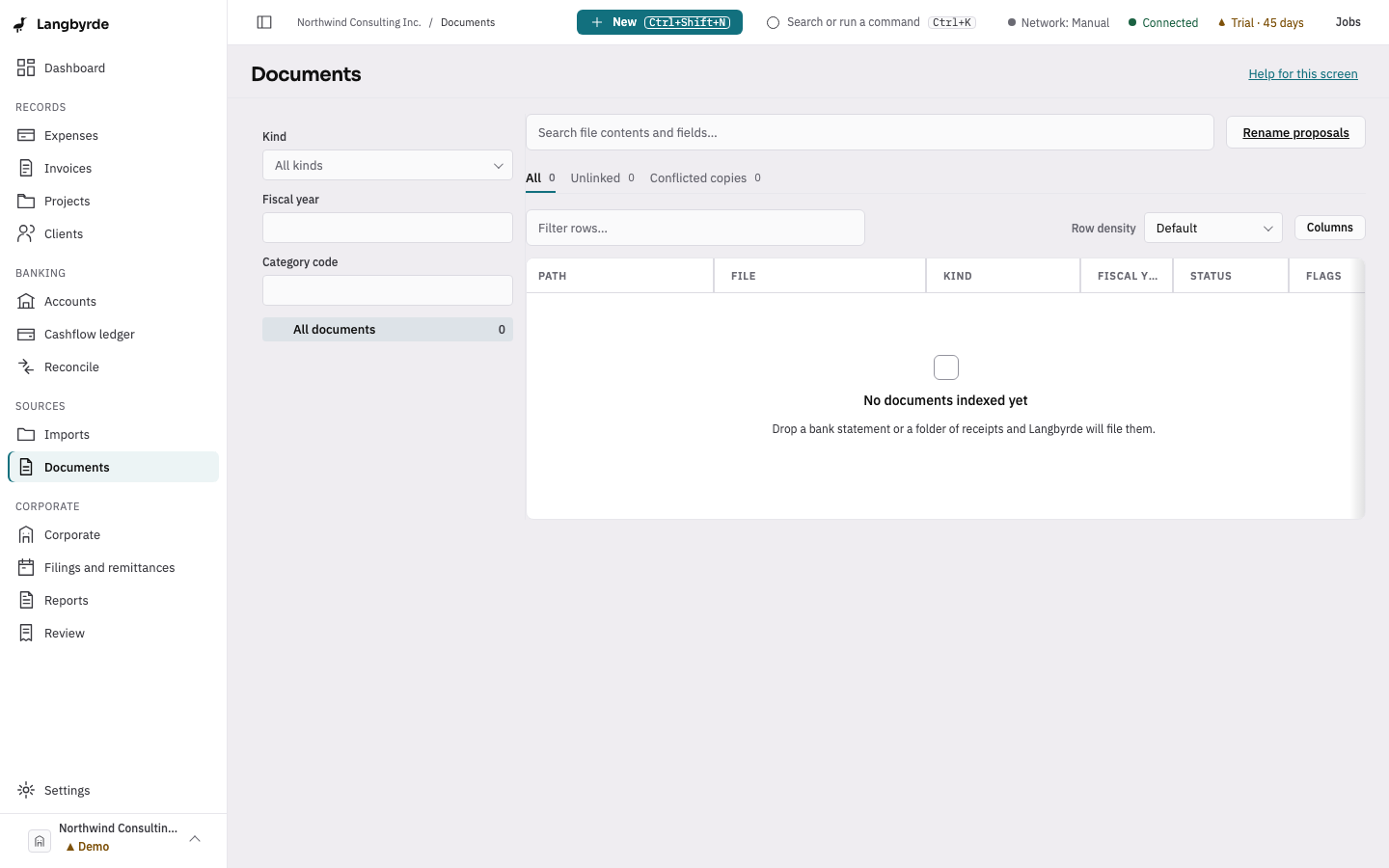
The documents browser is every file Langbyrde has filed or indexed for this company: statements, receipts, invoice PDFs, memos and corporate records, organised the way Naming templates (see More settings) describes.
Find a document
Open Documents from the rail, under Sources. Filter by kind, fiscal year or category in the sidebar, or use the folder tree. The tabs All, Unlinked and Conflicted copies narrow the main table, and the search box looks inside file contents as well as file names.
Select a row to open its details: where the file came from, its status, and Open in Finder/Explorer (it shows the file in your computer's file manager). The Links tab shows which records the document is linked to; the Timeline tab shows its history.
Renaming and conflicts
When Langbyrde proposes a new name for a file, it waits in Rename proposals for you to Approve or Reject — nothing is renamed on disk without that approval. Every approved rename is written to RENAME_LOG.md in the Company Folder.
If a sync service has made a second copy of the same file, the document's details offer Keep the other file to resolve it. Langbyrde never deletes a file on its own; a superseded copy moves to the sibling bcp/ folder instead.