Records for input tax credits
Updated
When the company is registered for the tax on sales, the tax it paid on business expenses can be claimed back as input tax credits. This guide shows the records Langbyrde keeps for each claim and where you see them. It is about keeping records, not tax advice: your accountant decides what is claimed.
What is kept for each expense
- The tax as the receipt shows it. On a New expense you type the subtotal, each tax and the total exactly as the receipt shows them; Langbyrde checks that they add up. See Recording an expense.
- The receipt itself, attached to the expense; see Keeping receipts.
- The vendor and the date, which the receipt must show for the expense to make sense to your accountant.
- The share that can be claimed. Once recorded, the expense shows its Input tax credit percentage, worked out by your company's tax rules (half on a meal, for example). See What the disclaimers mean.
Where you see them together
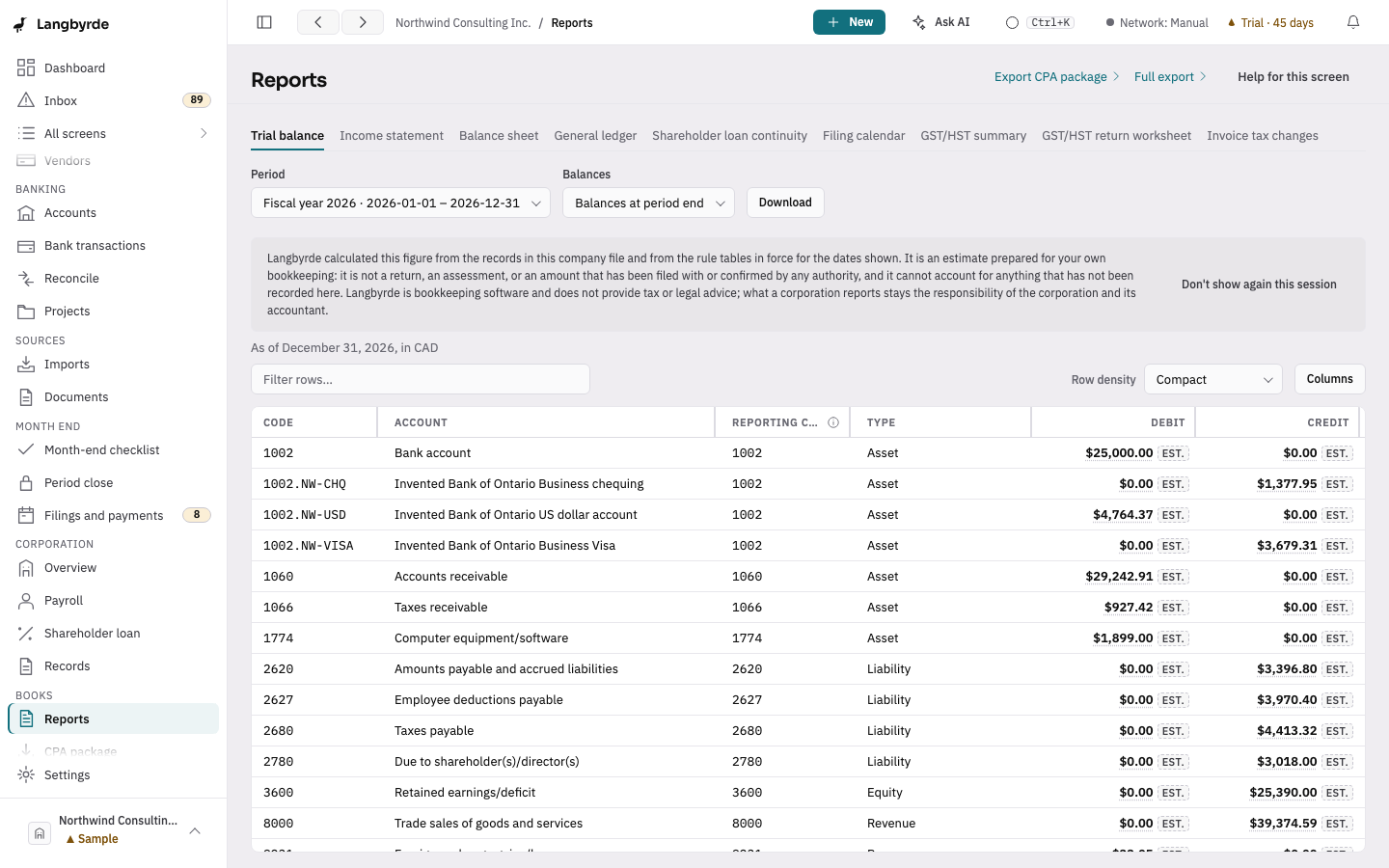
Open Reports in the rail, under Books, and choose the period:
- The tax summary tab shows the tax collected, the tax paid, the input tax credits and the net tax.
- The tax return worksheet lays out the return line by line. Show N documents on a line lists the expenses and other records behind it, each linking to the record.
Every figure there is worked out from your records; see What the disclaimers mean and Reports.
Expenses that need a look
On the Expenses screen, Needs receipt lists the expenses with no receipt yet, and Needs exchange rate those in another currency that still need a rate. The dashboard's Missing tax line opens the Inbox at the records whose tax is missing.