Full export
A full export writes out everything Langbyrde has recorded for the company, exactly as it is stored, in plain formats that other tools can open. Use it when you want your data outside Langbyrde. To give your accountant reports and the documents behind them, use the CPA package instead.
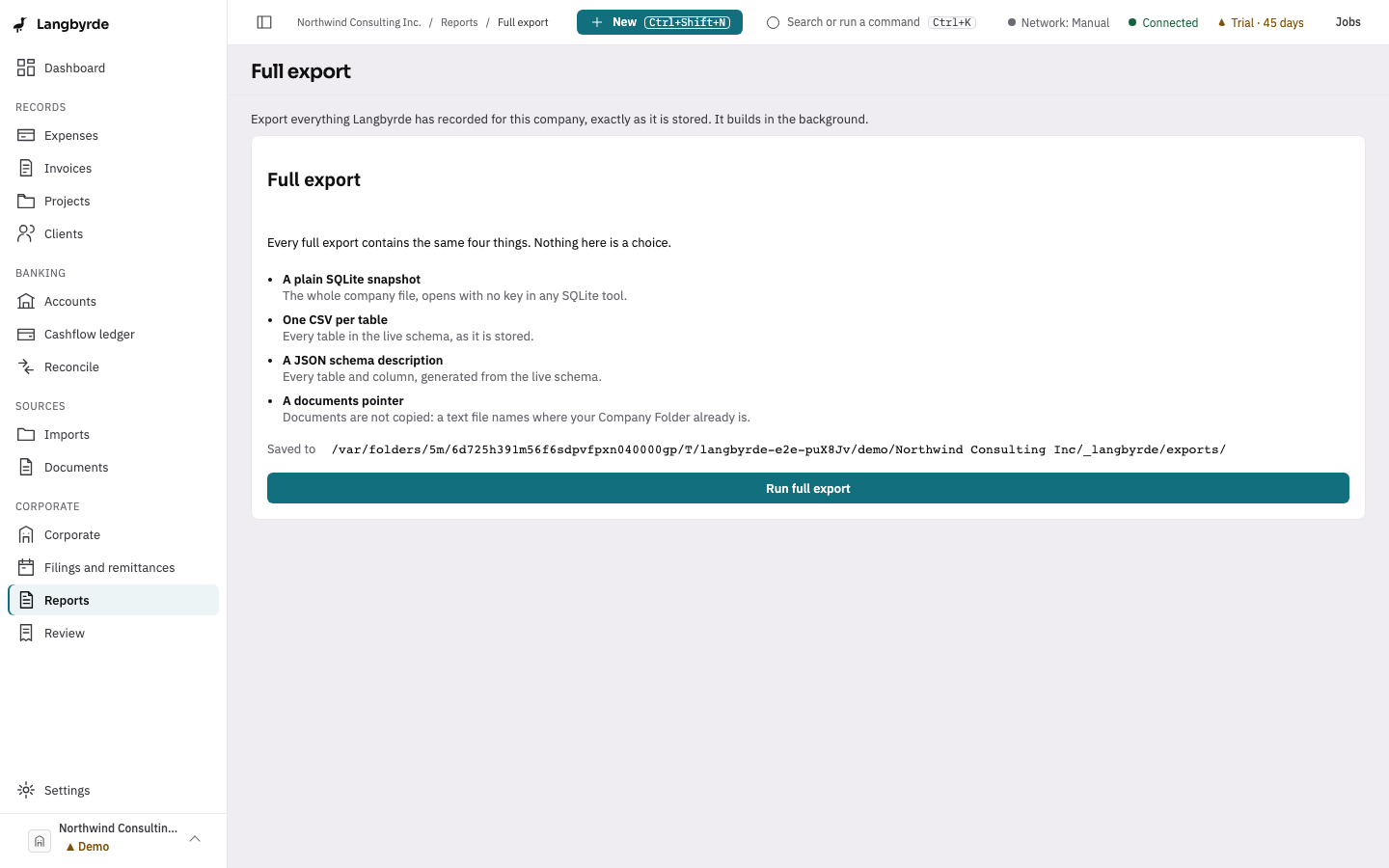
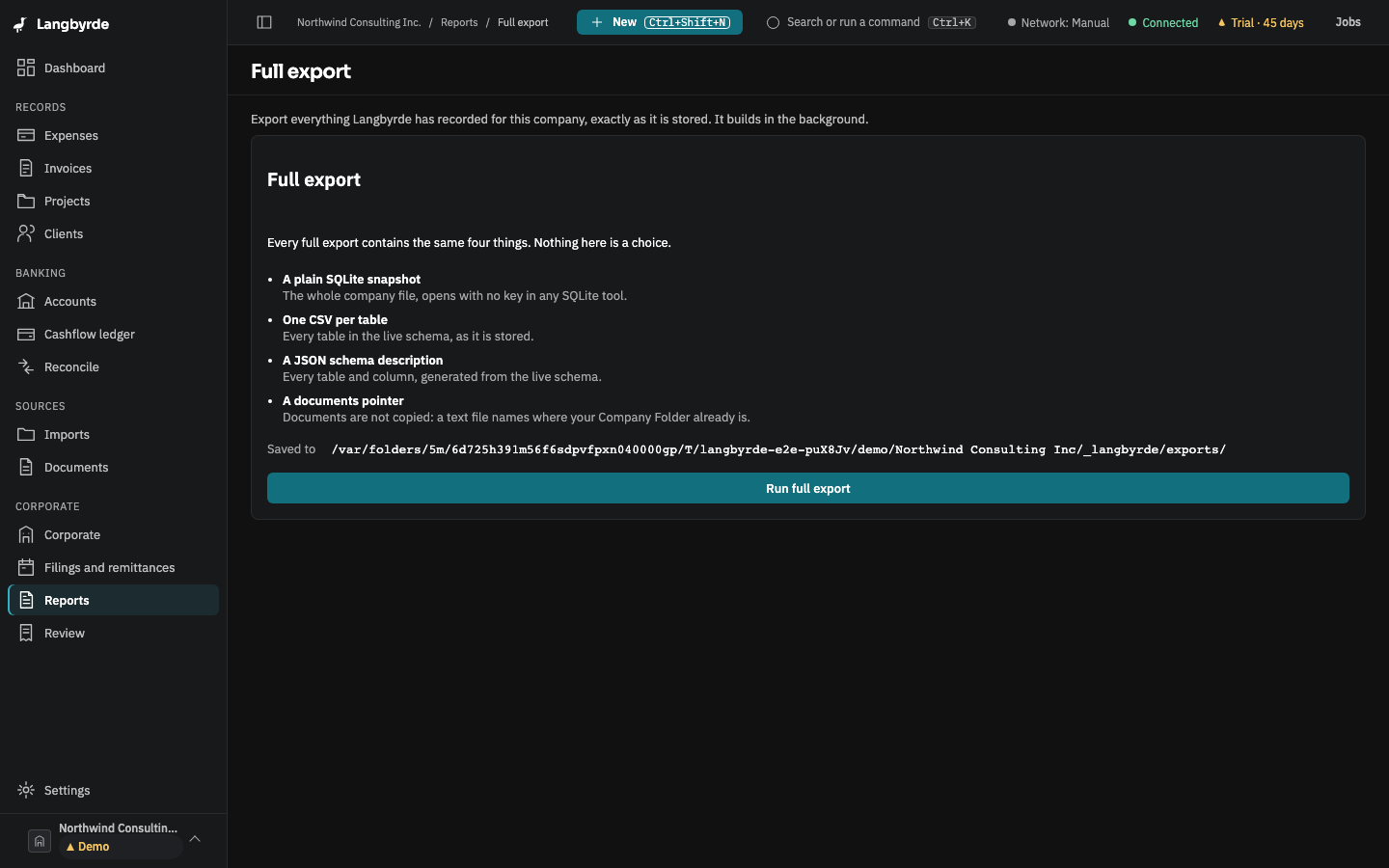
Open the full export
Open Reports, then choose Full export in its header.
What a full export contains
Every full export contains the same four things; there are no options to choose.
- A plain SQLite snapshot — the whole company file, which opens with no key in any SQLite tool. It is kept with the company's snapshots and is listed in Backups as Full export.
- One CSV per table — every table in the company file, as it is stored. Amounts are written as decimal amounts beside their currency. Fields that are encrypted in the company file stay encrypted in the CSV.
- A JSON schema description —
schema.json, describing every table and column. - A documents pointer —
DOCUMENTS.txt. Your documents are not copied; this file says where your Company Folder is.
The screen shows where the export is Saved to: a new FullExport_ folder, named with the date and time, inside _langbyrde/exports/ in your Company Folder.
Run the export
Choose Run full export. The export builds in the background, and the screen shows its progress. Cancel export stops it.
When it finishes, Export ready says how many tables were exported. In the desktop app, Show in File Explorer (Show in Finder on a Mac) opens the folder. Run another export starts over.
A cancelled or failed export leaves nothing behind: no half-finished folder is left in the exports folder. Choose Try again to run it again.
Who can run it
Anyone who can read the company's books can run a full export, and it works in read-only mode too. It runs on this computer only and sends nothing over the network.
The full export holds your recorded data as stored, not figures worked out from it, so it carries no disclaimer.