The invoice list
The invoice list is every invoice in the company file. See Issuing an invoice for building, issuing and getting an invoice paid.
Find an invoice
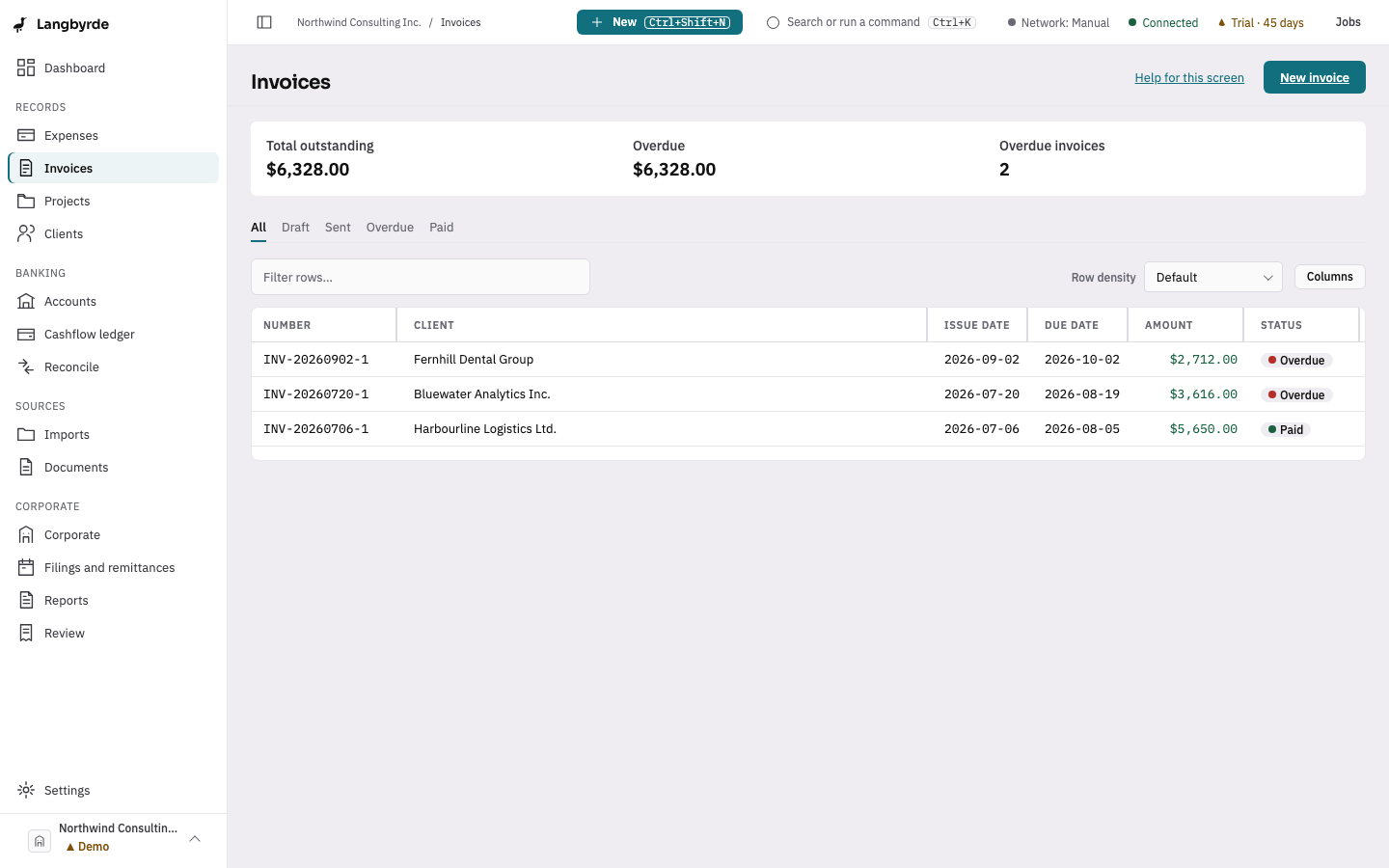
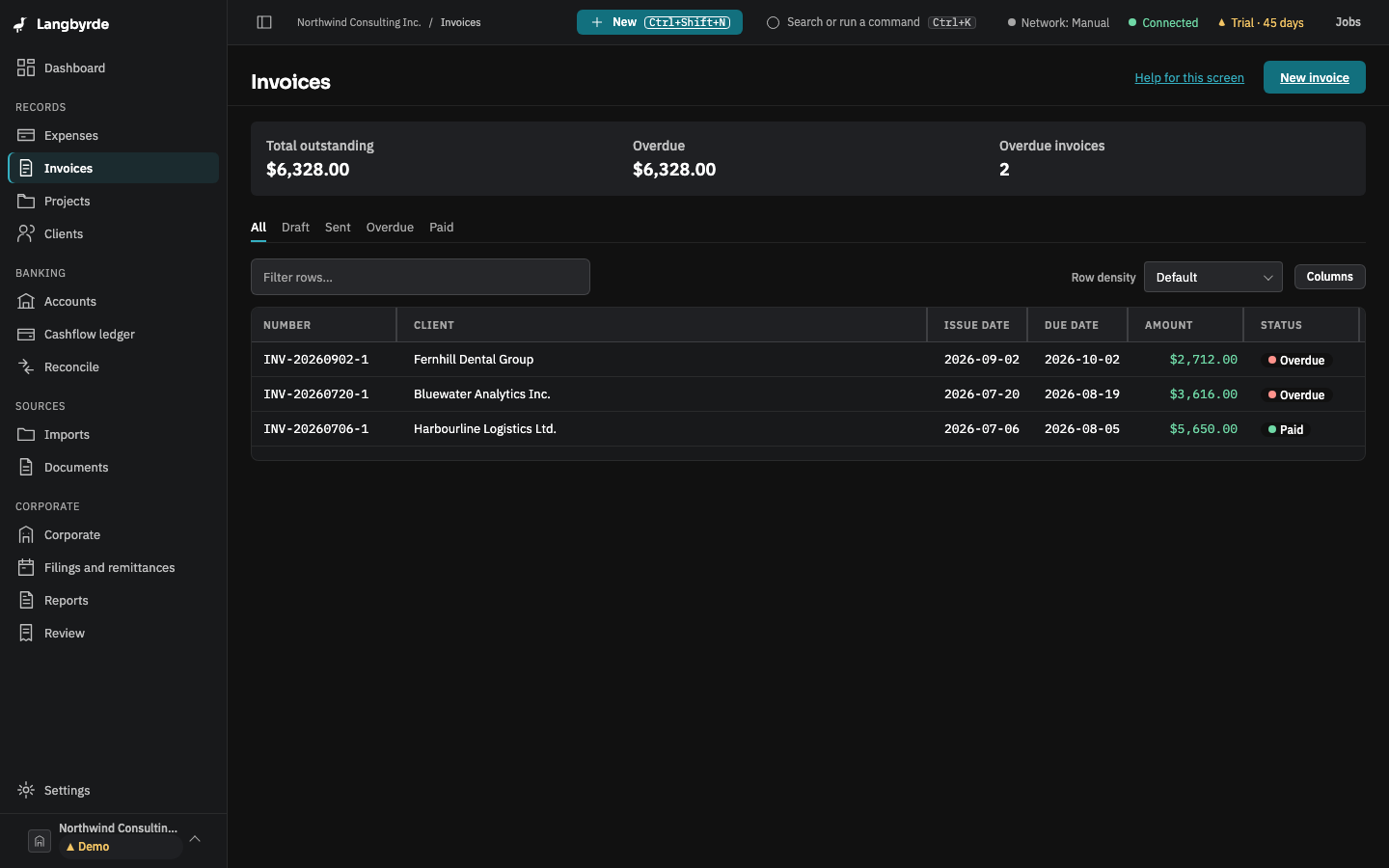
Open Invoices from the rail, under Records. Each invoice shows its status: Draft, Issued, Sent, Partially paid, Paid or Overdue. The tabs at the top narrow the list: All, Draft, Sent (issued, sent and partly paid invoices), Overdue and Paid. Choose a row to open the invoice's preview, with its PDF and payments.
An invoice is overdue once its due date has passed and something is still owed on it. An invoice due today is not overdue yet.
Start a new invoice
Choose New invoice at the top right, or choose New in the top bar and then Invoice from any screen. See Build an invoice.
What is still owed
The header of the invoice list shows Total outstanding, the Overdue amount and the number of overdue invoices. They count every issued invoice that still has something owing, including sent and partly paid ones, after any credit notes. The dashboard's AR outstanding card uses the same figures, so the two always agree. For the same money grouped by age, see AR aging.
Invoices in another currency are converted at the company's exchange rate for today, and a converted figure carries the Projected marker; see What the disclaimers mean.