Keeping receipts for business expenses
Updated
A receipt is the record behind an expense. This guide shows how Langbyrde keeps each receipt with its expense, where the files are, and how to find the expenses that still have none. It is about keeping records, not about tax: ask your accountant which receipts you must keep and for how long.
Where the files are
Receipts are files in your Company Folder, the folder you chose when you set up the company: on this computer, or in OneDrive or iCloud Drive. Langbyrde proposes a name and a folder for each one, and moves or renames a file only after you accept it in Rename proposals on the Documents screen. It never deletes a receipt: a file it replaces goes to the bcp folder beside it.
Add a receipt
- Drop it on Imports. A photo is filed as a receipt straight away and read on this computer; see From a receipt to a finished expense.
- Attach it to an expense. In the expense's panel, under Receipt, pick the file; see Recording an expense.
- Save it to a watched folder. Receipts saved there are read on this computer and wait in the Inbox under Read documents, each with the expense it may belong to. Nothing is attached until you accept it.
Find the expenses with no receipt
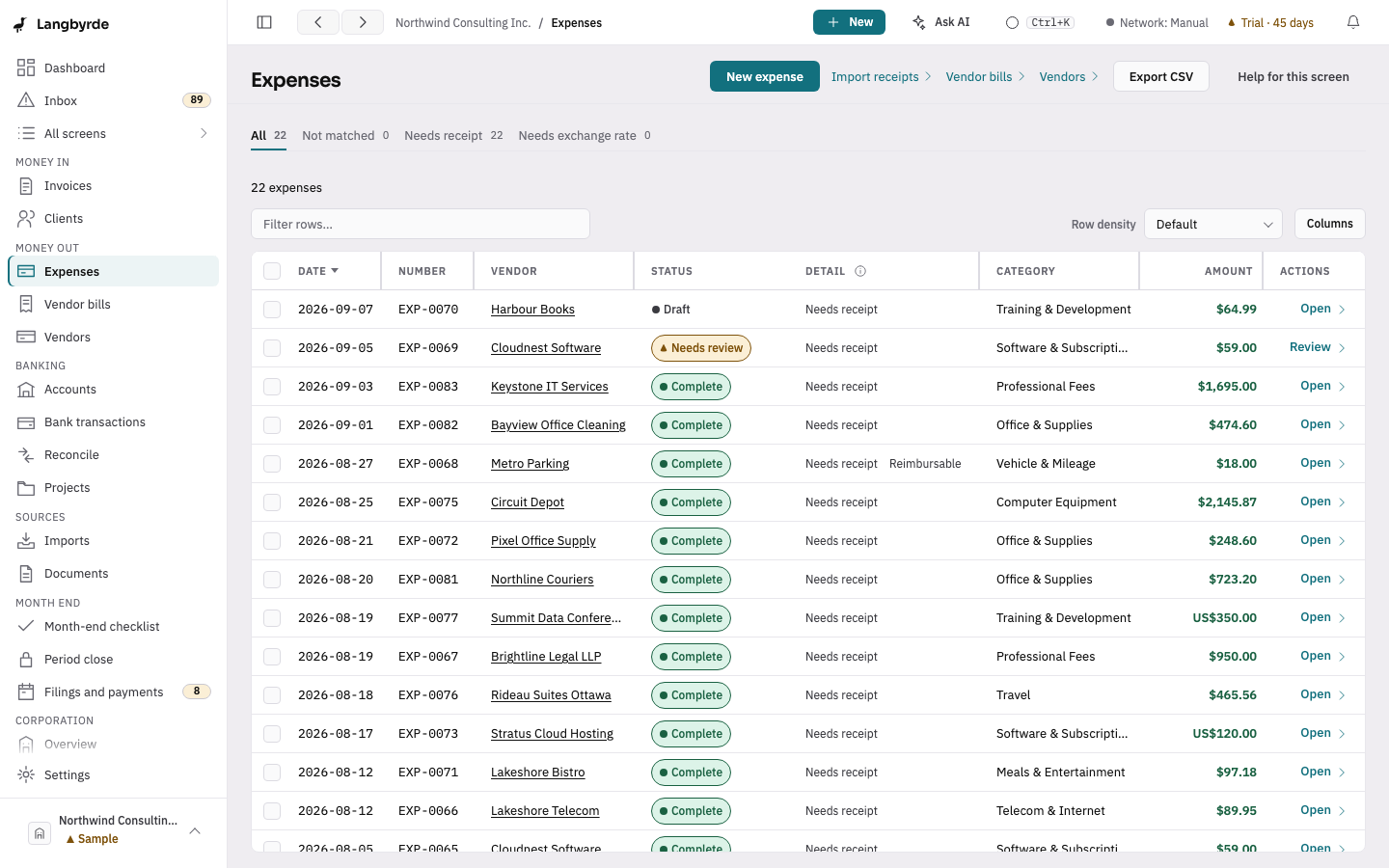
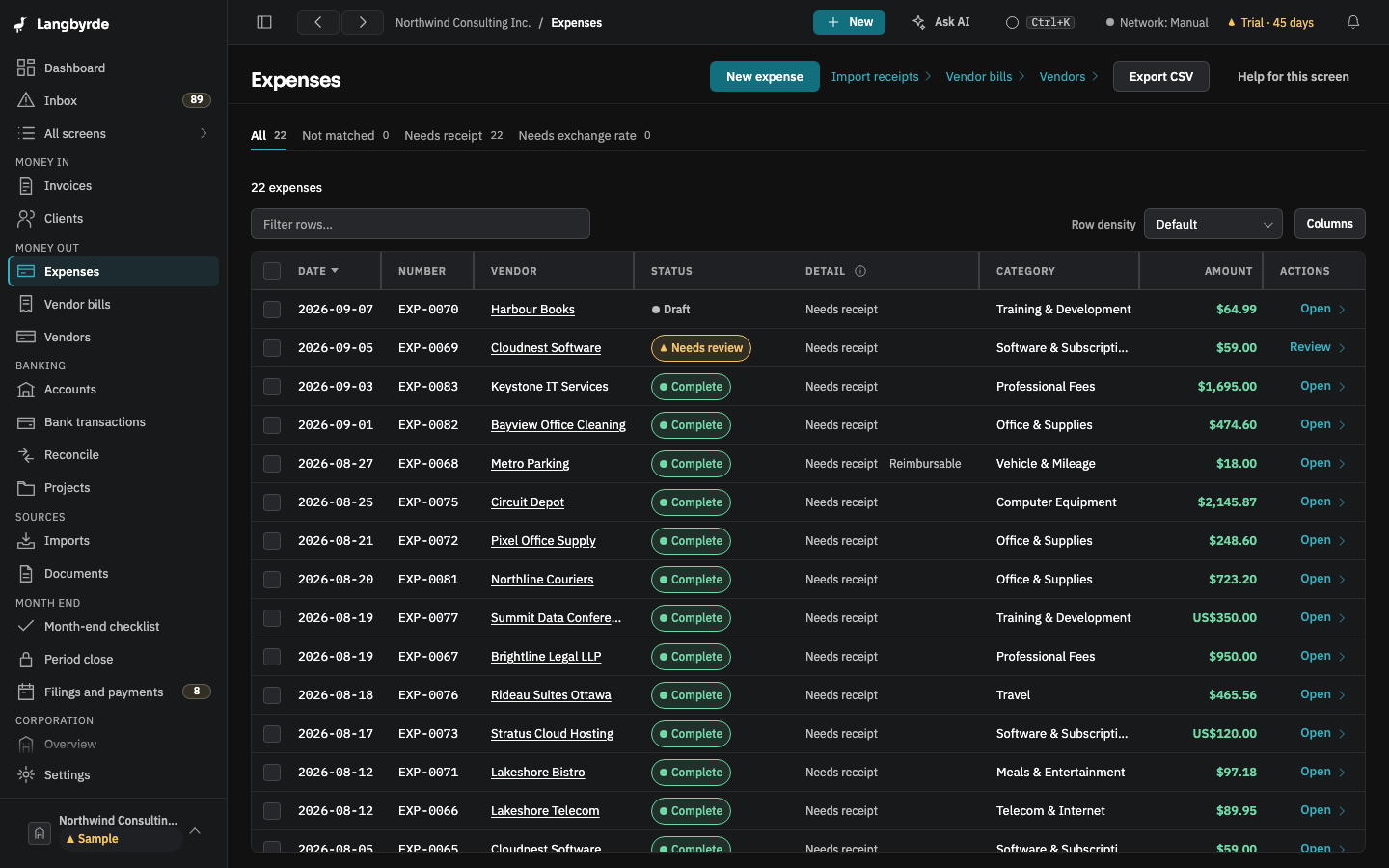
On the Expenses screen, the Needs receipt tab lists every expense with no receipt file yet. The dashboard's Needs receipt line opens the same list, and the Month-end checklist counts them for the period.
What goes to your accountant
The CPA package carries every receipt you attached, beside the expenses in its workbook; see What your accountant needs at year end.