The cashflow ledger
The cashflow ledger lists the lines from your bank and card accounts, with a running balance for each, so you can see money coming in and going out across every account in one place.
Open the cashflow ledger
Open Cashflow ledger from the rail, under Banking. A company must be open. Many other screens also link to a bank line here, for example from a report's source column or an invoice payment.
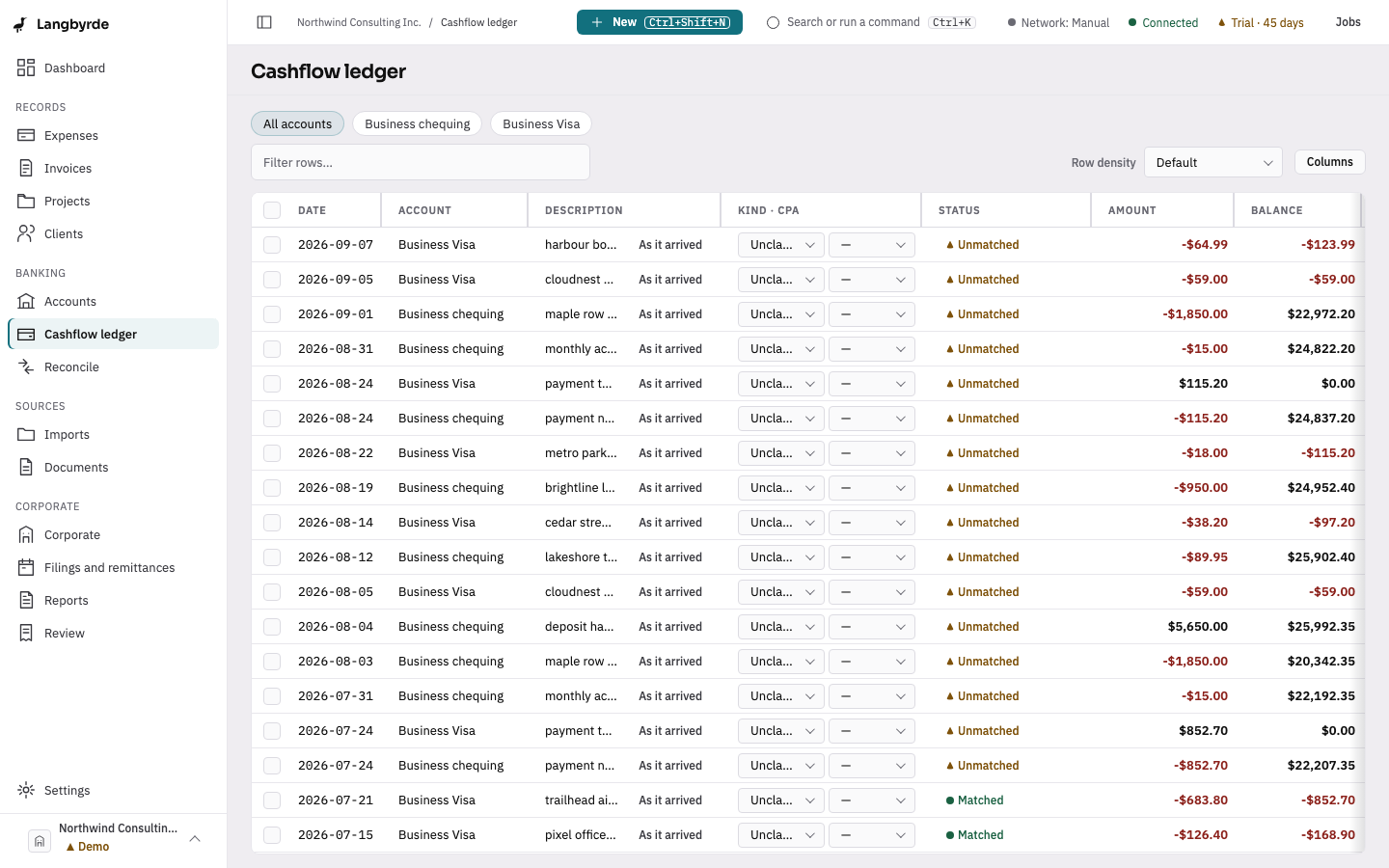
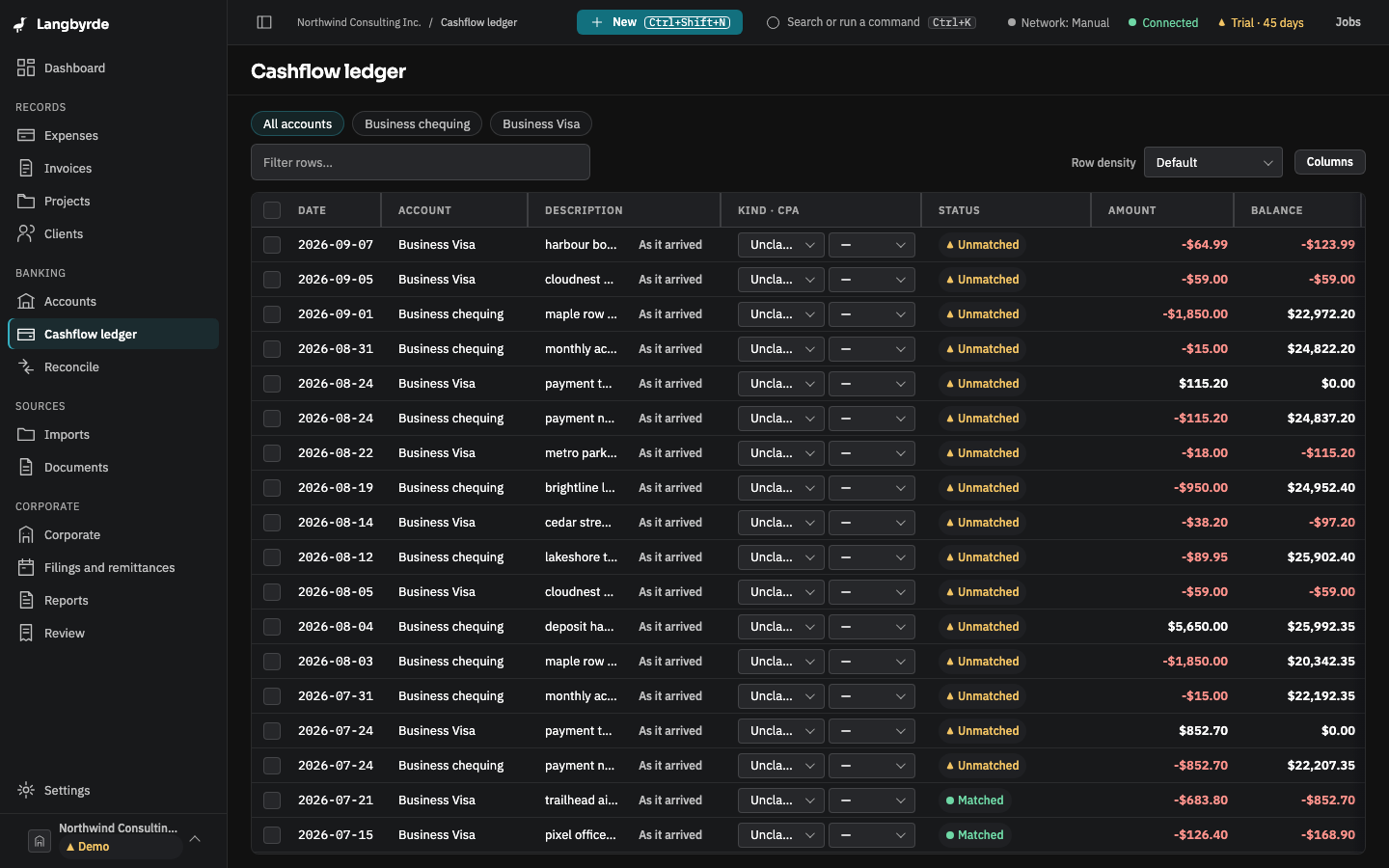
Read the ledger
Each row shows the Date, the Account, the Description, its Kind · CPA classification, its reconciliation Status, the Amount and the account's Balance after that line. The balance is worked out by Langbyrde from the account's lines.
- The buttons above the table narrow the list: All accounts, or one account.
- Filter rows… searches the rows shown.
- When the description was tidied up from what the bank sent, As it arrived shows the original statement text.
- One side of a transfer between your own accounts shows Transfer to or Transfer from the other account. Choosing it switches the ledger to that other account. See Transfers.
Classify a line
Kind · CPA has two lists for each line: what kind of movement it is (for example Deposit, Invoice payment, Expense, Transfer or Fee) and the CPA code it belongs to. Your choice is saved as soon as you pick it.
Reconciliation status
The Status column says whether a line is Unmatched, Matched, Partially matched or Excluded. See Reconciling for how lines get matched.
Accept several suggestions at once
- Tick the lines you want, or tick the box in the header to select every line shown.
- Choose Accept N suggestions… in the bar that appears. Only selected lines with exactly one suggested match count; with none, the button reads Accept suggestions and cannot be chosen.
- Accept these suggestions lists each line with the record it would be matched to, the amount and how confident the match is. Lines that need their own review are named and left as they are.
- Choose Accept N suggestions. A message says how many were accepted, and how many were refused if any were.
Suggested matches
A line Langbyrde has a match suggestion for shows AI-suggested match. Nothing is recorded from a suggestion until you decide it — see What the disclaimers mean.
Choose Accept or Reject to open the suggestion. It shows the record the line would be matched to; there may be more than one to choose from. For each, Approve match records the match and Reject turns the suggestion down. Alt+R (⌥R on a Mac) rejects the suggested record your focus is on. Cancel, or Escape, closes the suggestion without deciding anything. To compare the candidates side by side, choose Open in Reconcile.
When there is nothing to show
A company with no imported statements has no lines yet. The ledger then offers Go to imports — see Importing a statement.
In read-only mode, you can read the ledger, but you cannot classify a line or decide a suggestion.