Exchange rates
The exchange rates this company file holds, and two ways to add to them without going online: importing a Bank of Canada file and typing rates in.
Open Exchange rates
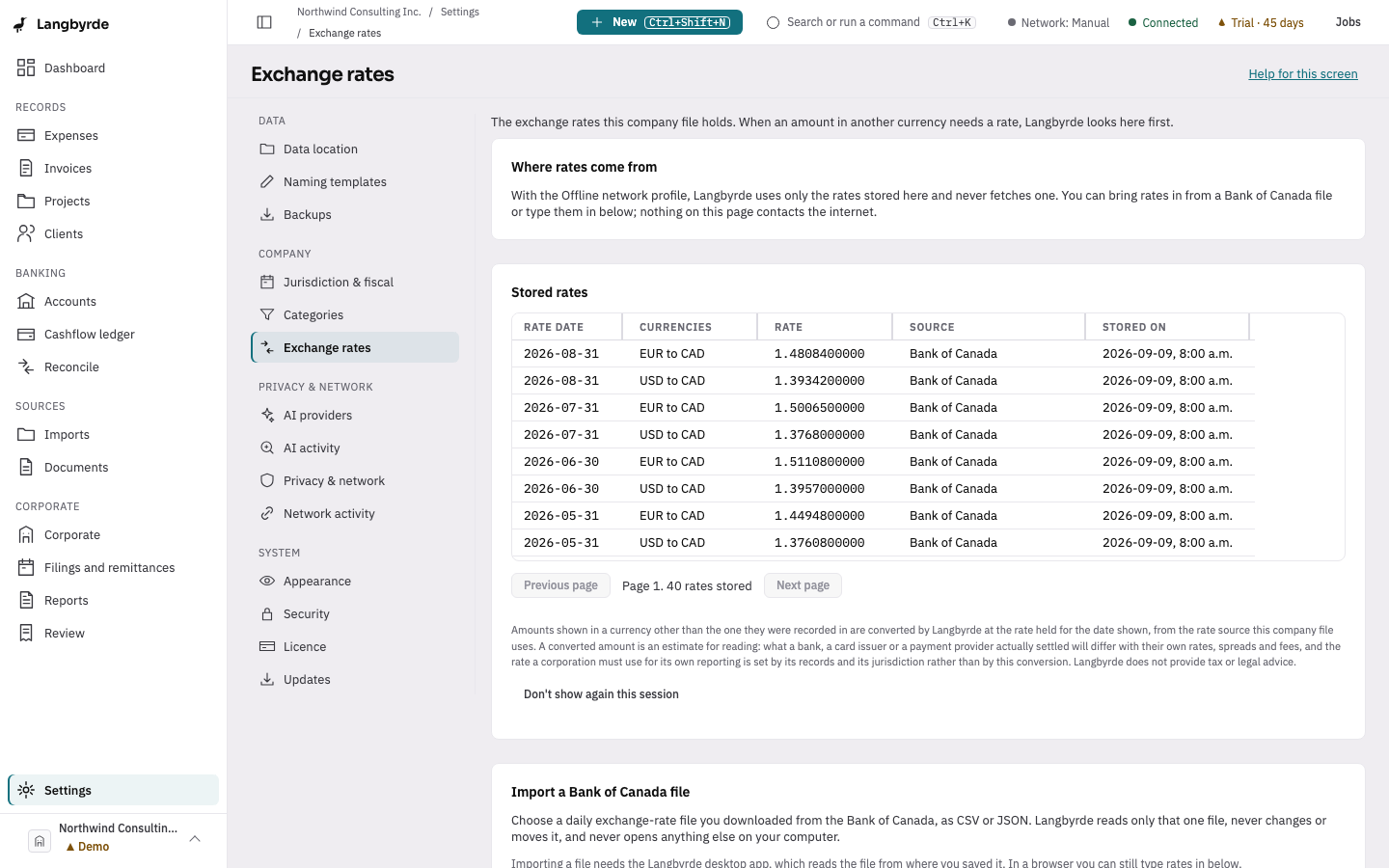
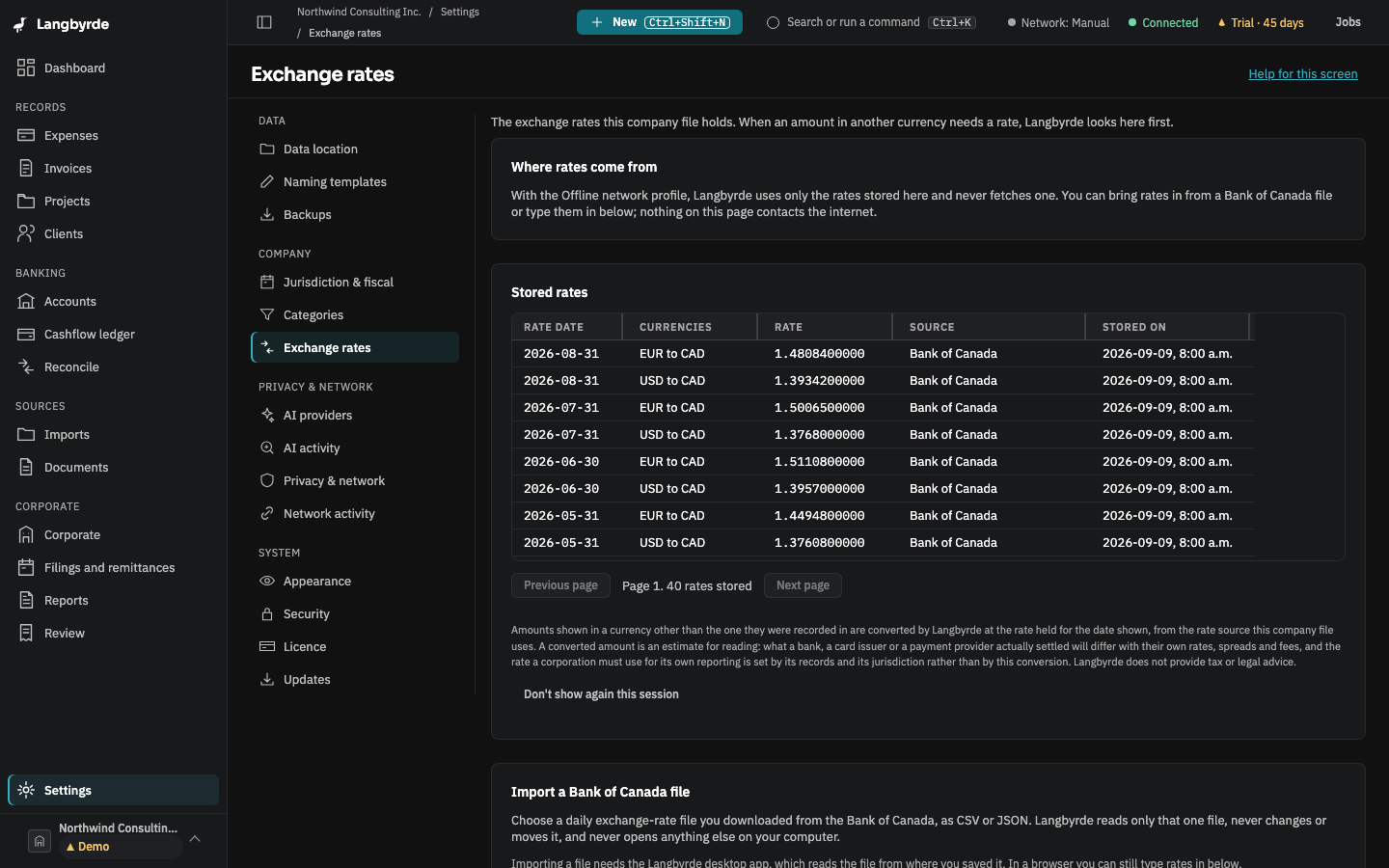
Open Settings, then choose Exchange rates. The page opens with where rates come from, then the stored rates, then Import a Bank of Canada file and Enter several rates.
When an amount in another currency needs a rate, Langbyrde looks at the rates stored in this company file first. With the Offline network profile it uses only those stored rates and never fetches one. Nothing on this page contacts the internet. In the Manual or Connected profile the app can also fetch the daily rates, but only while "Fetch daily exchange rates" is on in Privacy & network; see also Network activity.
The stored rates
The list shows every rate this company holds, newest rate date first: the date, the two currencies, the rate exactly as it was stored, where it came from (Bank of Canada, typed in, and so on) and when it was stored. Fifty rates show at a time; use Next page and Previous page for the rest. The list stays readable in read-only mode.
A stored rate is an estimate for reading, not what a bank or card issuer actually settled. See What the disclaimers mean.
Import a Bank of Canada file
Download a daily exchange-rate file from the Bank of Canada on any computer, as CSV or JSON, then choose Import a Bank of Canada file… and pick it. This needs the Langbyrde desktop app; in a browser the page says so and you can still type rates in.
Langbyrde reads only the file you picked. It does not change it, move it, or open anything else on your computer. Every rate it can use is stored as a Bank of Canada rate.
When it finishes, the page tells you the result in words:
- How many rates were imported. If none were, it says "Nothing was imported."
- How many were already recorded. A rate already stored for that day is left as it is, so importing the same file twice is harmless.
- Lines that could not be imported, each with its line number and the reason. One bad line does not stop the other lines from being imported.
Enter several rates
Use Enter several rates for rates you have from somewhere else, such as a broker statement. Type one reason for the whole table, for example "Monthly statement from the broker"; it is kept with every rate you enter. Each row has the currency the rate is from, the currency it is to, the rate date and the rate. Add another rate starts a new row with the same two currencies as the row before. Type rates as plain numbers with a point, such as 1.3801, with at most ten digits after the point.
Save the rates saves every row or none: if one row is refused, nothing is saved and the page lists which row and field to fix. A rate you type for a currency pair and day you already typed in replaces the earlier typed-in rate, and the page says how many it replaced. Importing and entering rates are changes to the company file, so both are paused in read-only mode.