Accounts
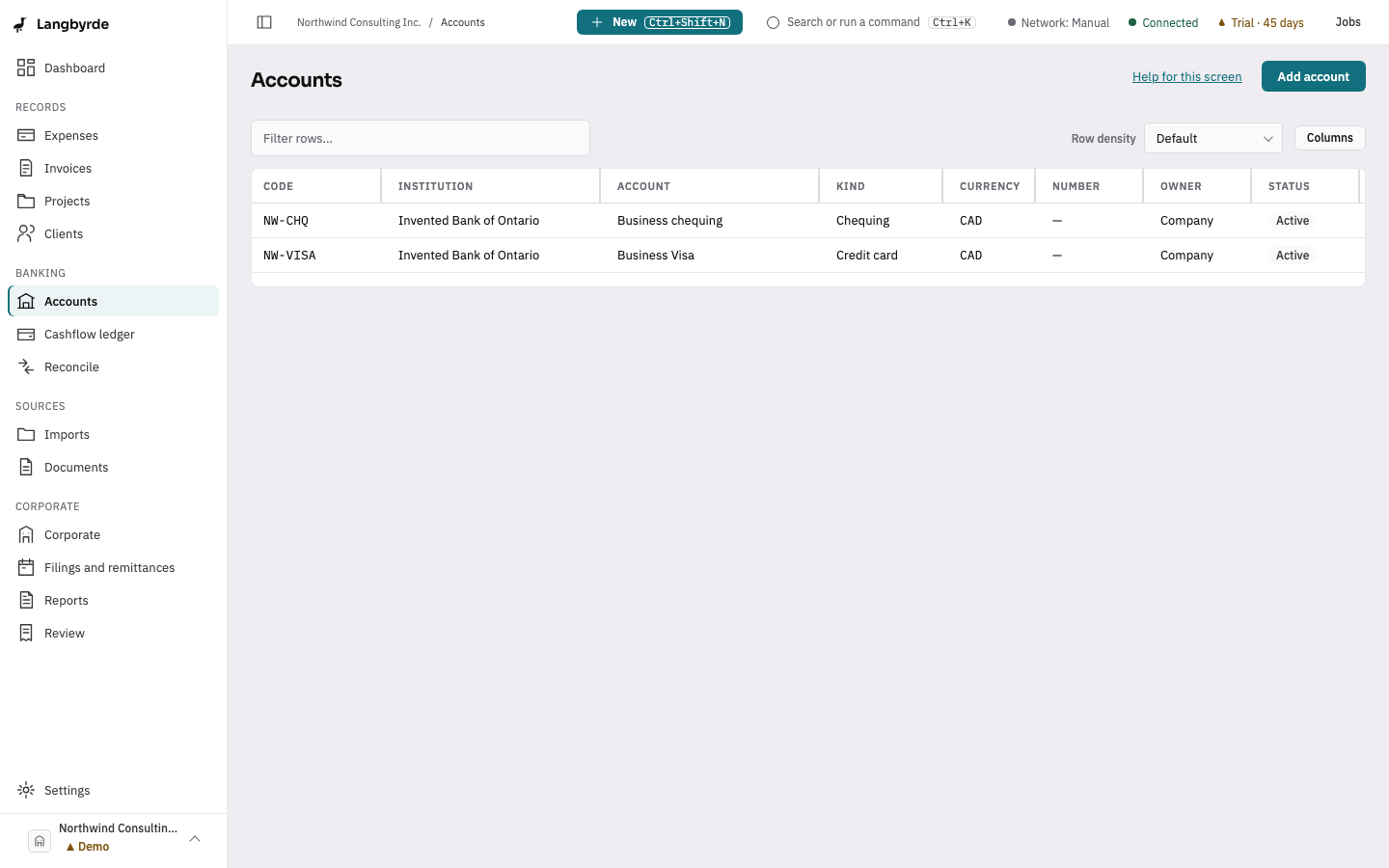
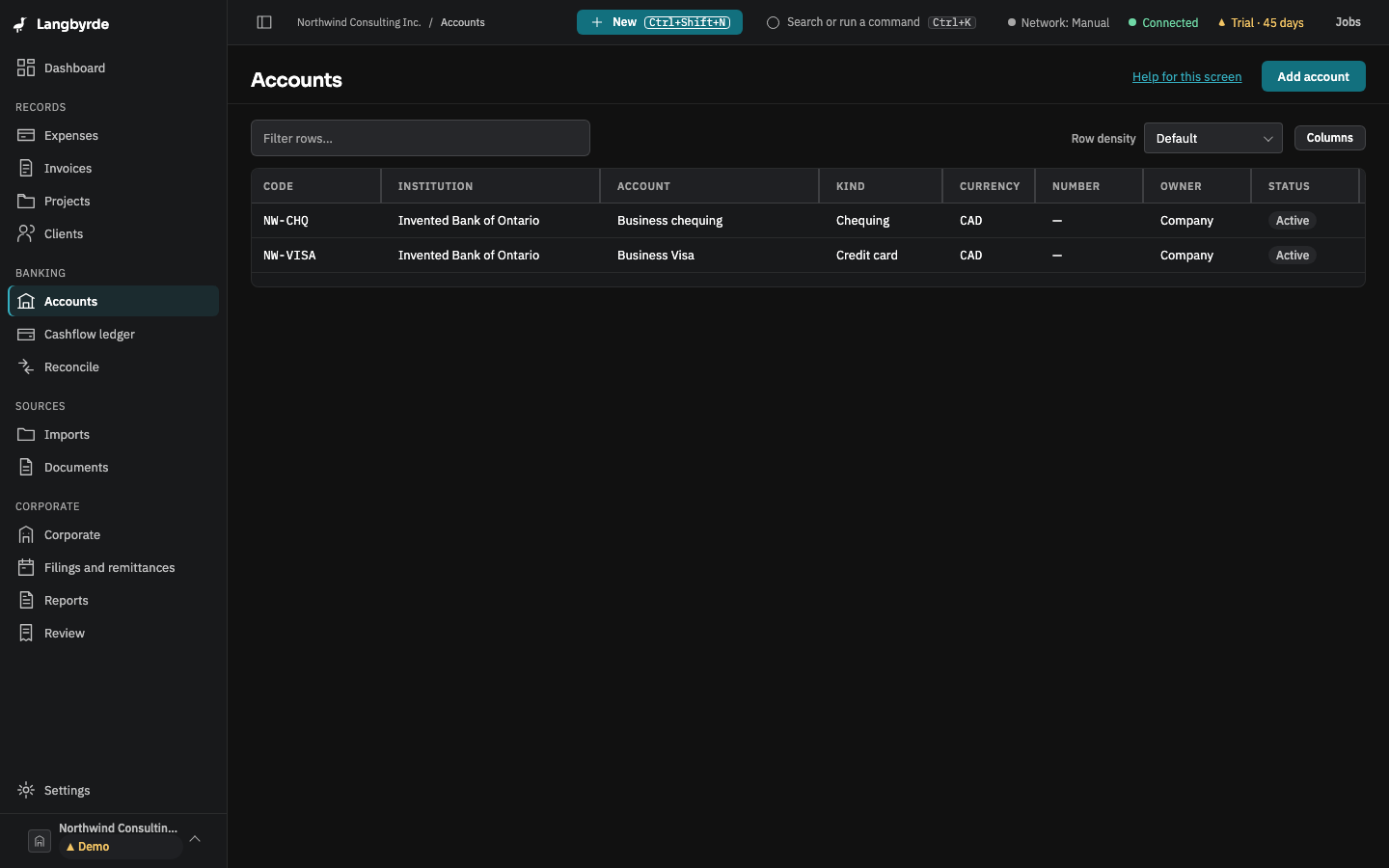
The accounts list is every bank, card, broker, wallet, personal and cash account this company uses. It is what an import or an expense picks from when it asks which account something belongs to.
Add or edit an account
- Open Accounts from the rail, under Banking, or choose Add a bank or card account on a new company's Finish setting up list.
- Choose Add account.
- Give it a code, the institution, the account name, its kind (bank, card, broker, wallet, personal or cash) and its currency. An account number can be added masked, and later revealed, replaced or cleared.
- Save it.
Select a row to edit an existing account the same way. Payment instructions typed here show a live preview, the way they will appear wherever Langbyrde prints them, such as on an invoice.
The rest of Banking
The Banking group in the rail also holds the Cashflow ledger, where every imported line sits with a running balance, and Reconcile, where lines are matched to their records. Statements come in through Imports.
Retiring an account
An account you no longer use can be retired rather than deleted: Langbyrde never deletes your records. A retired account can be reopened at any time.