Projects
The projects list tracks work billed to a client, or tracked internally, as its own file of expenses, time and invoices.
Find or add a project
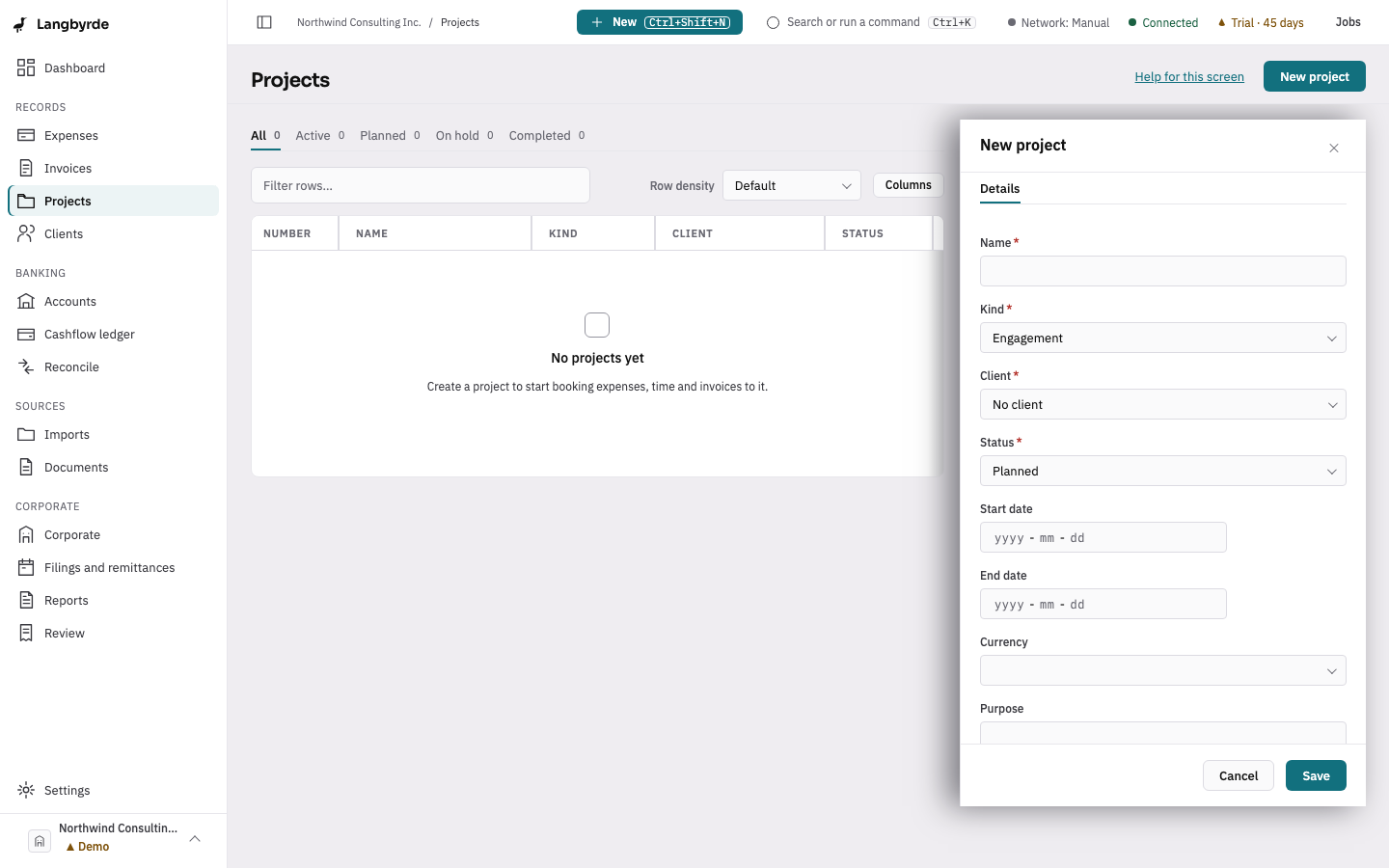
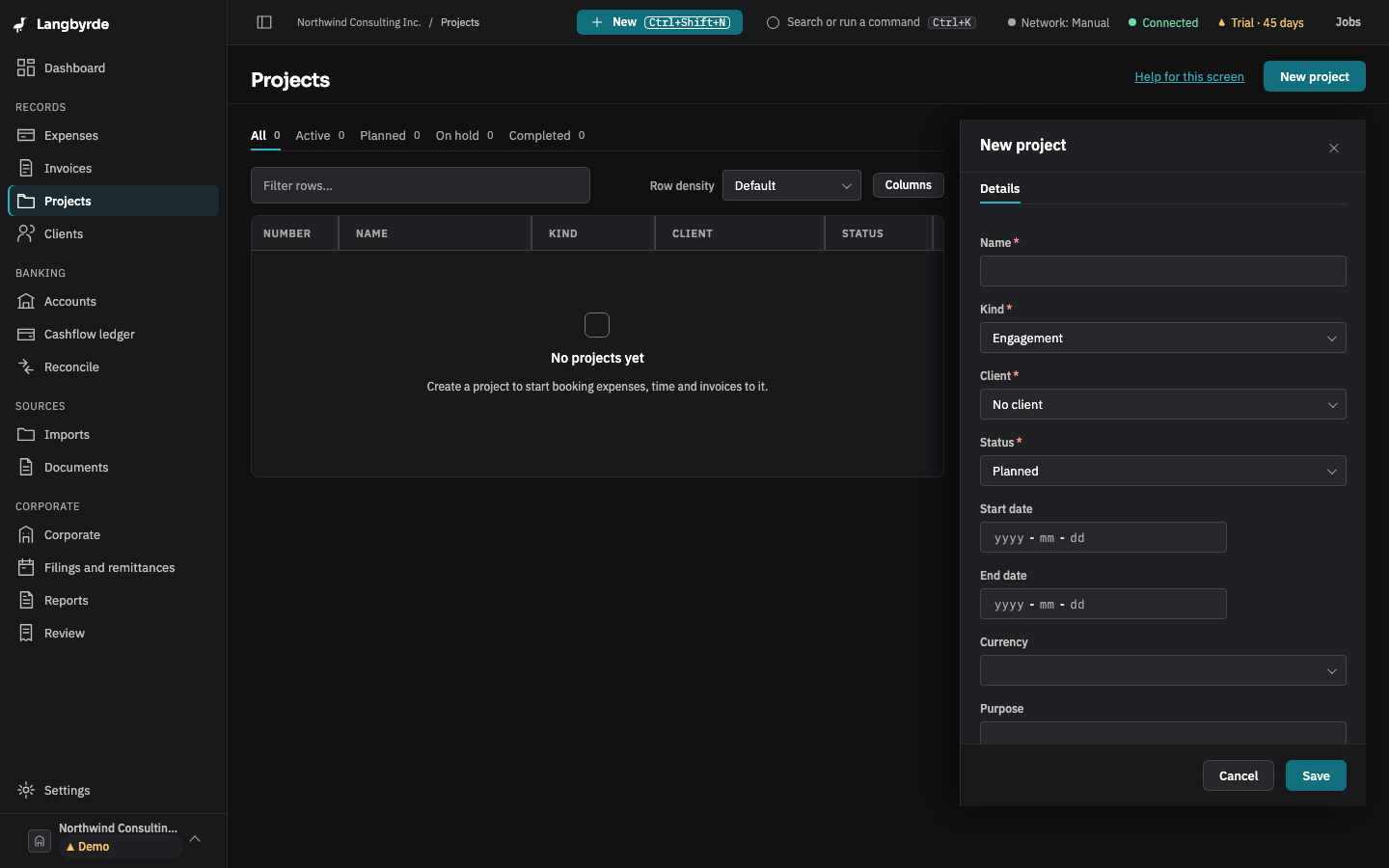
Open Projects from the rail, under Records. The tabs All, Active, Planned, On hold and Completed narrow the list. Choose New project to add one: its client, kind (client file, engagement, internal, job site or trip), dates, a folder, billing rates, and a re-bill policy that decides how its expenses are re-billed to the client.
The project page
Select a row to open the project page. Its tabs cover the project's overview, expenses, the re-bill queue, invoices, documents, and mileage or per-diems where the project tracks them.
The overview's cost and revenue figures — total cost, billable cost, overhead, revenue and margin — are converted at the company's exchange rates where the project bills in another currency; see What the disclaimers mean for what that conversion does and does not account for.