Shareholder loan account records
Updated
When you pay a company expense from your own pocket, or take money out of the company, the amount between you and the corporation changes. Langbyrde keeps each of those movements as an entry in the shareholder loan register. This guide shows how to keep that register complete. It is about keeping records, not tax advice: how a balance is treated is a question for you and your accountant.
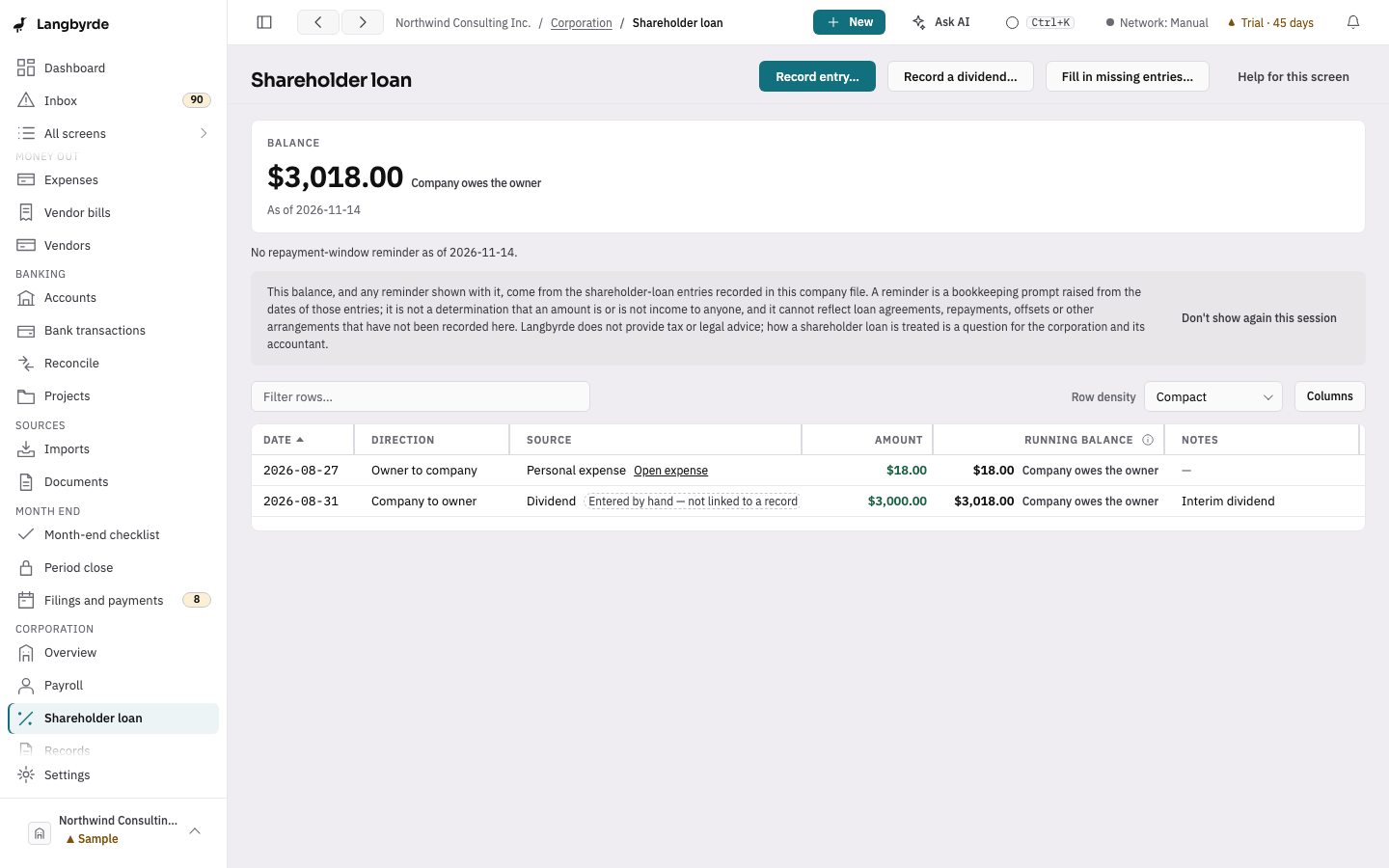
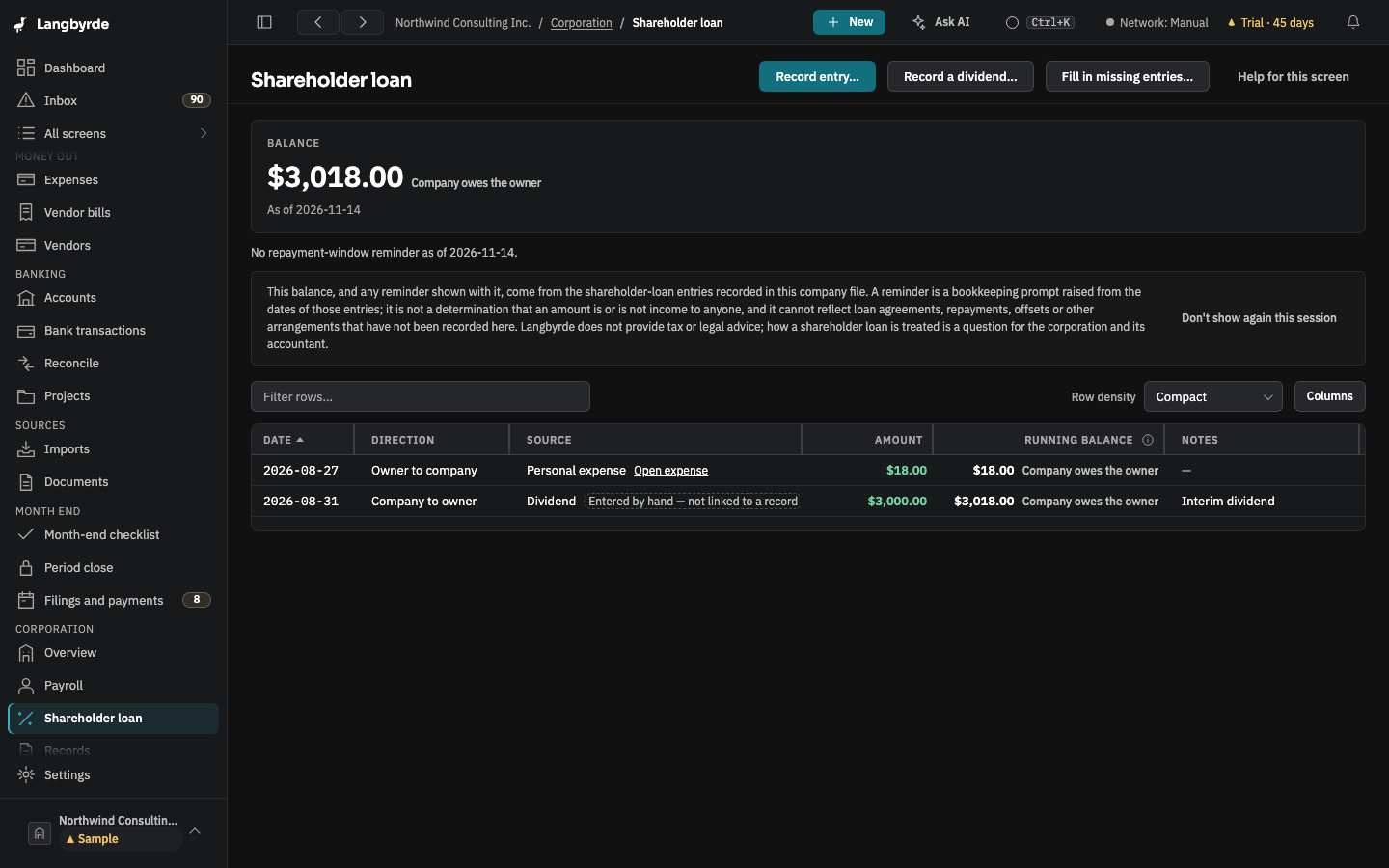
Record what moves
Open Shareholder loan in the rail, under Corporation.
- Choose Record entry…, or New in the top bar and then Shareholder loan entry.
- Choose the Direction: Owner to company or Company to owner.
- Enter the Amount, the Date and Notes that say what it was for, and choose Record entry.
An expense you paid out of your own pocket can also be settled through the shareholder loan. A dividend is recorded with Record a dividend…. See Shareholder loan.
Fill in what is missing
Expenses you paid personally before you started the register are in the books but not in the register. Fill in missing entries… finds them and adds them as entries.
Read the balance
The Balance says who owes whom, and each entry's Running balance shows the account after it. The shareholder loan continuity report in Reports shows the period's opening balance, each movement and the closing balance.
The balance and any reminder shown with it come from the entries recorded in this company file; see What the disclaimers mean.