What your accountant needs at year end
Updated
At year end your accountant prepares the corporation's return from your records. This guide lists the records Langbyrde keeps for that, where each one is in the app, and how to hand them over in one folder. It is about keeping records, not about tax: what is filed, and how, stays between you and your accountant.
The records, and where they are
- Bank and card statements, imported and matched line by line: Importing a statement and Reconciling.
- Expenses with their receipts: the Expenses register, and the receipt files in your Company Folder; see Keeping receipts for business expenses.
- Invoices you issued and the payments on them: Invoices.
- The tax on sales you collected and paid: Records for input tax credits.
- Money between you and the company: Shareholder loan account records.
- Payroll, filings and payments: Payroll and Filings and payments.
- Decisions written down: Memos, and the minute book in Records.
Before you hand them over
- Open Month-end checklist in the rail, under Month end, and deal with each line that says Needs attention: lines with no match, expenses without a receipt, records without an exchange rate, drafts, and statements not signed off.
- Sign off each account's statements; see From a bank statement to a signed-off month.
- Close the fiscal year in Period close, so the figures you send stay as they were when you closed; see Closing a period.
Hand them over in one folder
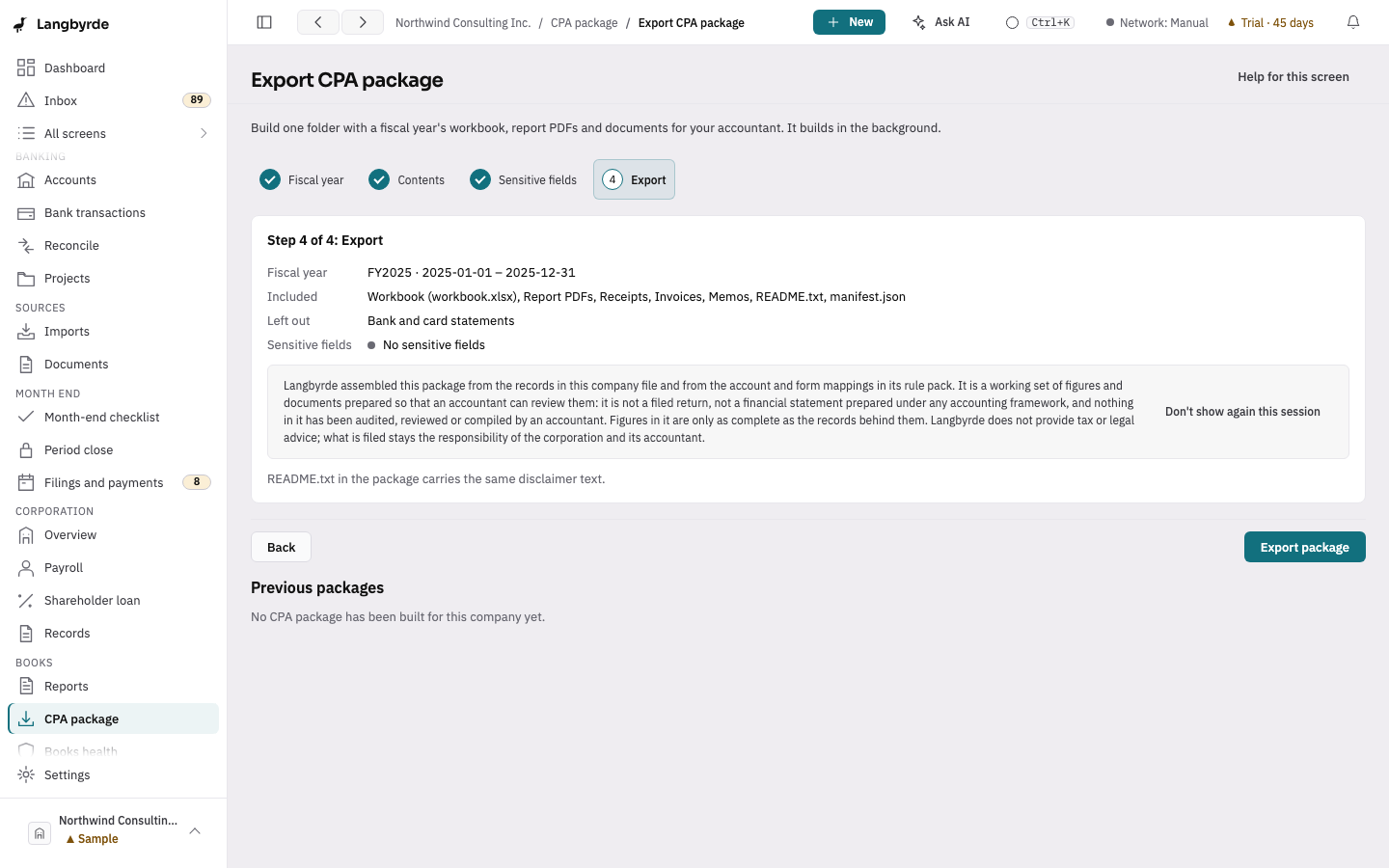
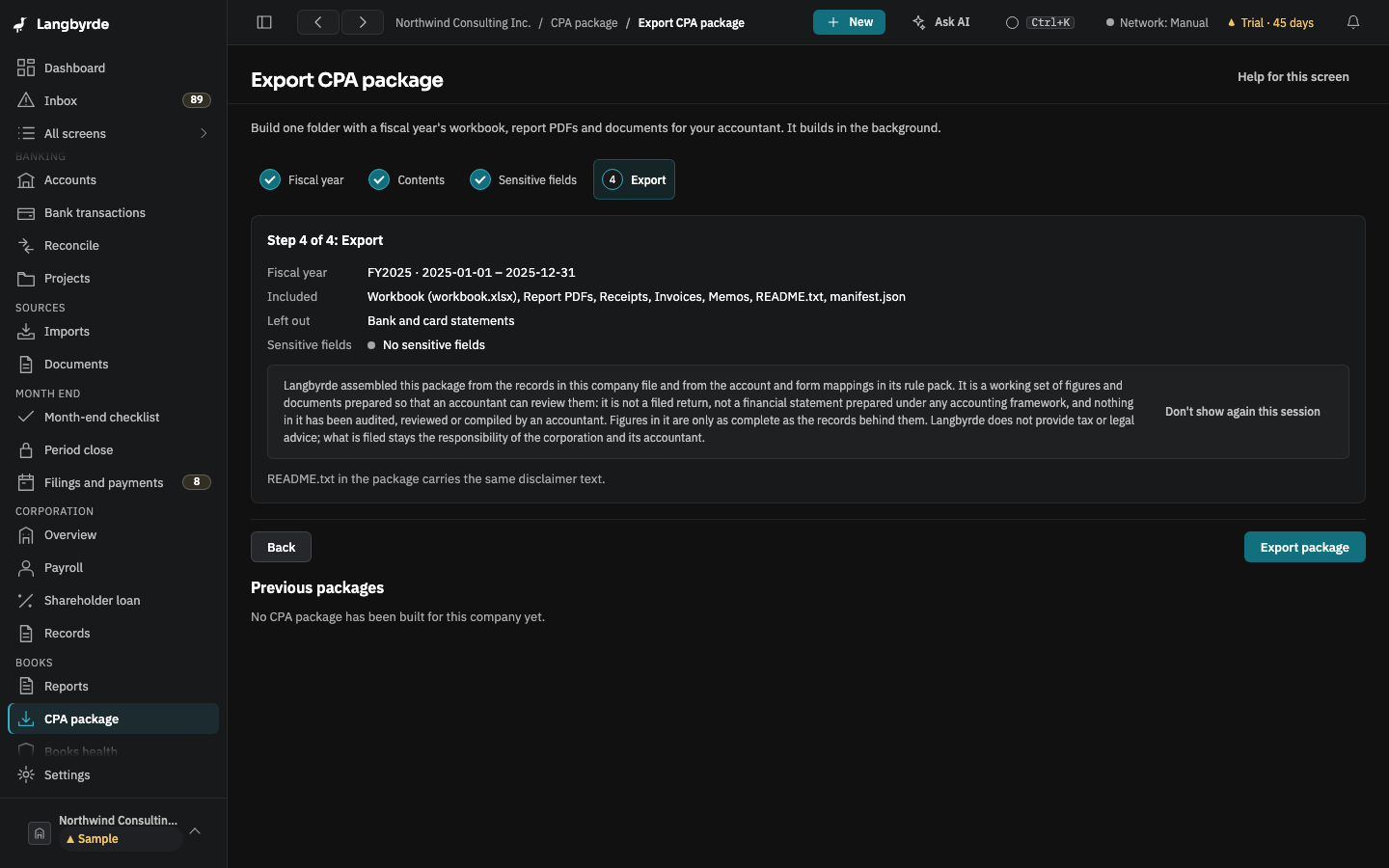
Open CPA package in the rail, under Books, check the fiscal year and choose Export with these defaults, then Export package. The package is a folder of plain files: a workbook, the report PDFs, the receipts you attached, invoices, memos and a README. Sensitive fields are left out unless you include them. See Exporting a CPA package and Preparing the package for your accountant.
The package's figures are worked out from your records; see What the disclaimers mean.