Backups
A snapshot is a full copy of one company's books at a moment in time. Snapshots are kept in the Company Folder, in its _langbyrde/snapshots folder, so they travel with the rest of the company's files. See Backups and restore for taking, verifying and restoring one, and for rolling back after an update.
Open Backups
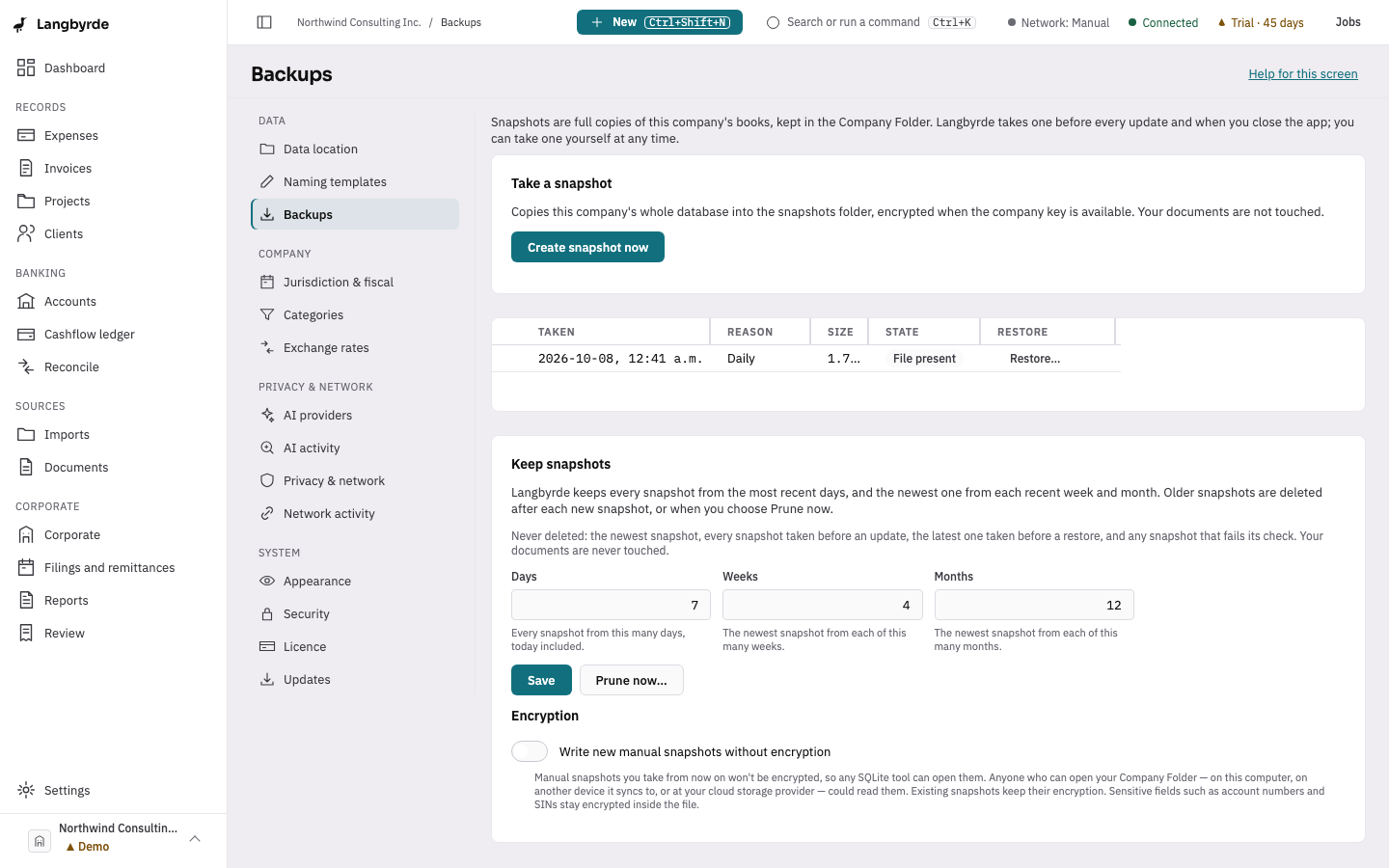
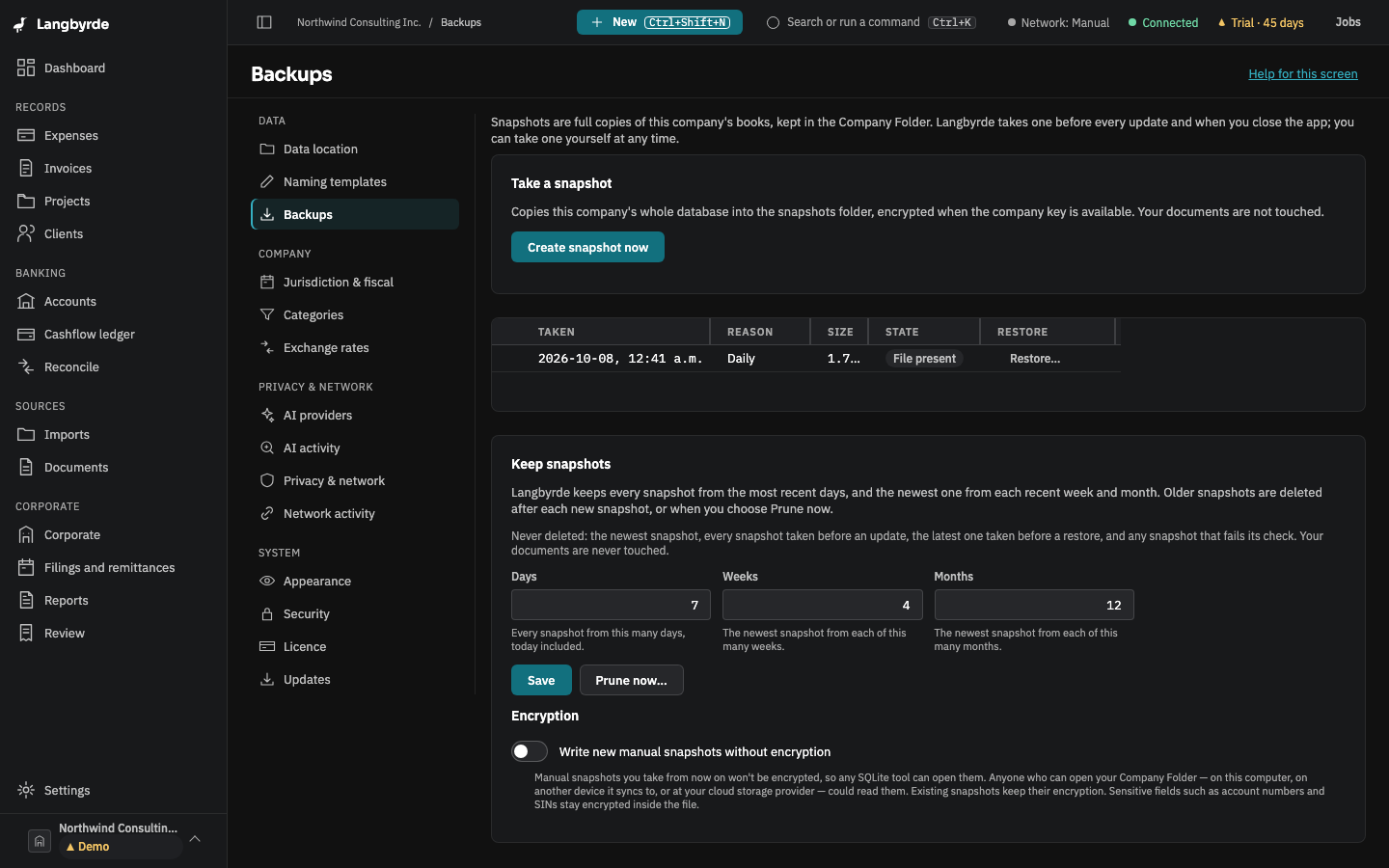
With a company open, choose Settings at the bottom of the rail, then Backups under Data. Or press Ctrl+K (⌘K on a Mac) and choose Backups. The table lists this company's snapshots, newest first, with when each was taken, why, its size, its state and a Restore column.
What else is on the page
- Create snapshot now takes a snapshot at once.
- Keep snapshots sets how many daily, weekly and monthly snapshots are kept; Prune now… applies it straight away. Every Before an update snapshot is always kept.
- Write new manual snapshots without encryption makes the snapshots you take yourself readable without the company's keys. Leave it off unless you need a plain copy.
Taking a snapshot, verifying it and restoring from it all work in read-only mode too.