Naming templates
Every file the app moves into your document folder is named from a template, one per document kind: corporate document, invoice PDF, memo, receipt and statement.
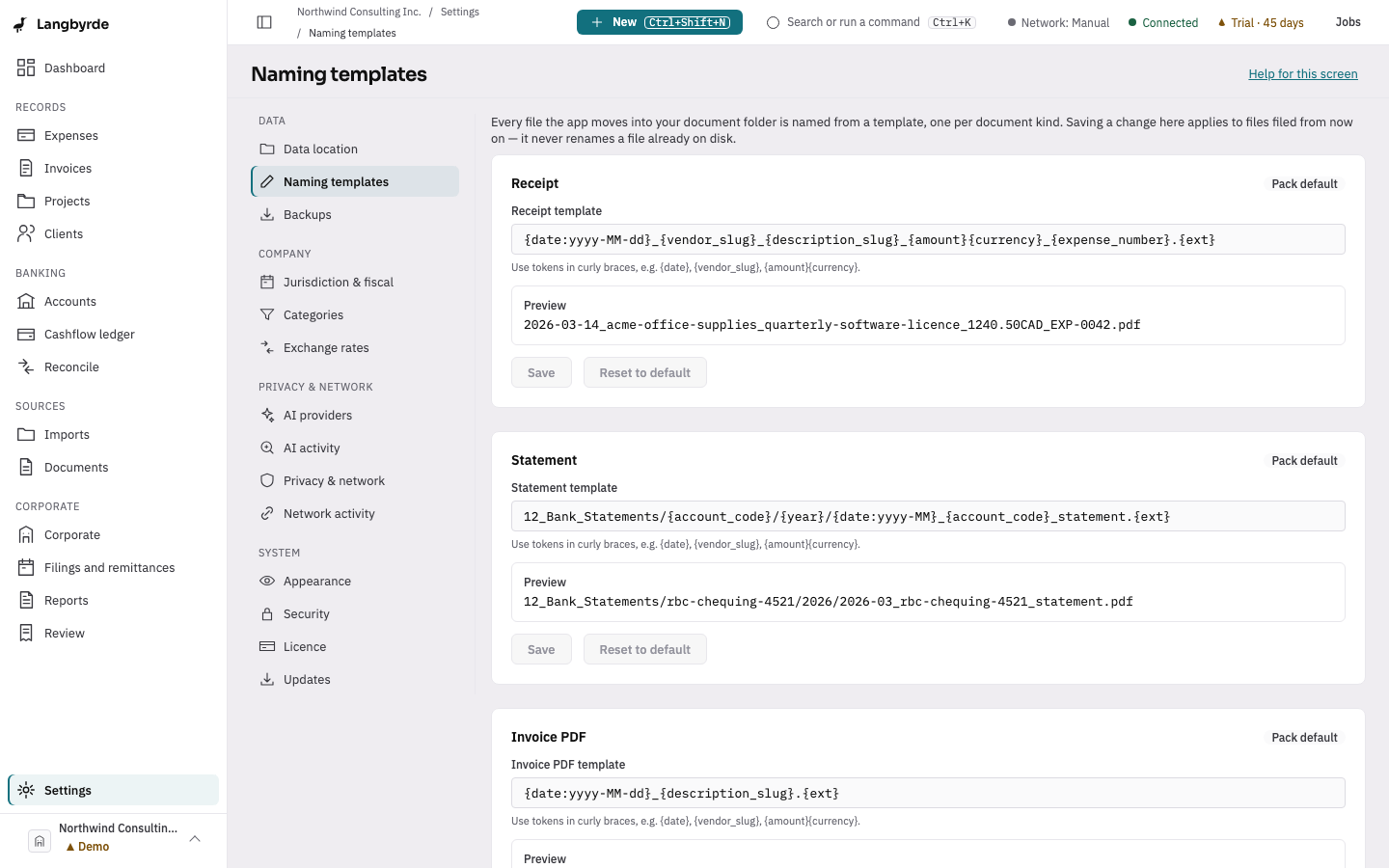
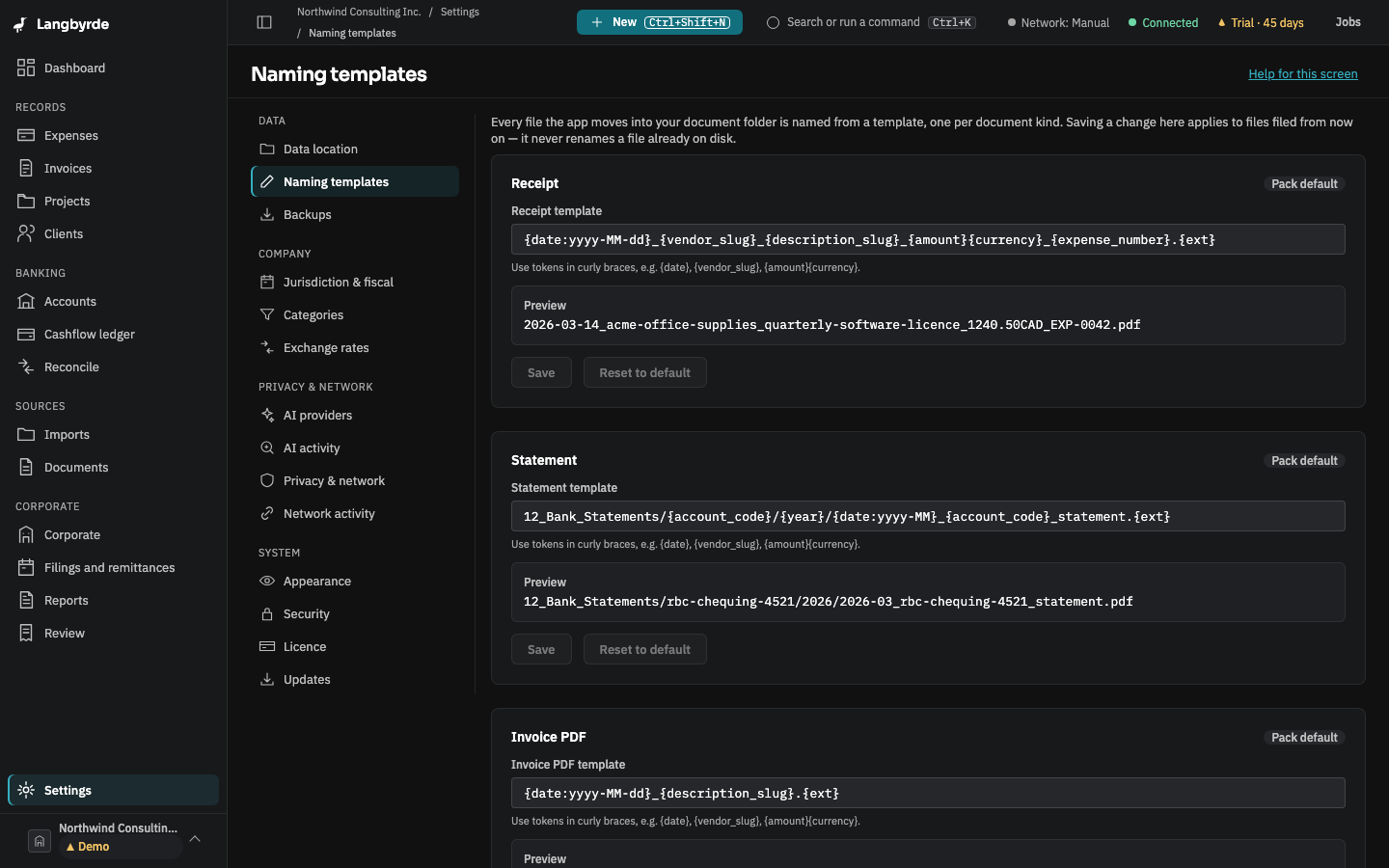
Open Naming templates
Open Settings, then choose Naming templates. Each row is editable, with token hints (such as {date} or {vendor_slug}) and a live preview. Reset to default brings a template back to the jurisdiction pack's own naming.
Saving a change here applies to files filed from now on — it never renames a file already on disk. See Documents for how a filed document is organised and how a rename proposal is approved.