Corporate records
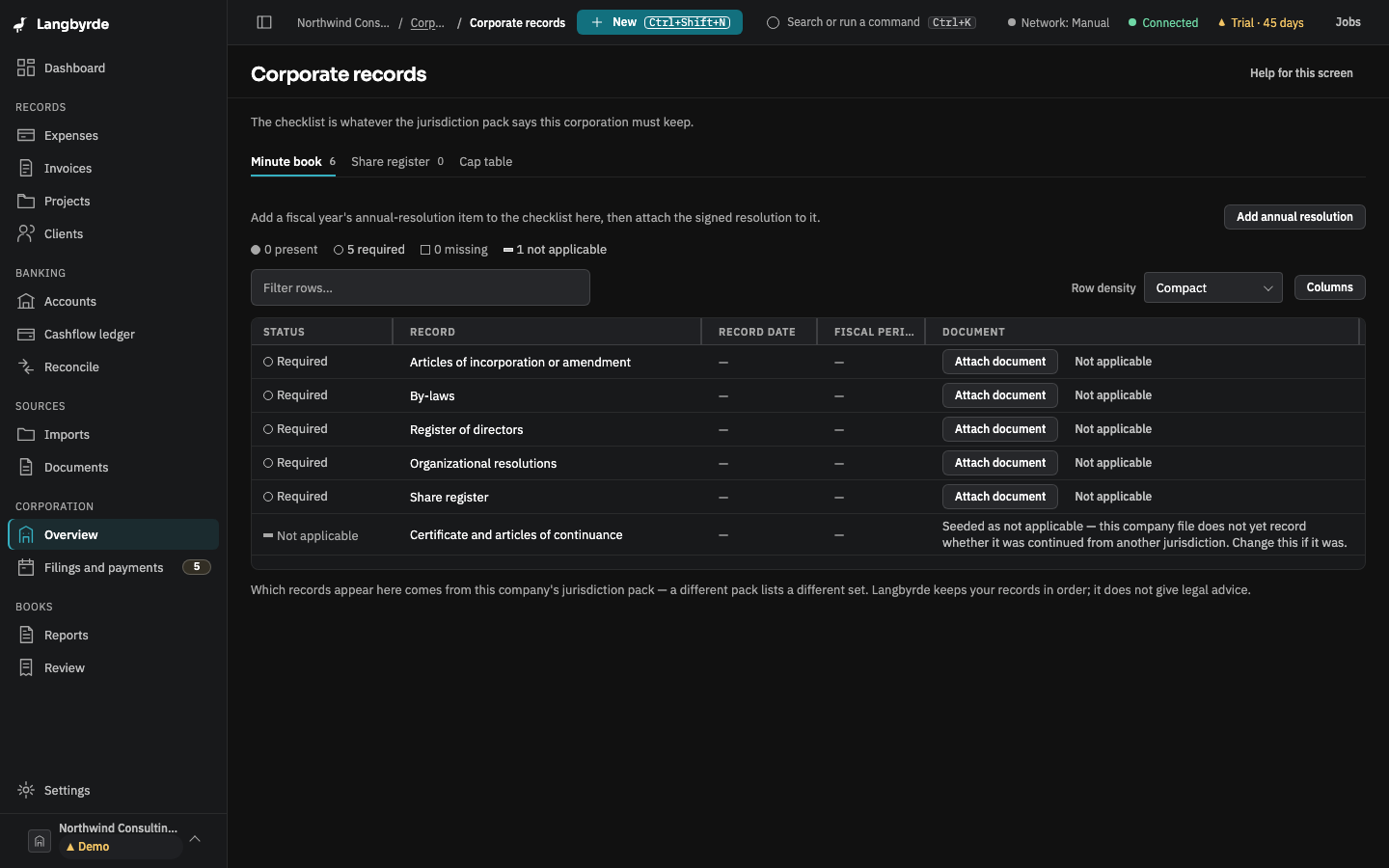
Open Overview under Corporation in the rail, then Corporate records. It has three tabs: Minute book, a checklist of the records your jurisdiction pack asks for; Share register, every issue, transfer and redemption of shares; and Cap table, who holds what.
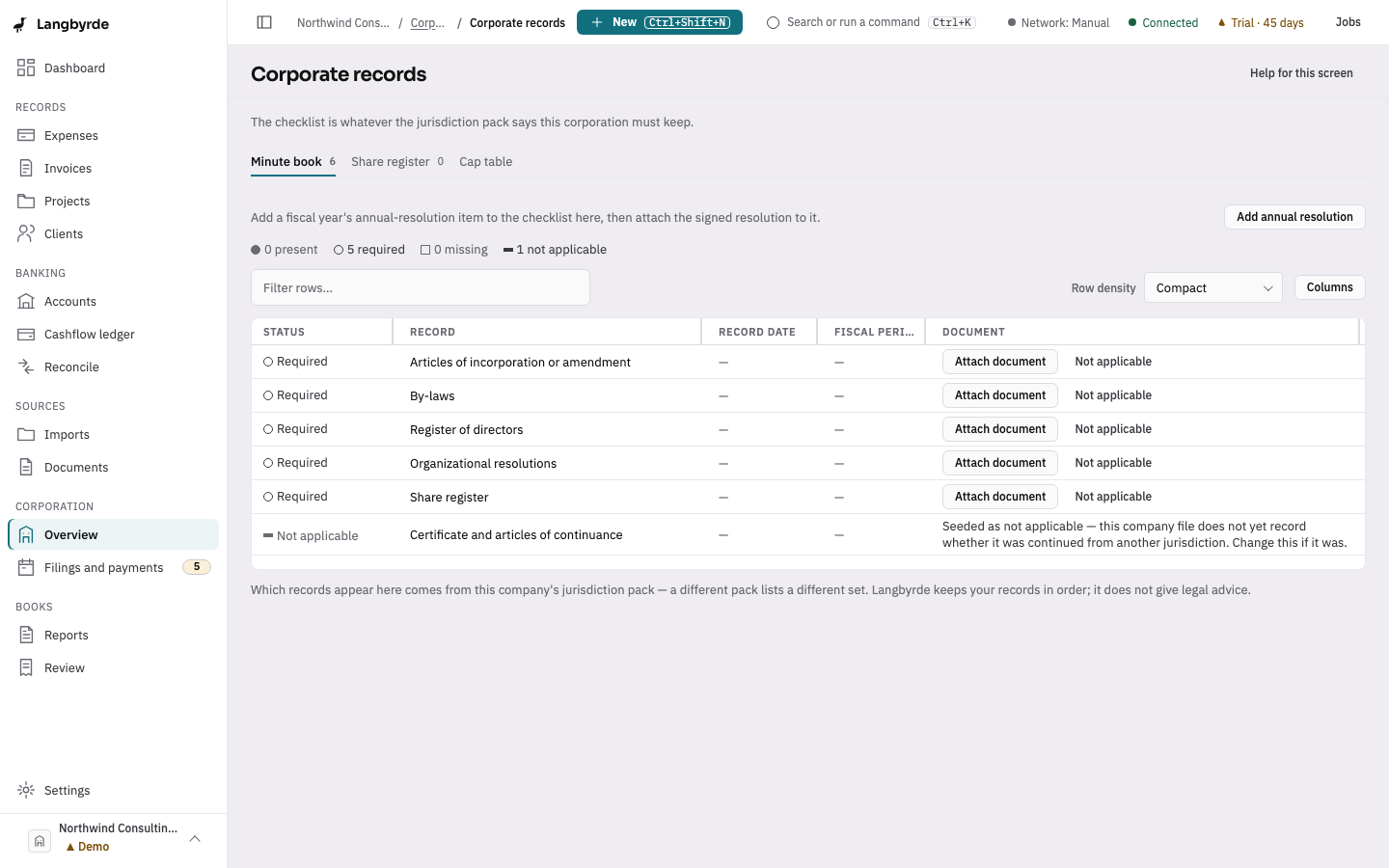
On this screen
- On Minute book, find an item marked as required.
- Choose Attach document and pick the signed record.
- On Share register, choose Record an entry for a new share movement.
The minute book
A new company starts with no checklist. Choose Set up the checklist and Langbyrde builds it from the jurisdiction pack. Every item starts as required until a document is attached.
- Attach document links a document from the company folder and marks the item present.
- Not applicable marks an item that does not apply to this company; you give a reason.
- Add annual resolution adds a fiscal year's annual-resolution item to the checklist, then you attach the signed resolution to it.
The share register
Choose Record an entry to add one movement at a time. A transfer between two holders is two entries, a transfer out and a transfer in, sharing one certificate number. A recorded entry is never edited; a mistake is corrected with a cancellation or an offsetting entry. The Cap table is worked out from the register.