The reconcile workspace
Reconciling pairs each imported statement line with the record it belongs to: an expense, an invoice payment, a payroll run or a transfer between your own accounts. See Reconciling for the full walkthrough.
Open the reconcile workspace
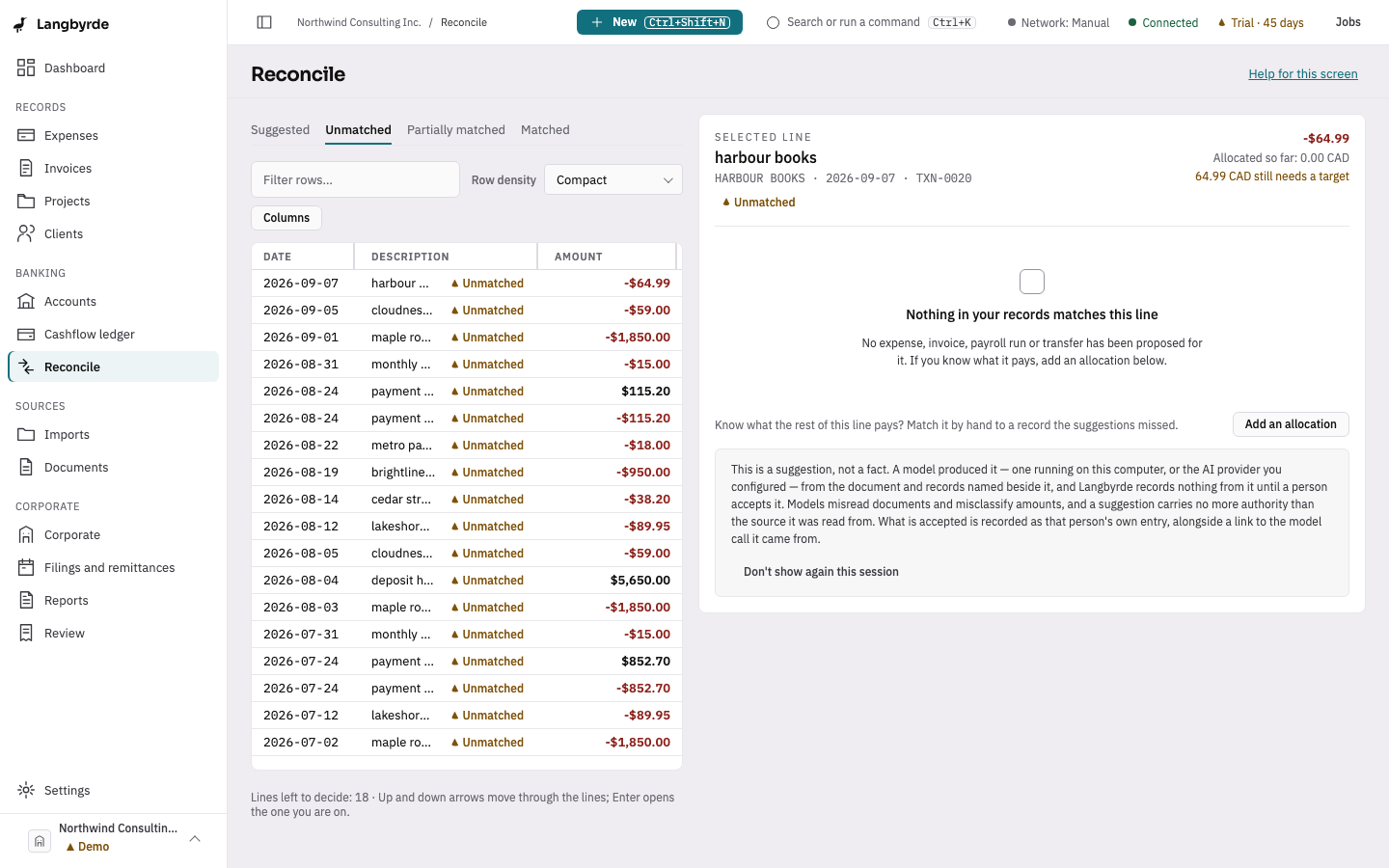
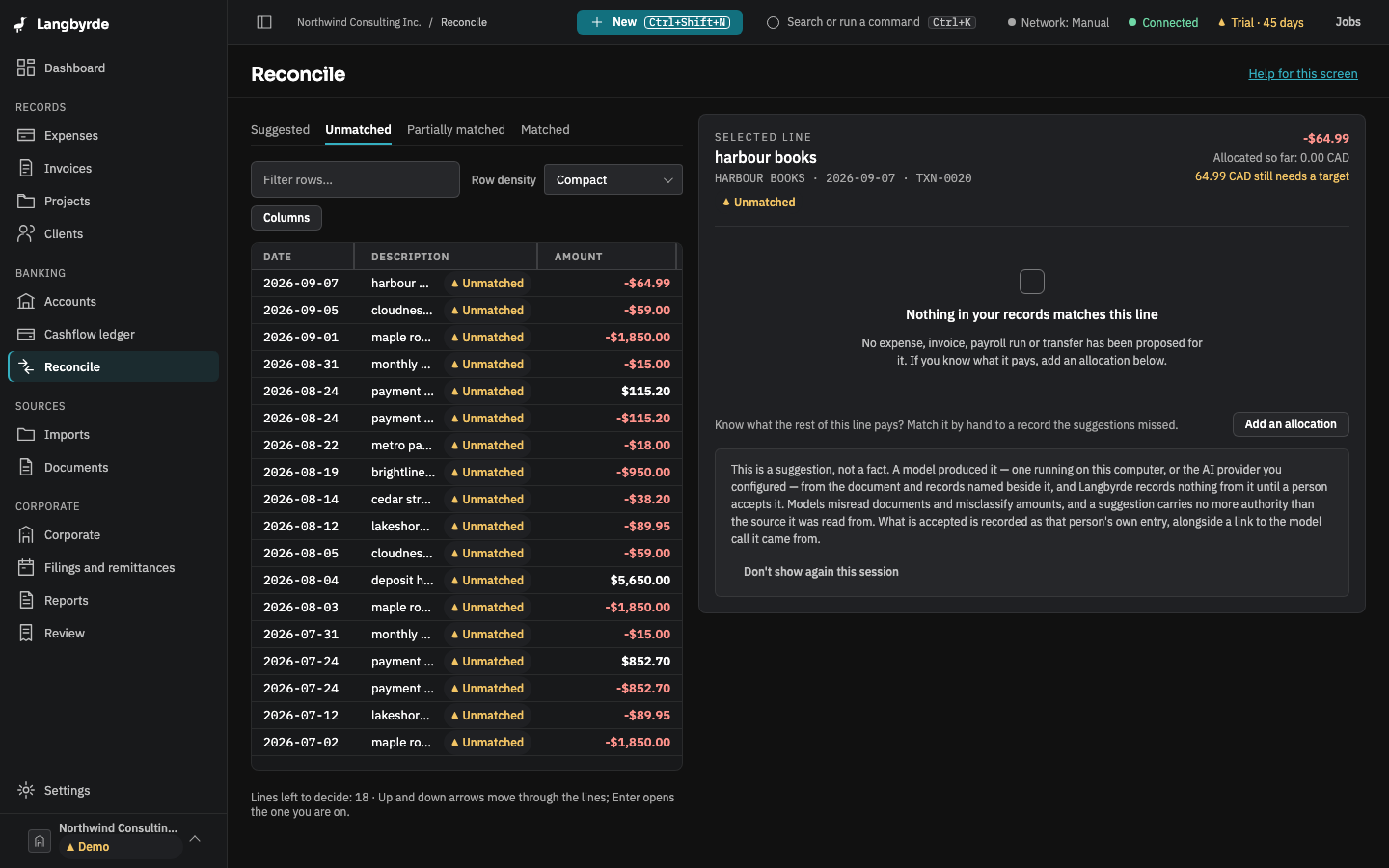
Open Reconcile from the rail, under Banking, or choose Unmatched bank lines in the dashboard's Needs your attention panel. The workspace opens on the first of its tabs (Suggested, Unmatched, Partially matched, Matched) that has lines in it. The left side lists the statement lines; the right side shows the candidates for the line you selected.
The buttons show their keyboard shortcuts: Approve match (Ctrl+Enter), Reject (Alt+R), Why this match? (Alt+E) and Unmatch… (Alt+U). On a Mac, use ⌘ for Ctrl and ⌥ for Alt. See Keyboard shortcuts.
The reconciliation difference
Statement sign-off, in the command palette, compares the statement's closing balance with the books' own balance for the same account and period; see What the disclaimers mean. A difference that is not zero means something is still unmatched or unrecorded.