Payroll
Open Overview under Corporation in the rail, then Payroll, or choose New in the top bar and then Payroll run, which opens the form straight away. The screen lists every payroll run by pay date. Choose a run to see each employee's gross pay, deductions and net pay.
On this screen
- Choose Record a run.
- Enter the pay date and, for each employee, the gross pay, net pay and deductions.
- Choose Save as draft, then check the run in its panel.
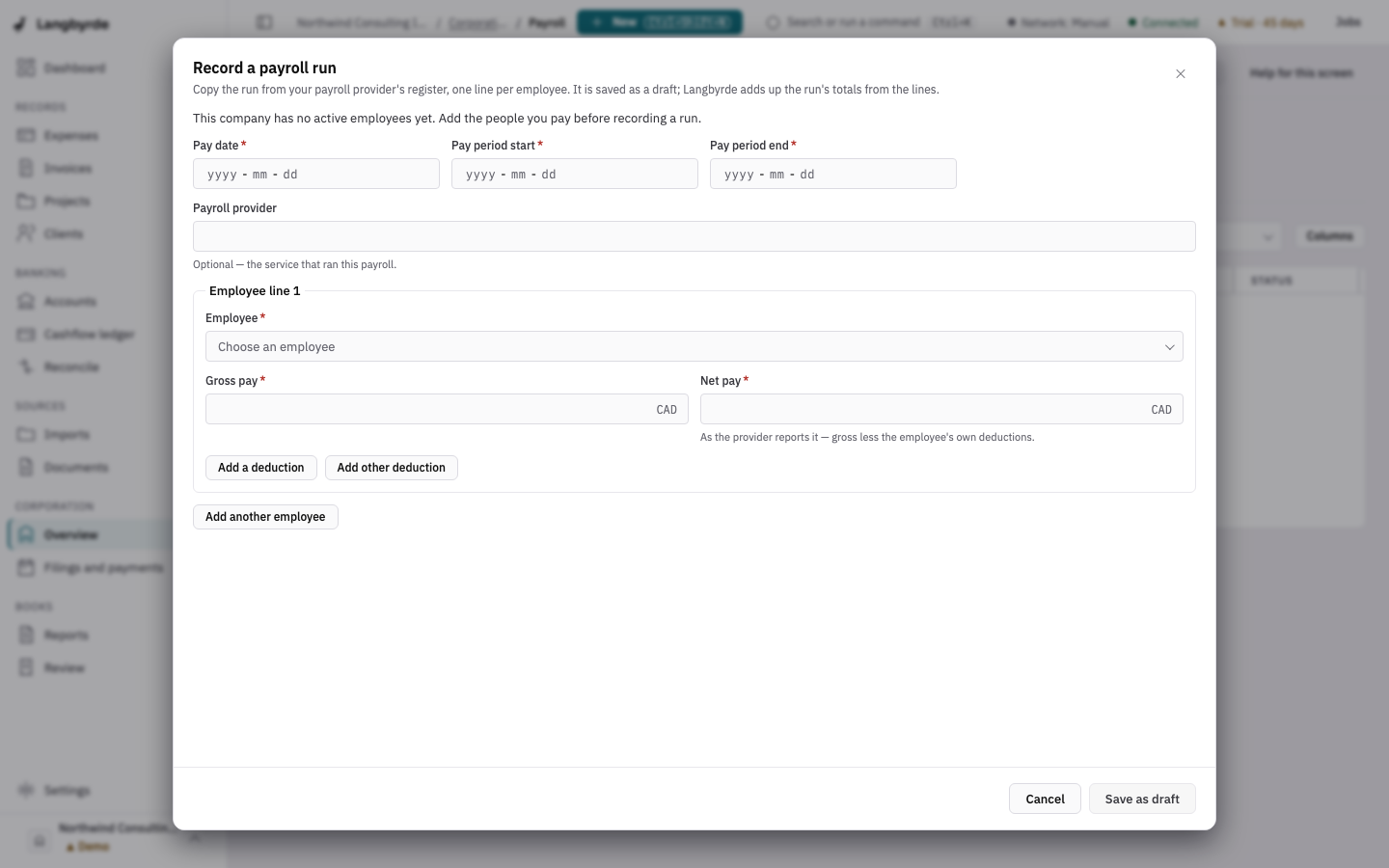
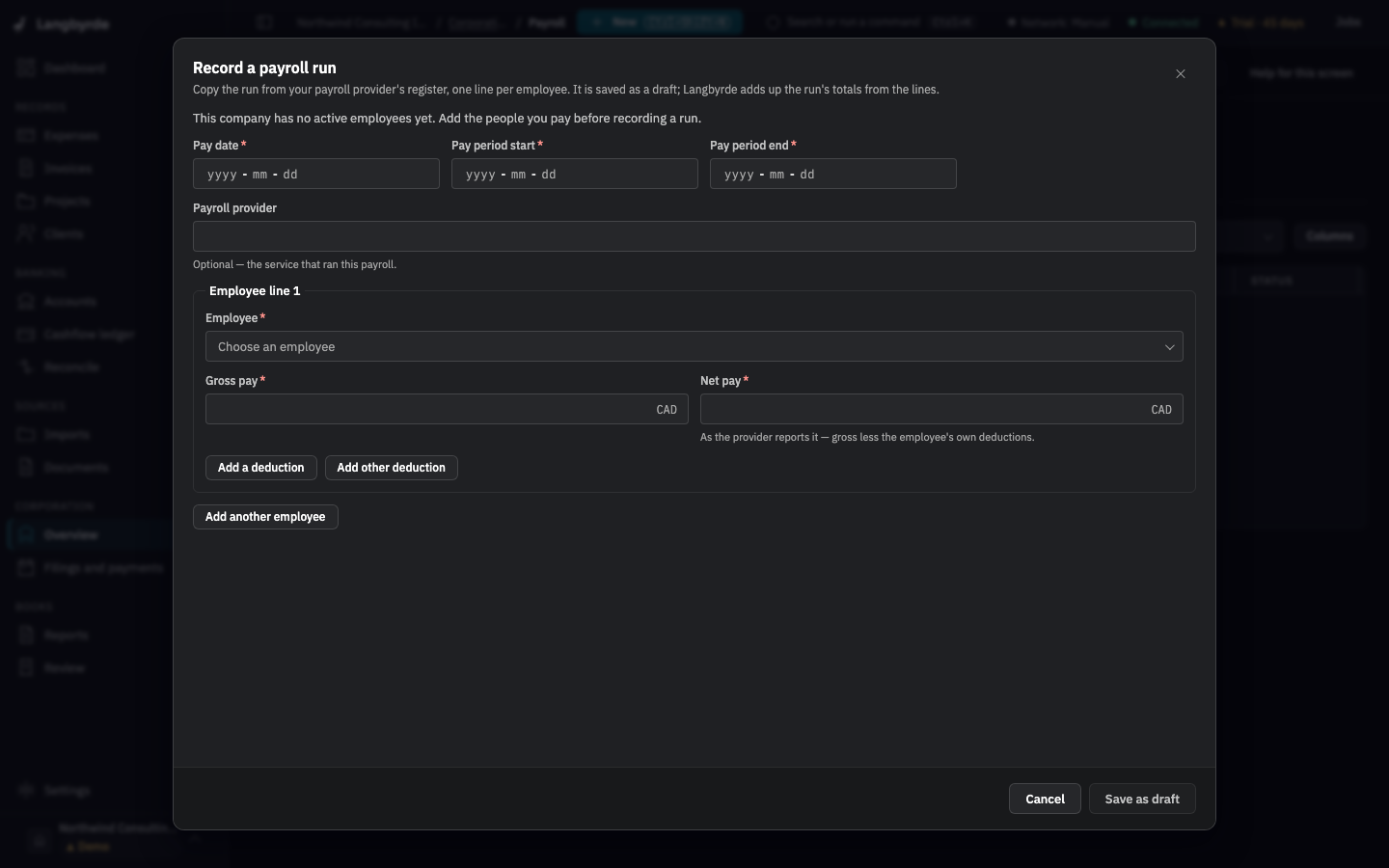
Record a payroll run
- Choose Record a run.
- Enter the Pay date, the pay period and the Payroll provider.
- For each employee, choose the Employee and enter the Gross pay, Net pay and each deduction. Add a deduction and Add another employee add rows.
- Choose Save as draft.
Payroll runs are recorded from your payroll provider's register; Langbyrde does not run payroll. The tabs All, Needs alignment, Draft and Void narrow the list. Needs alignment shows runs that are not yet tied to the bank payment of the net pay, or to the remittance of the source deductions, or whose linked bank line does not match.
The figures carry the payroll disclaimer; see What the disclaimers mean. Paying the source deductions is a remittance, on Filings and payments.