Company profile
Updated
The company's own name, address, contact details and tax numbers, as its invoices show them.
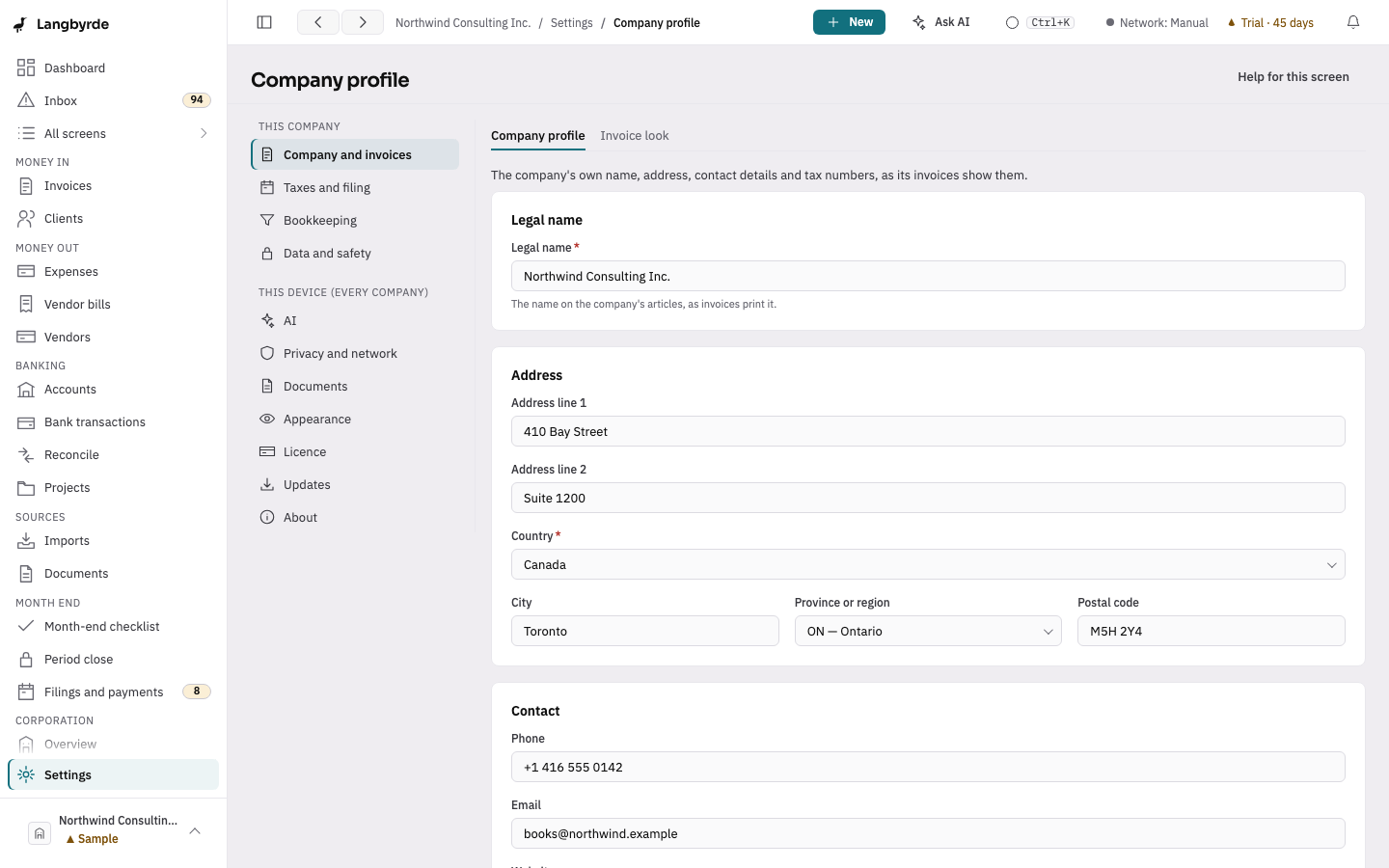
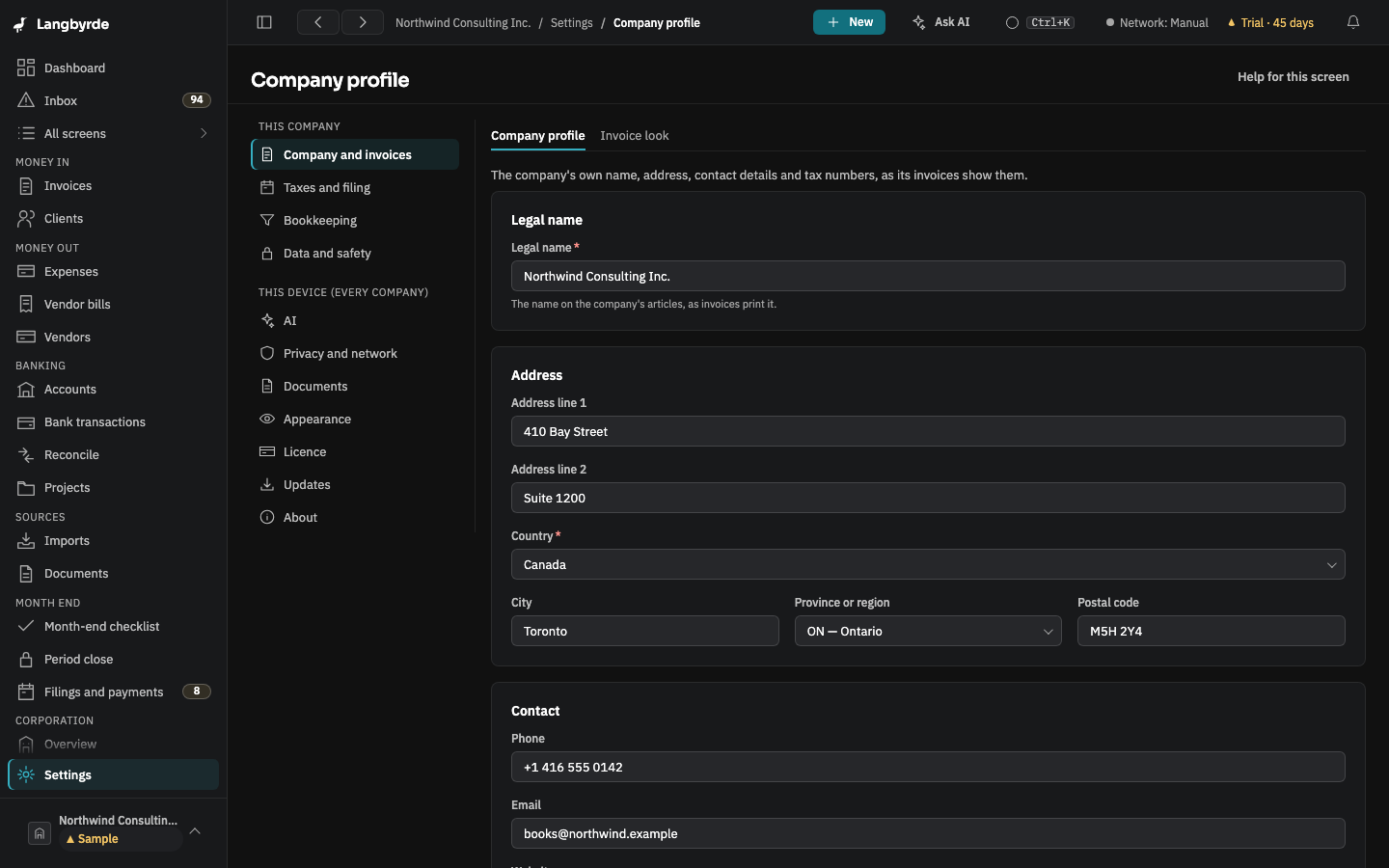
Open Company profile
Open Settings: it opens on Company profile, the first tab of Company and invoices under This company. Change any field, then choose Save profile. The next invoice you preview or issue prints the new details in its letterhead; invoices already issued keep what they printed.
- Legal name — the name on the company's articles.
- Address and Contact — printed under the name on every invoice. Leave a field empty to leave it off.
- The registration number for the tax on sales, its field named after your jurisdiction's tax — printed on invoices under the company name (for a Canadian company, such as 123456789 RT 0001). Langbyrde checks the number's format against the company's jurisdiction when you save; a number in the wrong format is not saved, and the message under the field shows the format expected.
- Business number — kept encrypted and shown as dots. Show business number displays it until you choose Hide, and each time is recorded in the reveal log on Security. To change it, choose Enter a different business number; to take it off, Remove the business number, then Save profile.
Whether the company is registered to collect the tax is set on Taxes and filing. When that setting and the registration number do not agree (a number with registration off, or registration on with no number), this page says so; it still saves.
Continued from another jurisdiction
A company incorporated in one jurisdiction and later continued (moved) into its current one, for example from the federal jurisdiction into Ontario, keeps a certificate of continuance. Record the move in Continued from another jurisdiction, below the profile form. It has its own save button.
- Tick This company was continued from another jurisdiction.
- Choose the Former jurisdiction. The list comes from the company's jurisdiction pack: the federal jurisdiction, each province and territory, and other.
- Enter the Date of continuance, the date on the certificate of continuance. It cannot be later than today.
- If you know them, enter the Original incorporation date, the day the company was first incorporated in the former jurisdiction (it has to be before the date of continuance), and the Original corporation number.
- Choose Save continuance.
Once saved, the minute book in Corporate records asks for the certificate and articles of continuance and for the certificate of incorporation from the former jurisdiction. Attach or upload each one there.
To take the mark off, untick the box and choose Remove the continuance mark. Items with no document go back to not applicable; a document already on file stays linked to its item.
This is a record only. It changes no tax, filing or fiscal-year setting, and the original incorporation date is kept apart from the date of continuance. The CPA package lists the mark with the minute book.