Categories
Every expense category, its tax treatment, the general ledger account it posts to, and its deductible and input-tax-credit shares.
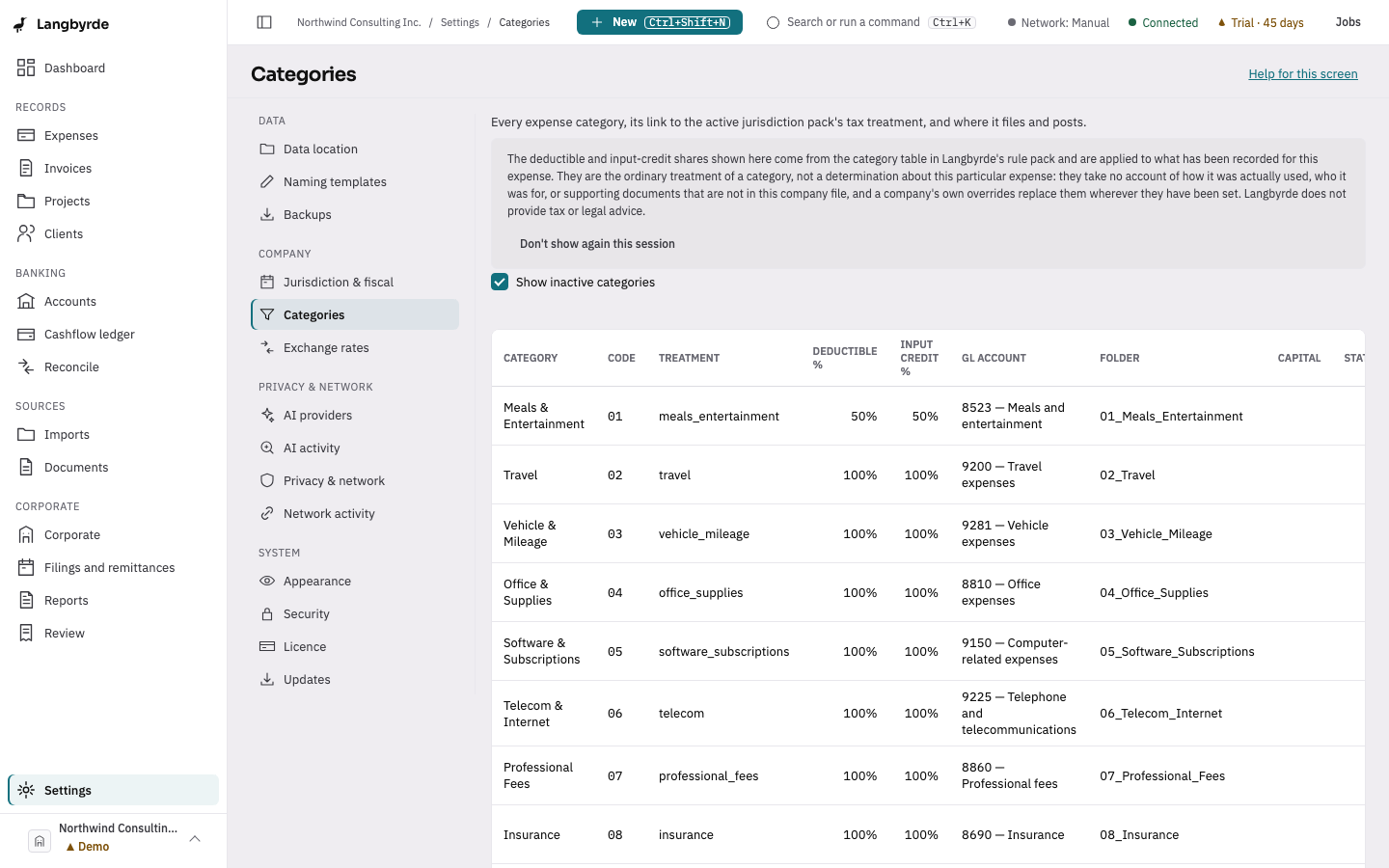
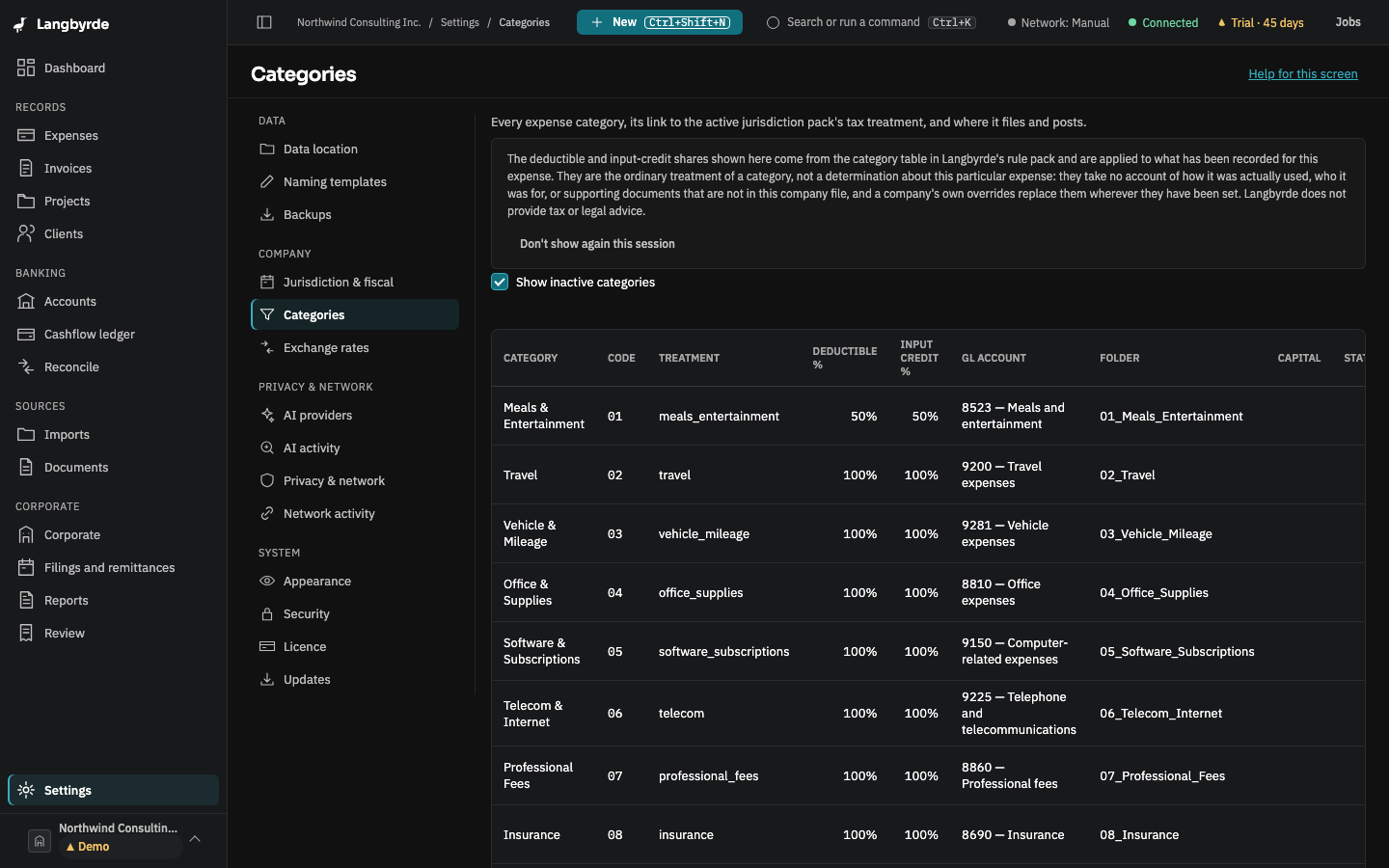
Open Categories
Open Settings, then choose Categories. The table is hierarchical: tax treatment, GL account, deductible %, input-credit %, capital/CCA class and folder name, per category. Show inactive categories brings back ones no longer in use. Select a row to edit one category.
The deductible and input-tax-credit shares shown here come from the jurisdiction pack; see What the disclaimers mean. Changing an expense's category changes which shares apply to it.