Archive
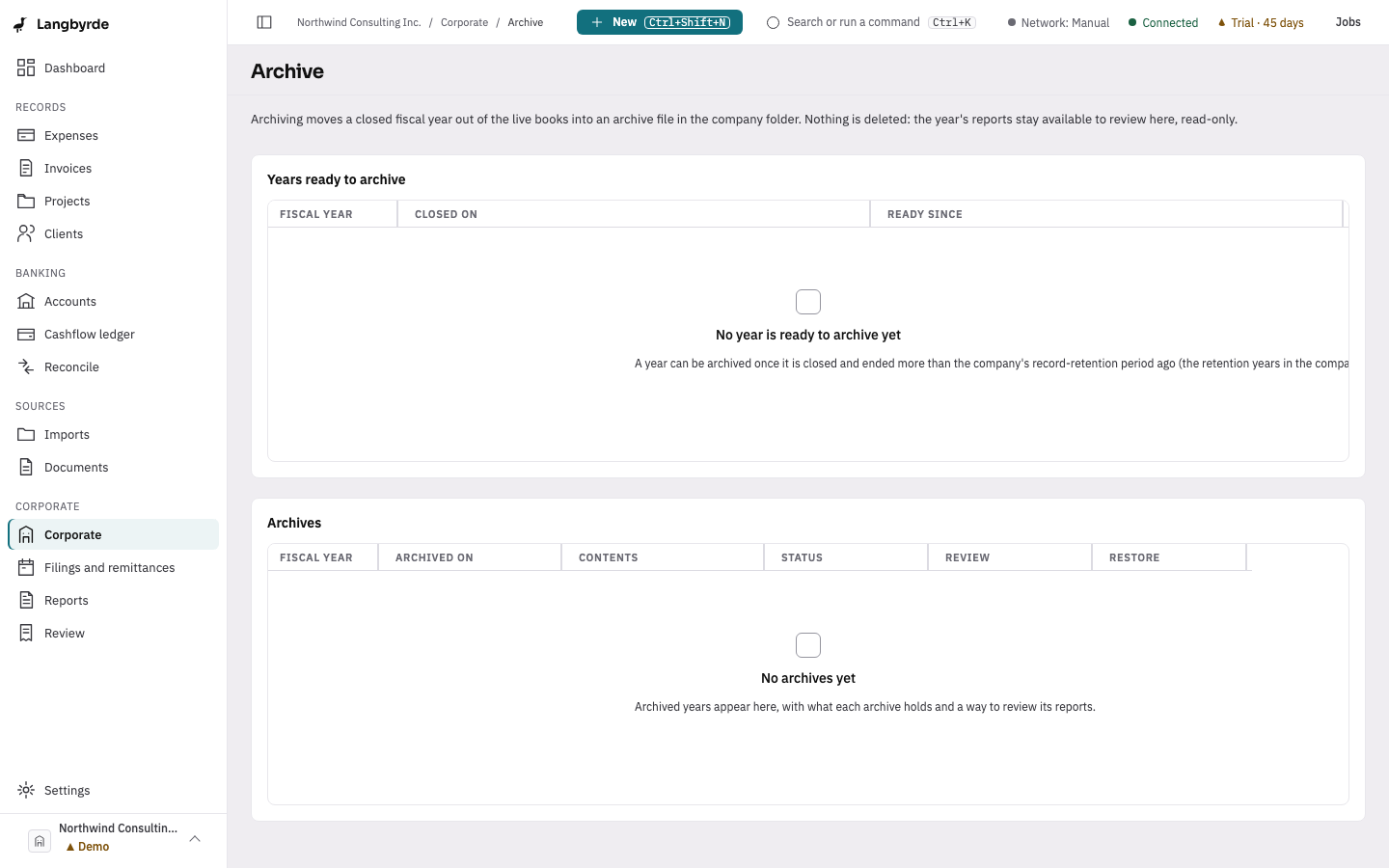
Archiving moves a closed fiscal year's records into the company's archive, out of the way of everyday screens, without deleting anything.
Archiving a year
Open Corporate, then Archive. Only a year that is fully closed can be archived. Archiving carries the year's opening balance forward and prunes the detail that is no longer needed day to day; nothing is deleted, and every read, export and print still works on an archived year.
Reviewing an archived year
An archived year's reports stay available, read-only, from its archive file. On the Archive screen, choose the year's review link, such as Review FY 2025. The same link appears straight after you archive a year.
The review opens with a banner saying which year you are reviewing. The tabs show that year's Trial balance, Income statement, Balance sheet, General ledger and HST summary. Selecting an account on the trial balance opens its general ledger.
Nothing in the review can be changed, and nothing in it links back into the live books. Where a report shows a computed figure, its disclaimer appears beside it, the same as on the live reports.
Restore in the banner restores the year (see below). End review takes you back to the Archive screen. A review that sits unused for a while ends on its own; choose Open the review again to carry on.
If the archive file cannot be opened, for example because it has been moved or has not finished syncing to this device, the review says so and nothing is opened.
Restoring a year
An archived year can be restored, newest year first, undoing exactly what the archive did: its carry-forward entry is withdrawn and its pruned detail is revived. A restored year can be archived again later.