AI providers
AI is optional and bring-your-own-key: add any number of providers, in the order they should be tried. Nothing here is required for Langbyrde to work.
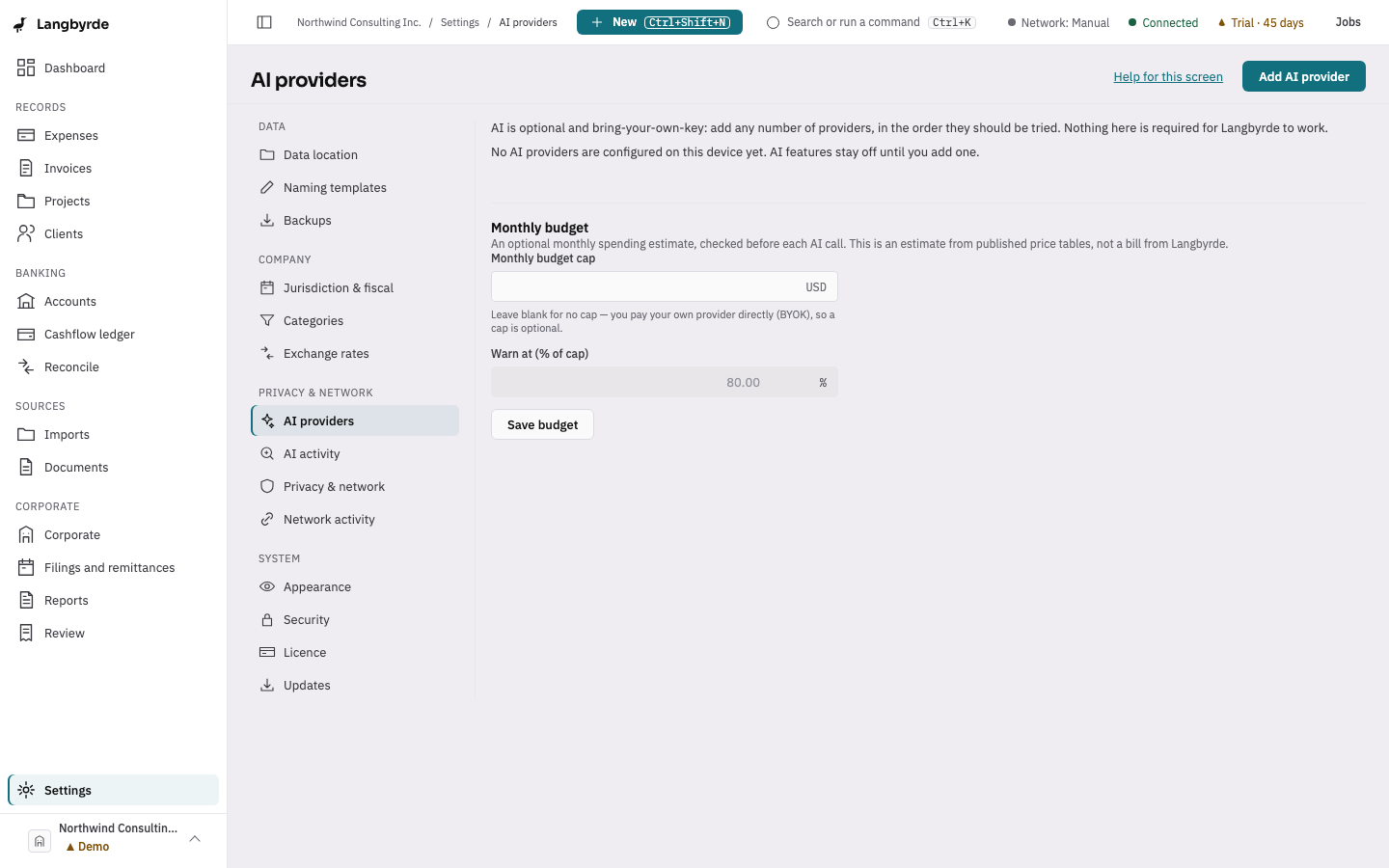
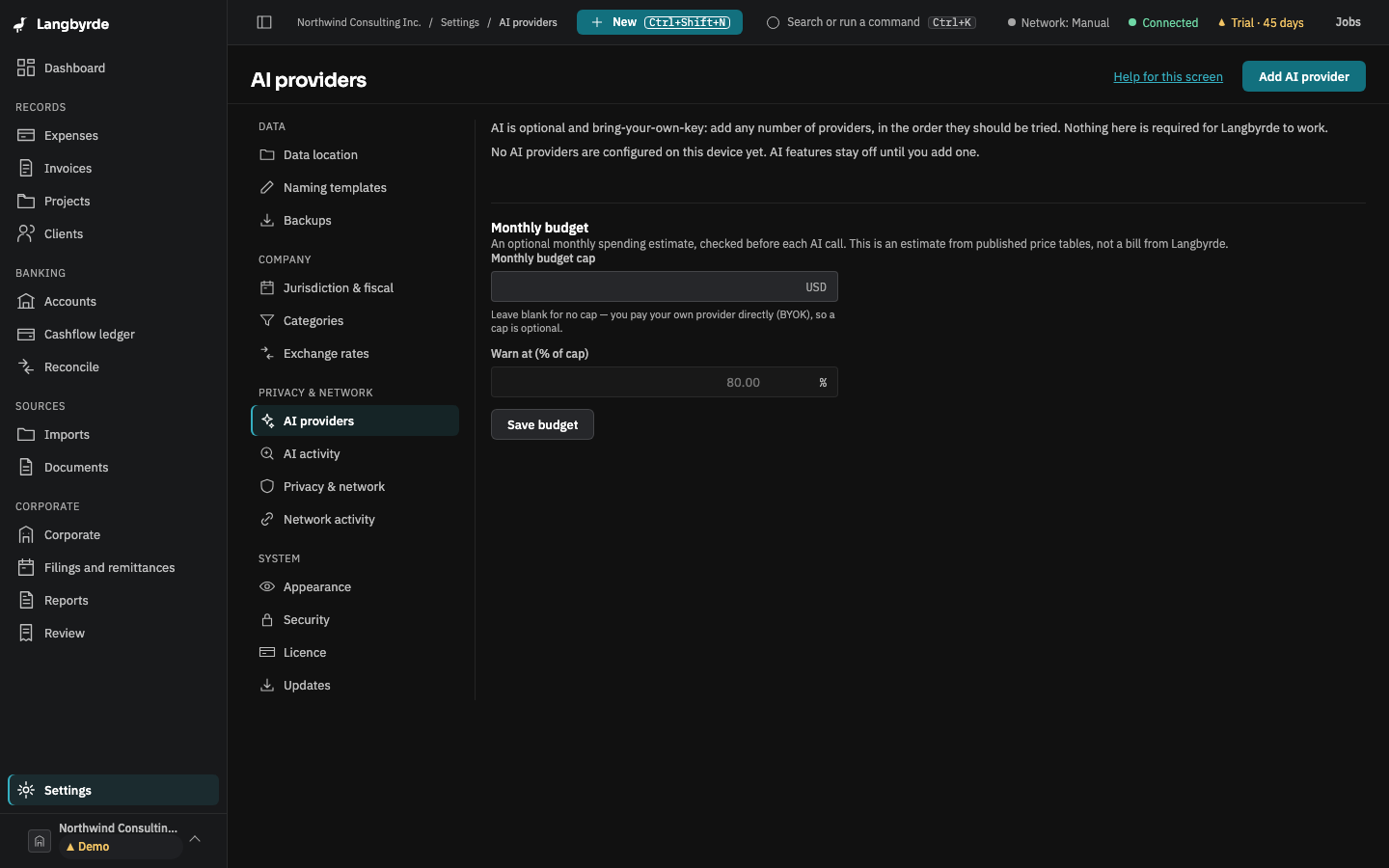
Open AI providers
Choose Settings at the bottom of the rail, then AI providers under Privacy & network, or choose Connect an AI provider (optional) on a new company's Finish setting up list. Add AI provider opens a drawer for a provider's name, kind, model, and whether it may receive images and is local. In this version AI tasks use providers of the OpenAI-compatible kind (which hosted services and local model runners offer); a provider of another kind can be saved but is not called yet. A provider can suggest reconciliation matches, explain a transaction and draft memos. Existing providers can be reordered, tested or removed. An optional monthly spending budget can be set below the provider table — an estimate from published price tables, not a bill from Langbyrde.
Every AI suggestion Langbyrde makes — a category, a match, an extracted value — is only a proposal until a person accepts it; see What the disclaimers mean.