Employees
Open Overview under Corporation in the rail, then Employees. The screen lists the people on payroll, with their province, pay frequency, hire date and status. A legal name, SIN or address is masked until you reveal it.
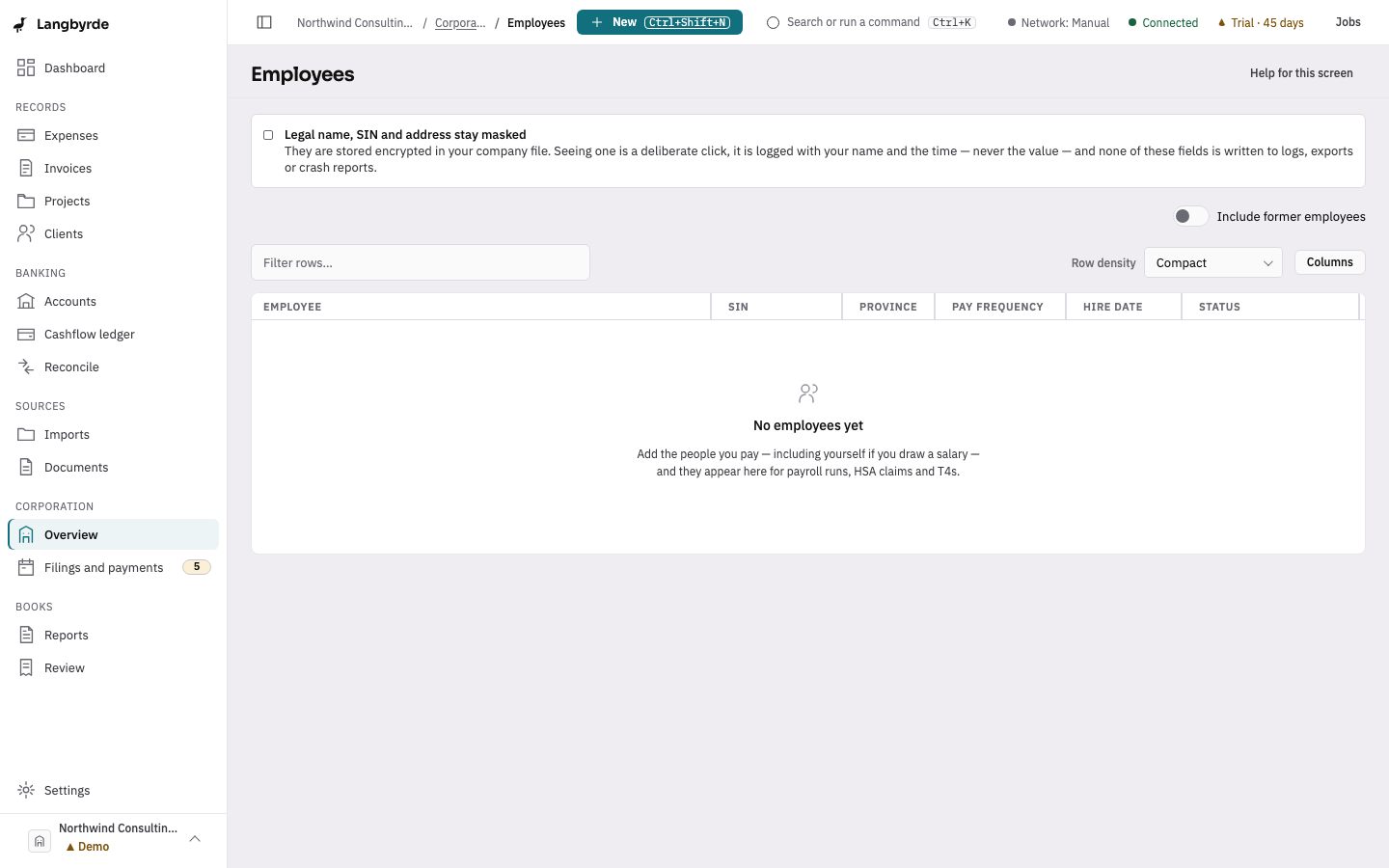
On this screen
- Find the person in the list, or tick Include former employees.
- Choose their row to open the details.
- Choose Reveal only when you need to see a SIN, name or address.
Look at one employee
Choose a row to open Details. It shows the Employment facts (province, pay frequency, hire date and, for a former employee, the termination date) and whether the person is the Owner (shareholder-employee), whose shareholder-loan and dividend entries are matched to them.
Reveal a protected field
Legal name, SIN and Address are stored encrypted. Choose Reveal beside a field to see it. It hides itself again after 60 seconds, or choose Hide. Each reveal is logged with your name and the time, never the value. If a reveal is refused, your role may not allow seeing sensitive fields.
A former employee stays on the list when Include former employees is ticked: the record is kept for payroll history, T4 amendments and health-spending-account claims.