Shareholder loan
Open Overview under Corporation in the rail, then Shareholder loan, or choose Open shareholder loan on the dashboard. The screen shows the balance, any repayment-window reminder and every entry with a running balance.
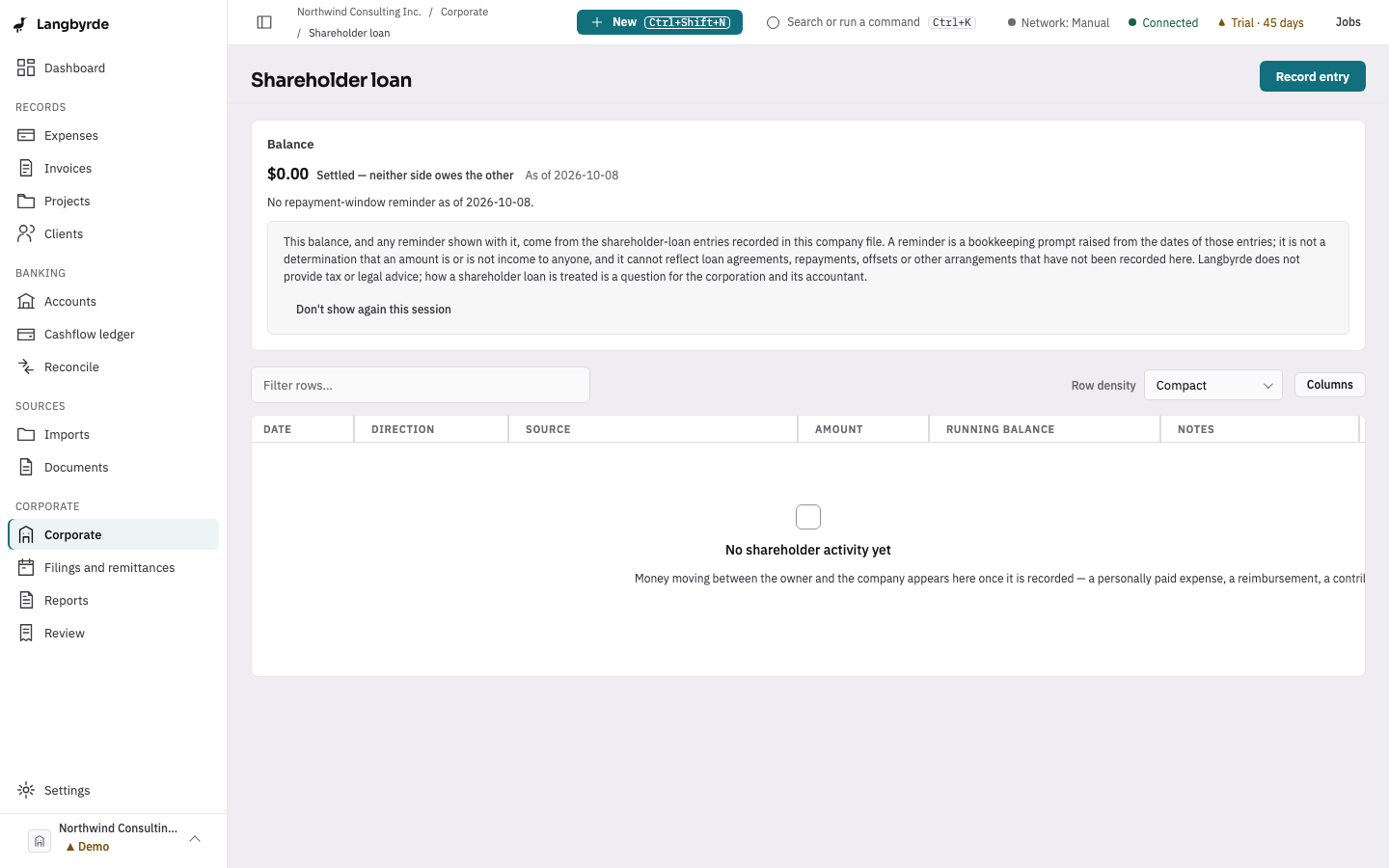
On this screen
- Read the Balance and who owes whom.
- Choose Record entry for money that moved between you and the company.
- Choose Record a dividend to pay one; it goes on the filings calendar.
Record an entry
- Choose Record entry, or choose New in the top bar and then Shareholder loan entry.
- Choose the Direction: Owner to company or Company to owner.
- Enter the Amount, the Date and any Notes.
- Choose Record entry.
An expense paid out of your own pocket can also be settled through the shareholder loan.
Record a dividend
- Choose Record a dividend, or choose New in the top bar and then Dividend.
- Enter the Dividend amount in the company's reporting currency and the Dividend date.
- Choose Record dividend.
Langbyrde records it on the shareholder-loan account. The window then lists the information return your jurisdiction pack asks for because of it, with the due date the pack computed, and puts that return on Filings and payments. Two dividends in the same reporting period share one return. If the pack asks for none, or the period is already closed, the window says so.
The balance, the reminders and the dividend dates are bookkeeping figures, not advice; see What the disclaimers mean.