Mileage log
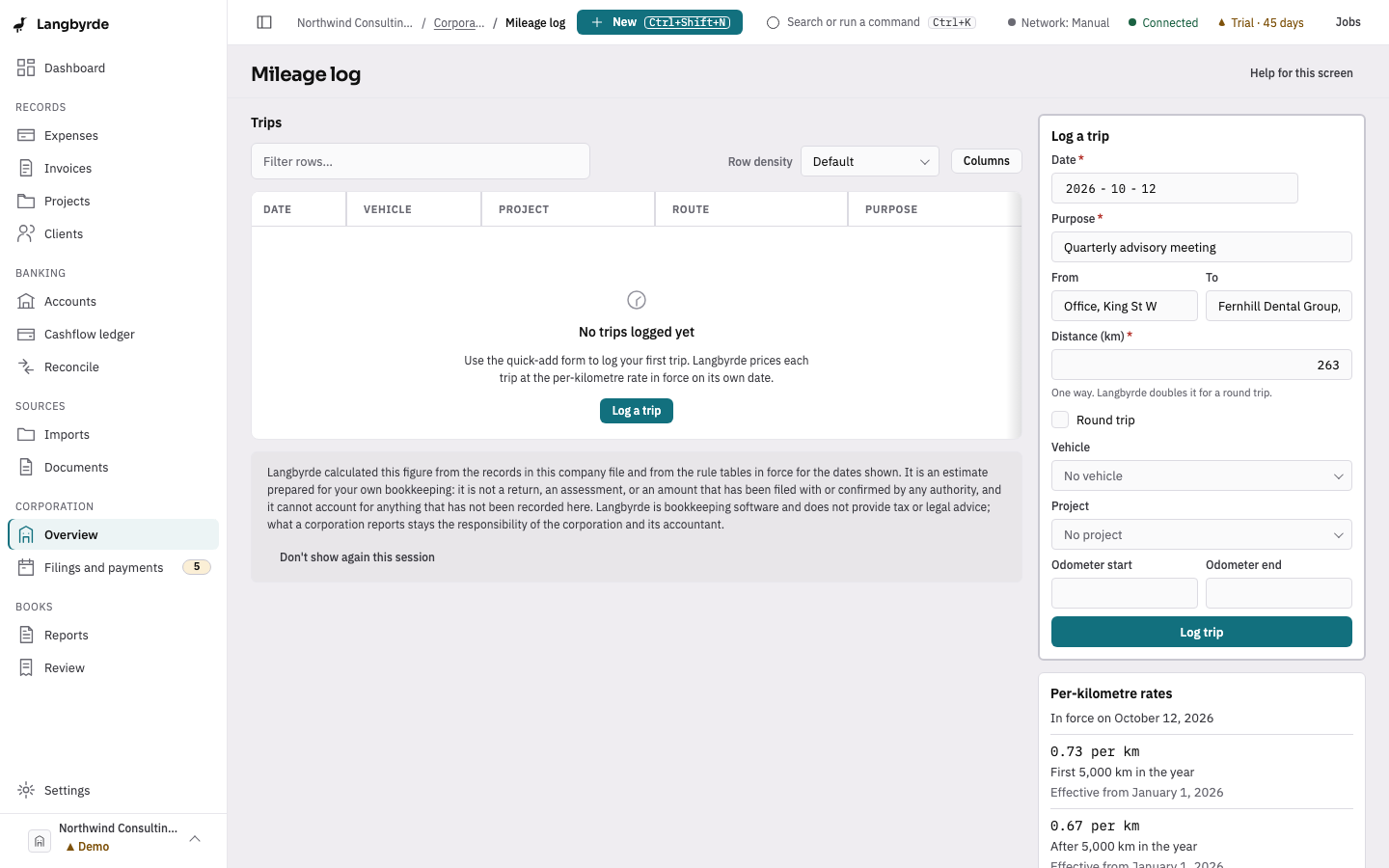
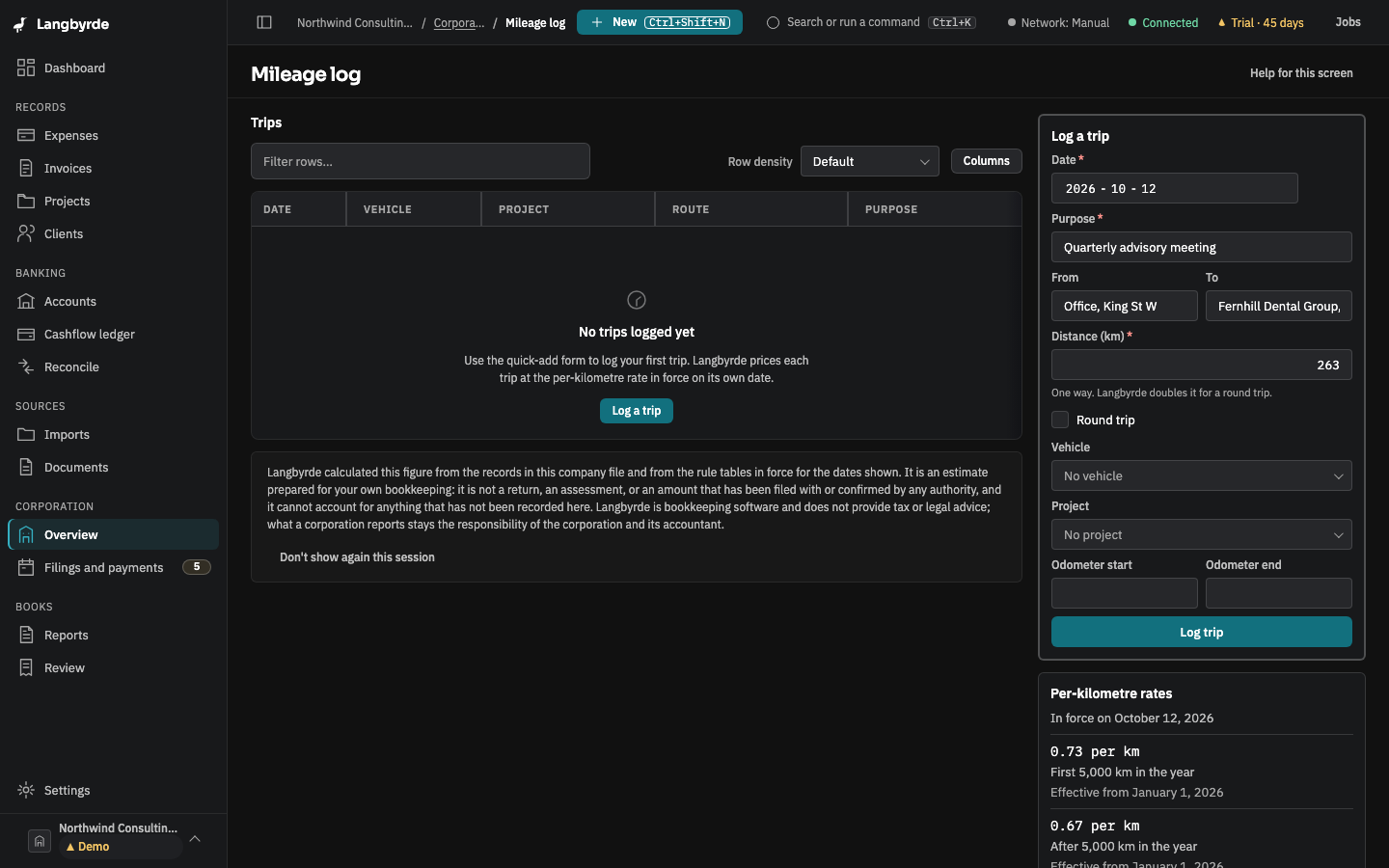
Open Overview under Corporation in the rail, then Mileage log. The screen lists business trips by date, with distance, vehicle, project, purpose and the amount, and shows the per-kilometre rates it prices them with.
On this screen
- Fill in Log a trip: the date, where from and to, and the Distance (km).
- Say the Purpose of the trip, and choose a project if it belongs to one.
- Choose Log trip. Langbyrde prices it at the rate in force on that date.
Log a trip
Enter the Date, From and To, and the Distance (km). The distance is one way; tick Round trip to count both ways. Choose a Vehicle and Project if they apply, say why the trip was made in Purpose, and choose Log trip. The message that follows gives the amount and the rate per kilometre.
A trip cannot be priced if the jurisdiction pack has no rate for its date, or if the company profile has no reporting currency yet. The screen says which. The rates and the amounts are the jurisdiction pack's figures; see What the disclaimers mean.