Transfers
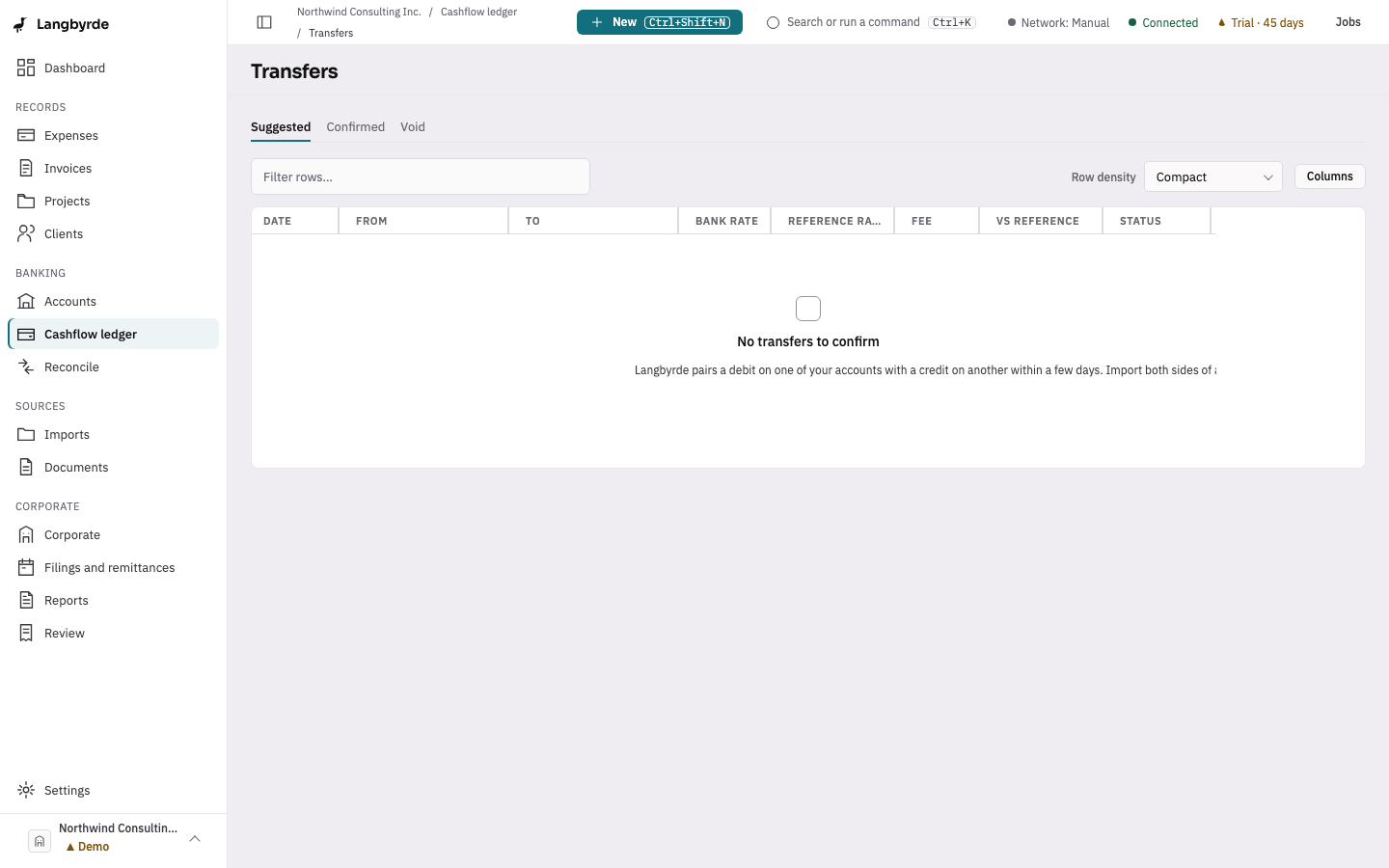
A transfer is money moving between two of the company's own accounts, such as from chequing to savings, or from a Canadian-dollar account to a US-dollar one. Langbyrde pairs a debit on one of your accounts with a credit on another within a few days. Import both sides of a move and the pair shows up on the Transfers screen.
Open the Transfers screen
Press Ctrl+K (⌘K on a Mac) and choose Transfers in the command palette. A company must be open.
Find a transfer
The tabs at the top sort transfers by status:
- Suggested — pairs Langbyrde found that you have not confirmed yet. This tab opens first.
- Confirmed — pairs you have confirmed.
- Void — pairs you marked as not a transfer.
Each row shows the Date, the From and To accounts with the amount on each side, the Bank rate, the Reference rate, any Fee, how the bank's rate compared with the reference rate (vs reference) and the Status. Use Filter rows… above the table to narrow the list.
Confirm a transfer, or mark it as not one
Select a transfer to open its details. For a suggested transfer:
- Confirm transfer records the pair as a transfer between your accounts.
- Not a transfer voids the pair. Langbyrde asks you to choose Confirm void before it does anything; Cancel leaves the pair as it was.
A confirmed transfer can also be voided with Not a transfer. A voided transfer has no actions. Press Escape or choose Close to close the details.
Exchange rates on a transfer between currencies
When the two accounts are in different currencies, the details show the Bank rate the bank actually applied, the Reference rate published for the same day, and What the spread cost: any Fee charged separately and the Saving vs reference rate.
The saving or cost against the reference rate is an amount converted into the company's reporting currency, so it carries the Projected marker — see What the disclaimers mean. It does not change what the bank actually settled.
If no reference rate is on file for that date, the reference rate shows Not fetched. On a confirmed transfer, Refresh reference rates asks for the rate again. If your network profile does not allow the look-up, Langbyrde says so and nothing is fetched.
Transfers when reconciling
A transfer leg on a statement is matched like any other line — see Reconciling. When a statement's sign-off lists a pending transfer, Open in transfers brings you here.