Supporting documents
Updated
A supporting document is a paper that explains a record without being one: a memo, a contract, a letter from the bank, an email exchange with a client. Langbyrde keeps it in your Company Folder as evidence, next to the record it supports. It changes nothing in the books: no expense, no invoice, no tax.
File a supporting document
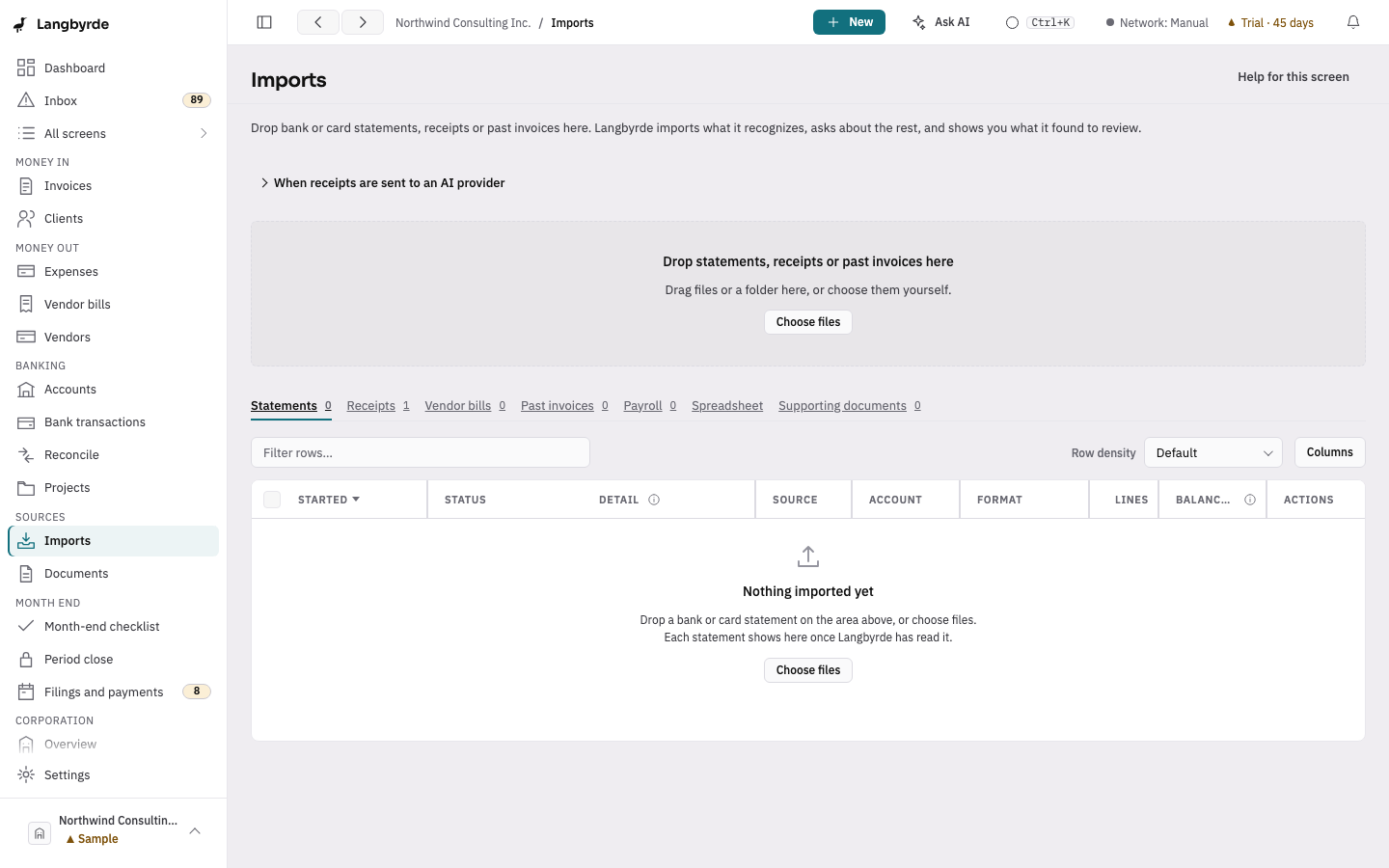
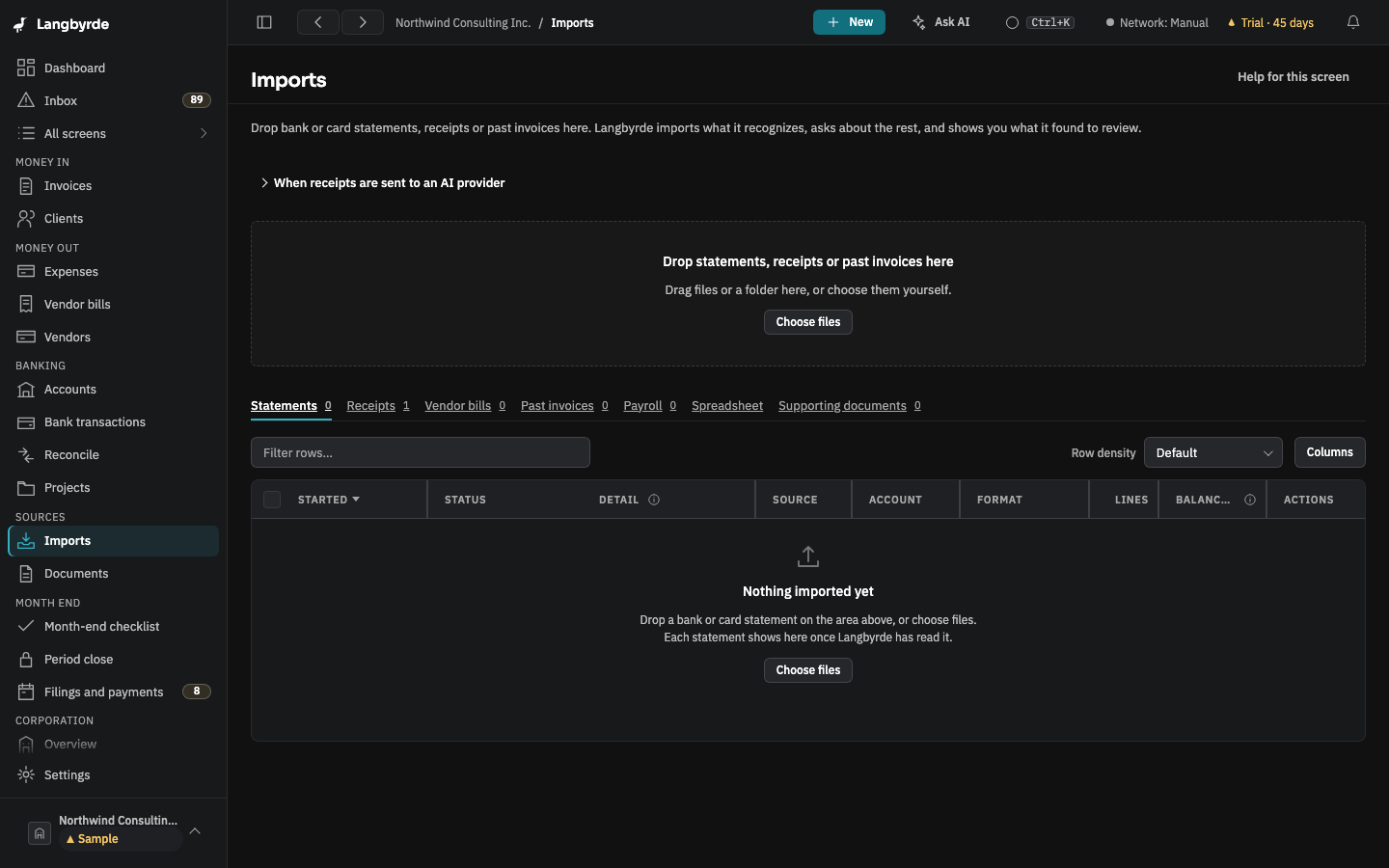
- Drop the file on Imports, or choose Choose files.
- On its row, open More actions and choose Mark as a supporting document, or tick several files and choose Mark selected as….
- Choose the Type of supporting document: Memo, Contract, Bank letter, Correspondence or Other.
- Choose File N supporting documents.
The Supporting documents tab then lists each one with its Type, Where it is and when it was Added. Open shows it beside the list.
Where the file goes
The file is first copied into the Unfiled_Documents folder of your Company Folder; the original you dropped is not touched. Langbyrde then proposes a proper place and name for it:
- a memo under
Supporting/Memos/, - a contract under
Legal/Contracts/, - a bank letter under
Supporting/Bank letters/, - correspondence under
Supporting/Correspondence/, - anything else under
Supporting/Other/,
each named with its date first. Nothing moves until you accept the name in Documents › Rename proposals; until then the tab says Waiting for you to accept its name and shows the proposed path. Accepting moves the file and writes the move to RENAME_LOG.md in your Company Folder. See Documents.
Link it to what it supports
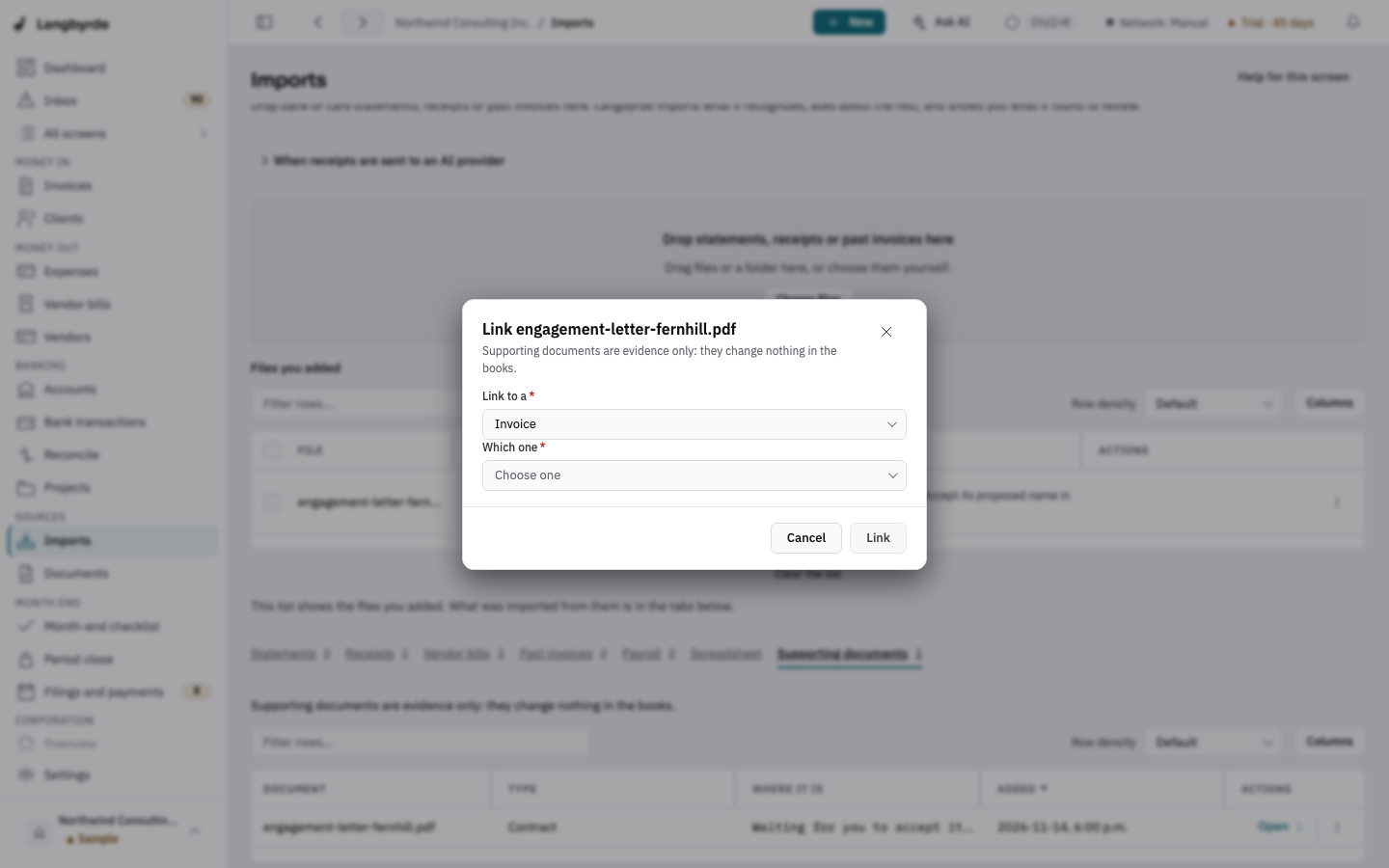
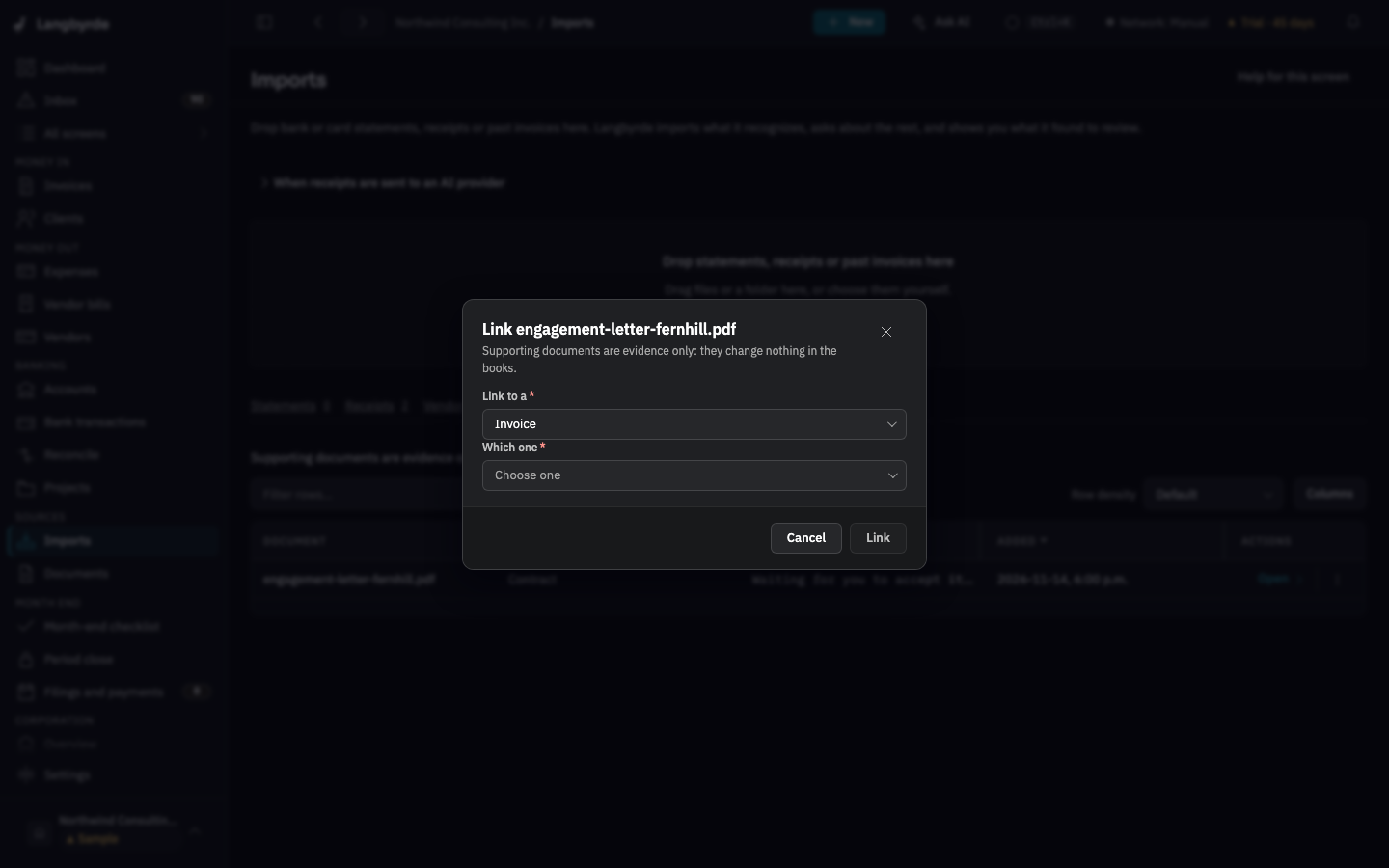
- On the document's row, choose Link to….
- Under Link to a, choose what it supports: a Vendor, an Invoice, an Expense, a Vendor bill or a Bank transaction.
- Under Which one, pick the record. A draft invoice is marked Draft. When there is nothing of that kind yet, the list says so.
- Choose Link.
The link is kept as evidence on that record. It does not change the record's amounts or status.
Good to know
- A supporting document is not a receipt. If it shows a purchase, mark it as a receipt or a vendor bill instead, so it is read and can become an expense.
- Filing a supporting document does not read it into a proposal: no vendor, date or amount is taken from it.
- Removing a document from the list of dropped files does not touch the file on your computer.