Settings
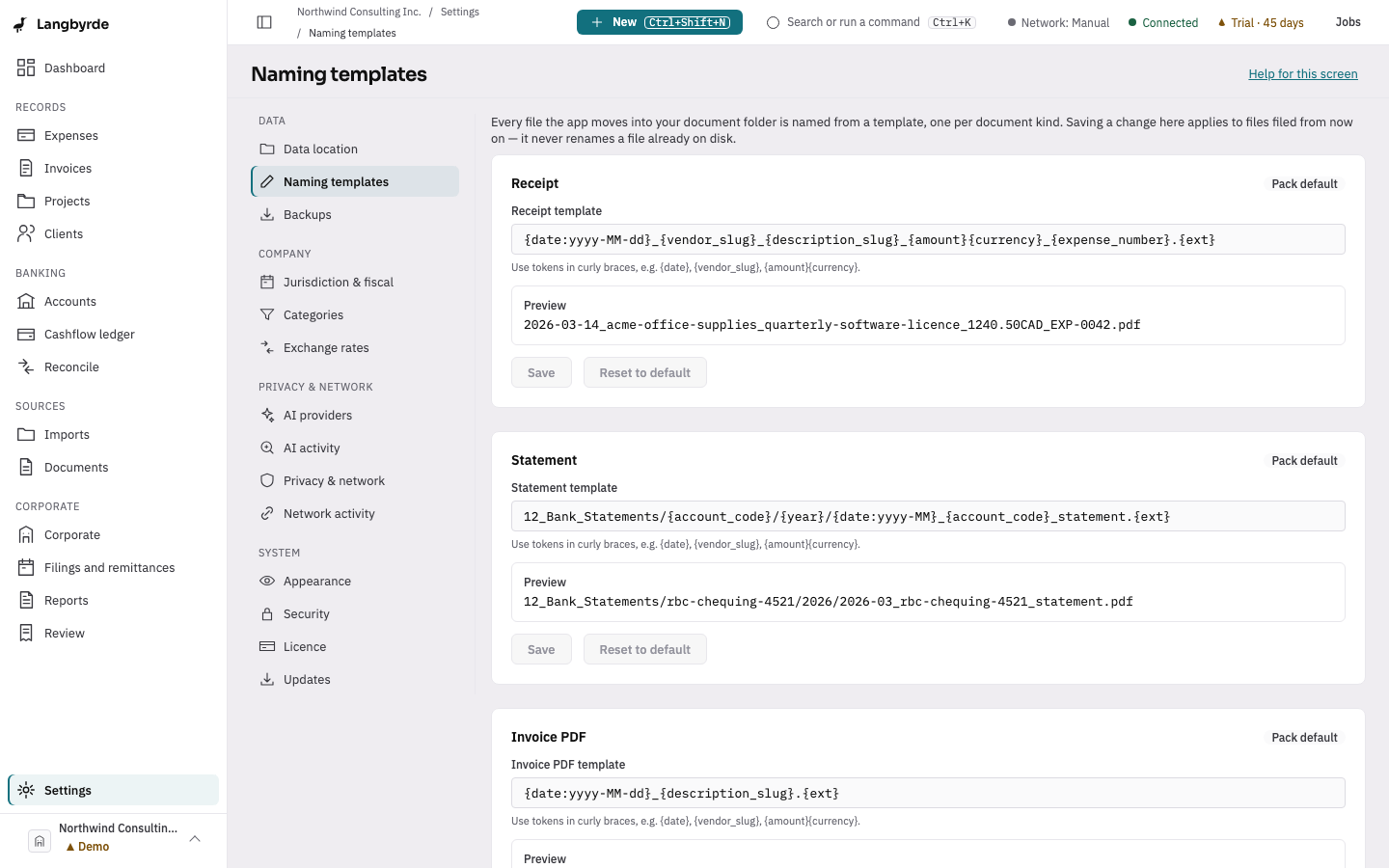
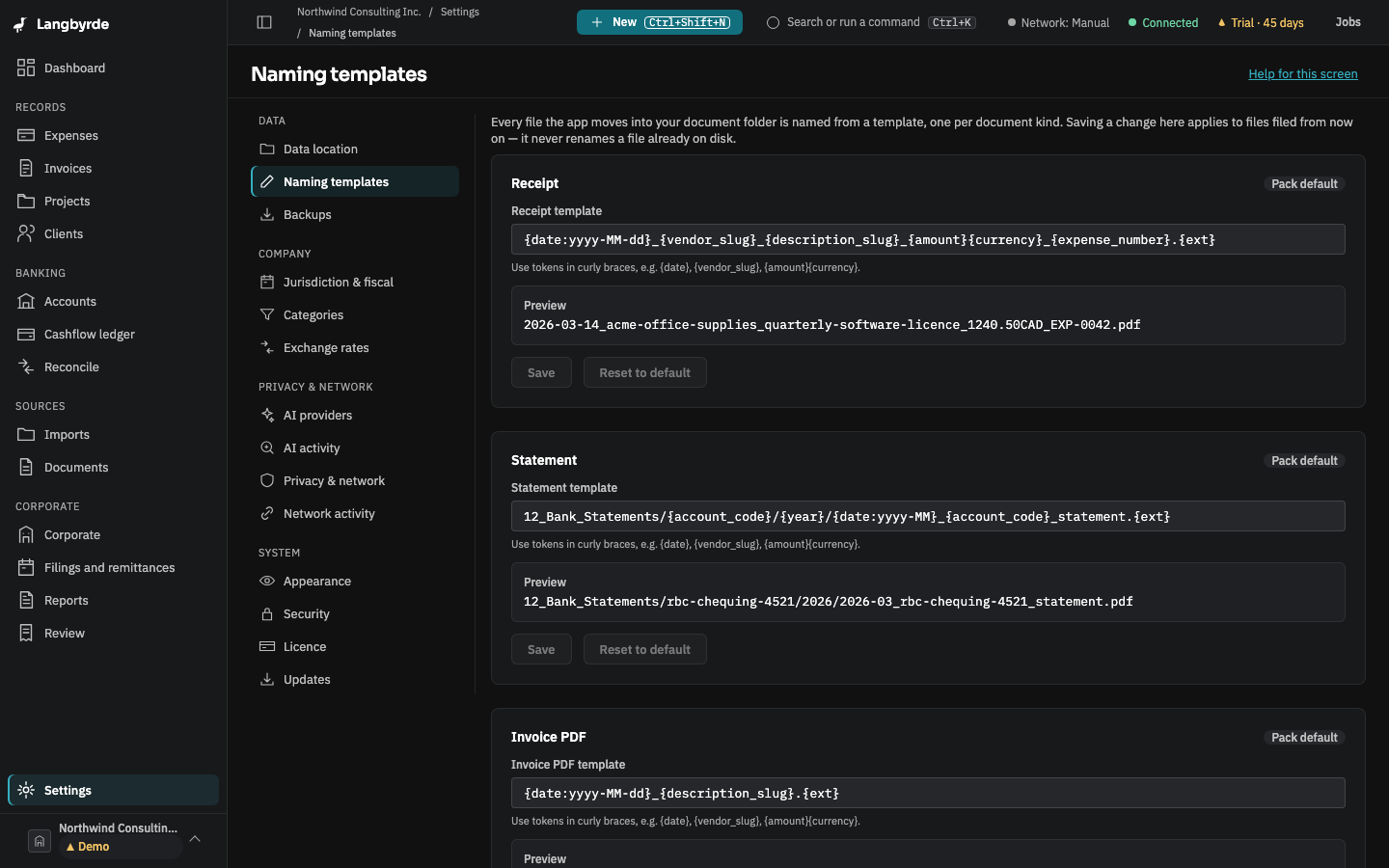
Choose Settings at the bottom of the rail. Settings is organised into four groups, in the order they appear on the left of the settings screen:
Data
- Data location — where this company's documents and app files live, and erasing a company from this computer.
- Naming templates — how a filed document is named.
- Backups — snapshots and restore.
Company
- Jurisdiction & fiscal — the jurisdiction pack and fiscal facts.
- Categories — expense categories and their tax treatment.
- Exchange rates — the rates stored in this company file; import a Bank of Canada file or type rates in.
Privacy & network
- AI providers — your own AI providers and the monthly budget.
- AI activity — a record of every AI call.
- Privacy & network — the network profile.
- Network activity — every host reached, and when.
System
- Appearance — text size and zoom on this computer.
- Security — app lock, storage encryption and the recovery kit.
- Licence — trial status and read-only mode.
- Updates — check for a newer version, release channel, update history, rolling back and diagnostics.
The Data and Company pages belong to the open company, so open a company first. Appearance, Security, Licence and Updates apply to this computer, whichever company is open.