Clients
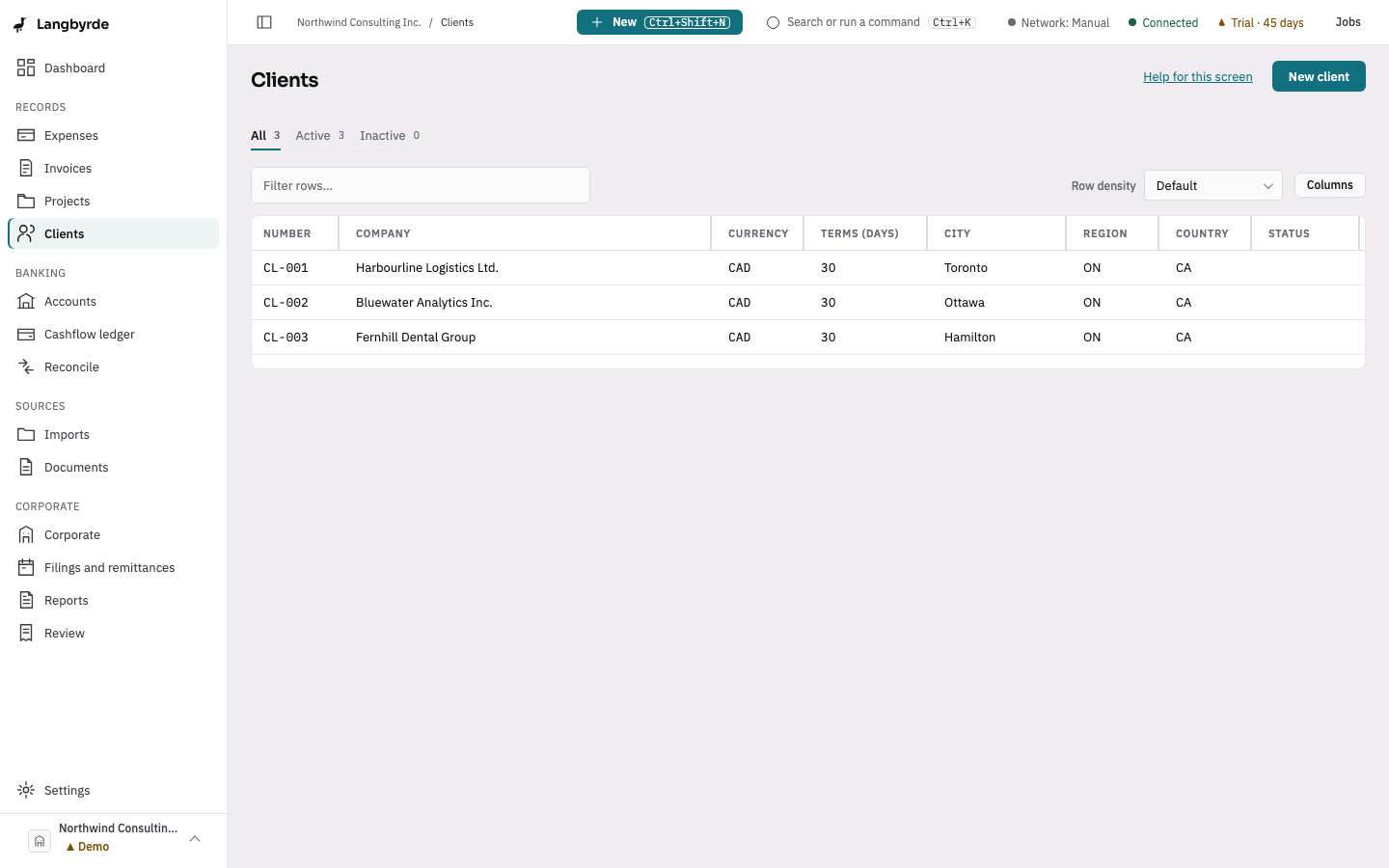
The clients list is every client this company invoices.
Find or add a client
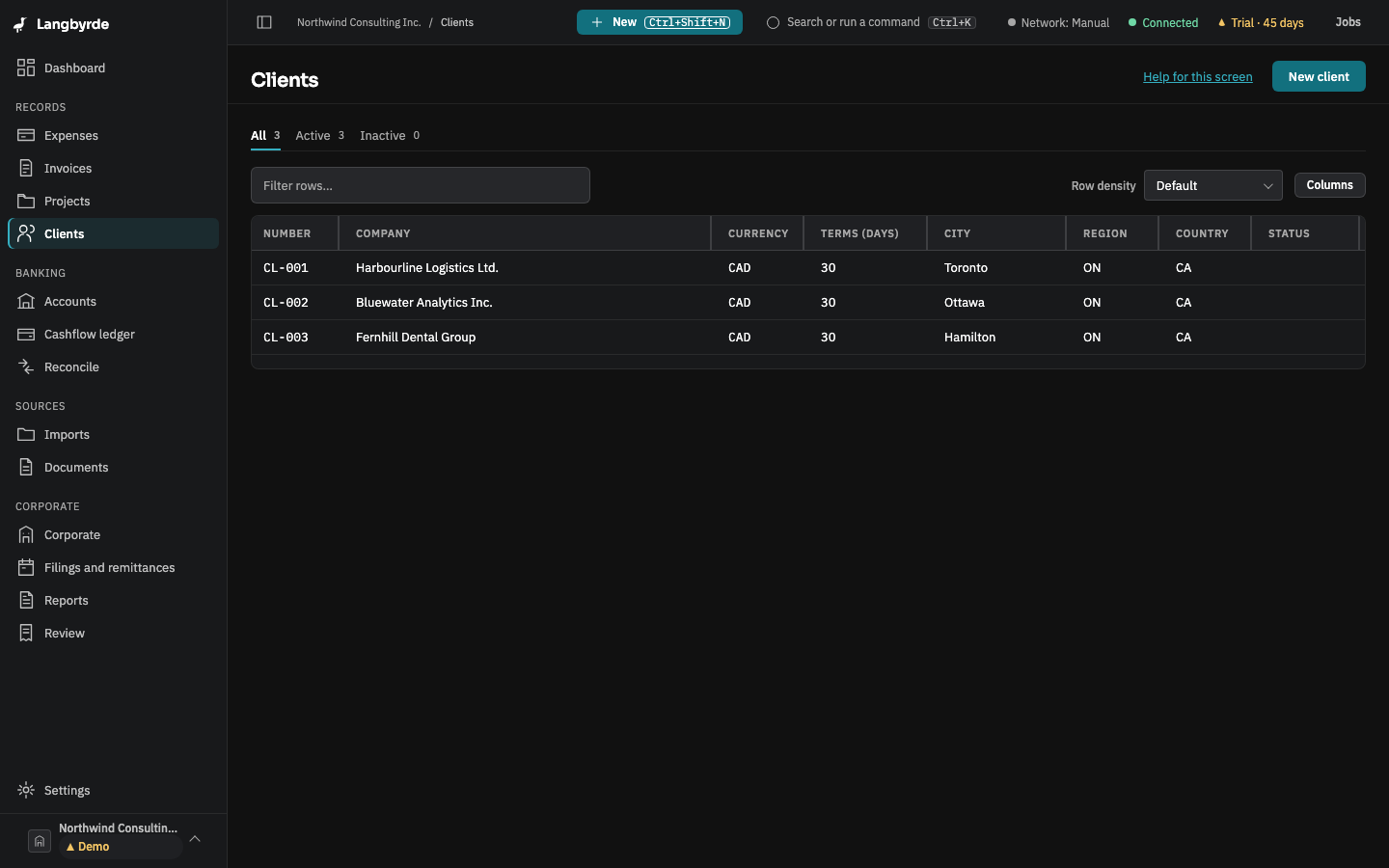
Open Clients from the rail, under Records. The tabs All, Active and Inactive narrow the list. Choose New client to add one: company name and address, a primary contact, a tax id (masked, and later revealed, replaced or cleared), the client's default currency and payment terms, and an optional tax treatment override.
Select a row to open the same form and change it. An inactive client still keeps its history; it is just left out of new work.
Invoicing a client
A client's default currency and payment terms carry through to a new invoice — see Issuing an invoice.